
Rename a roster
Give a roster a name that makes sense to you. Your rosters list in A to Z order, so a new name can also move it.
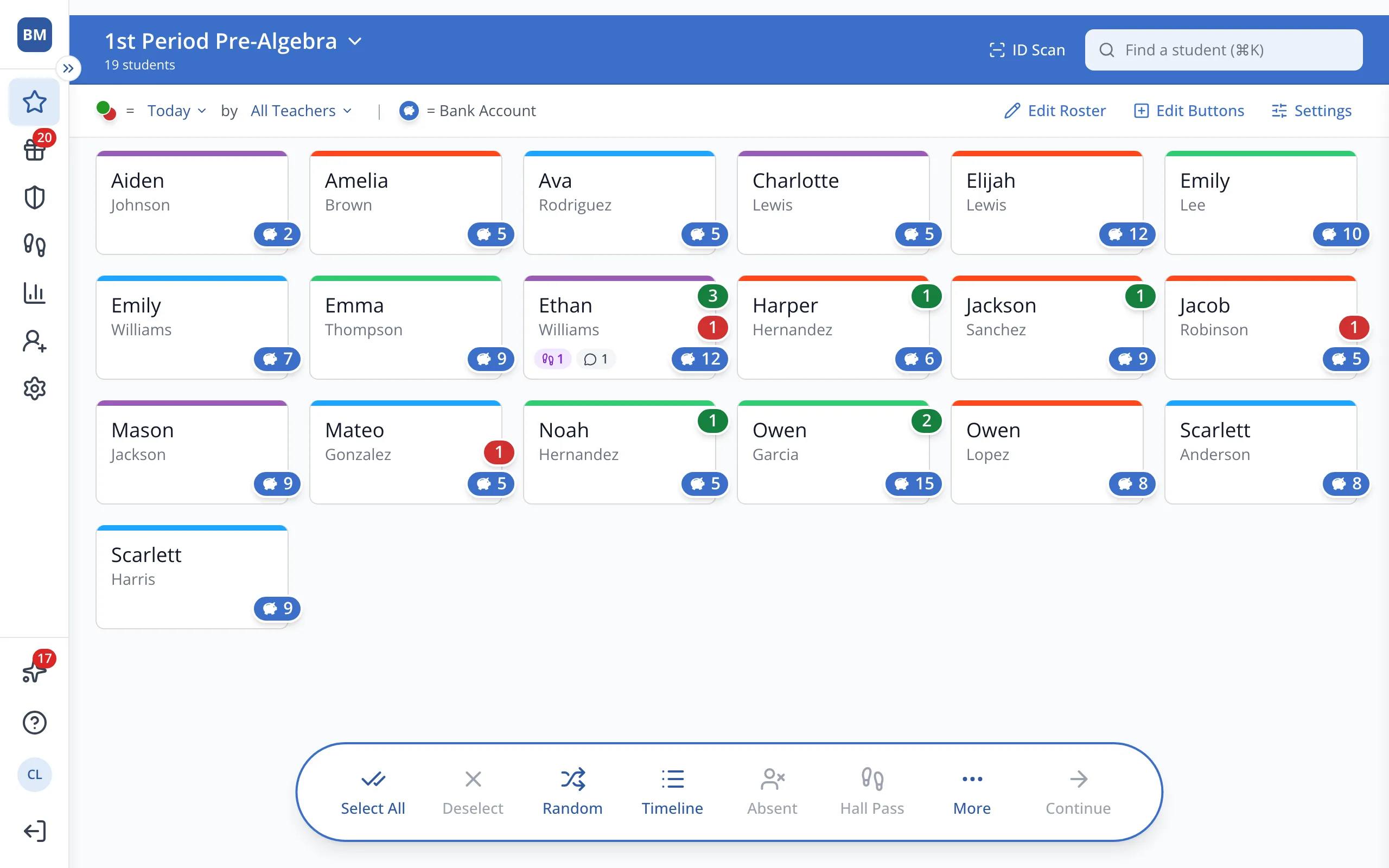
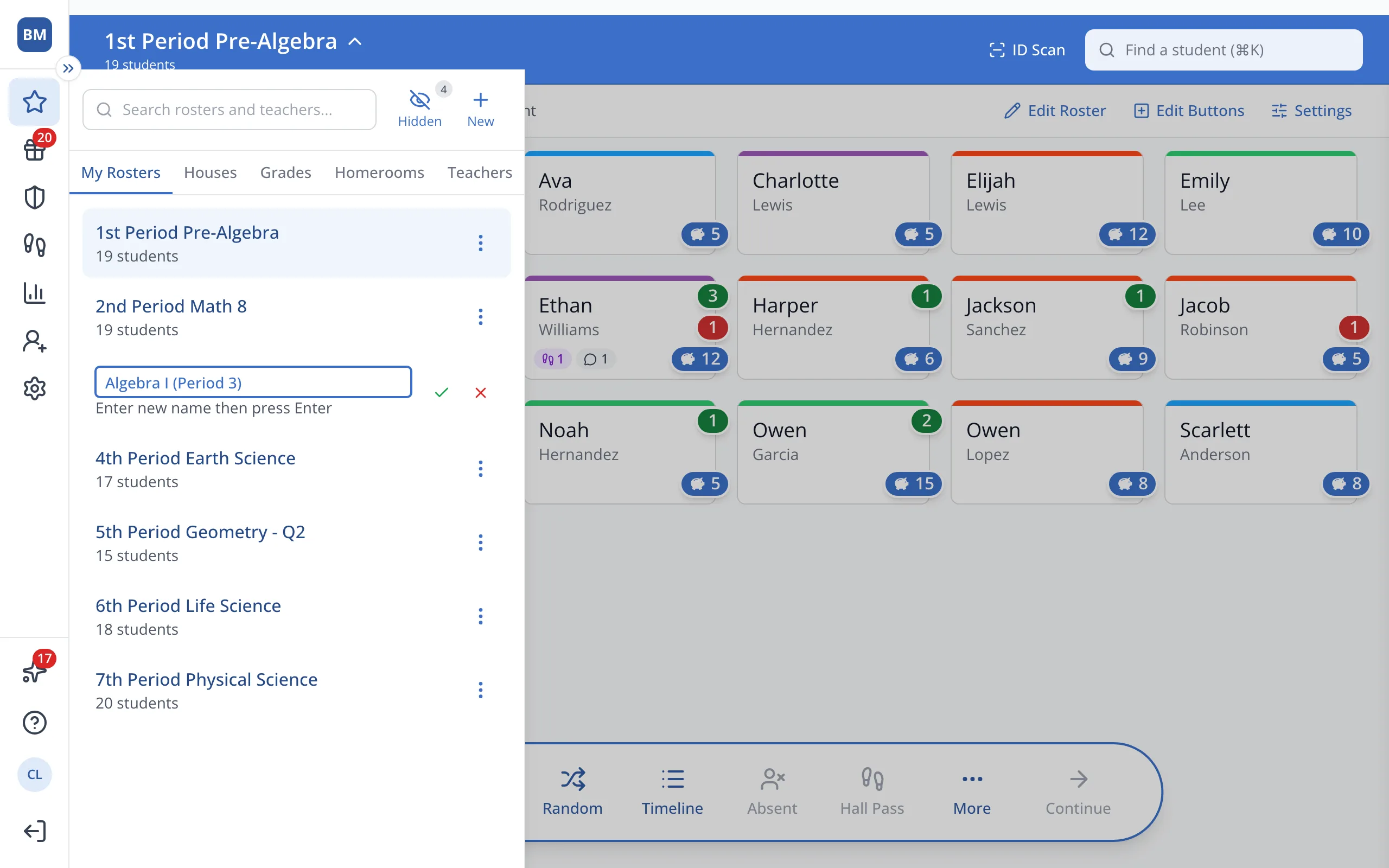
1 / 6At the top of the Points page, click your roster's name.
1.At the top of the Points page, click your roster's name.
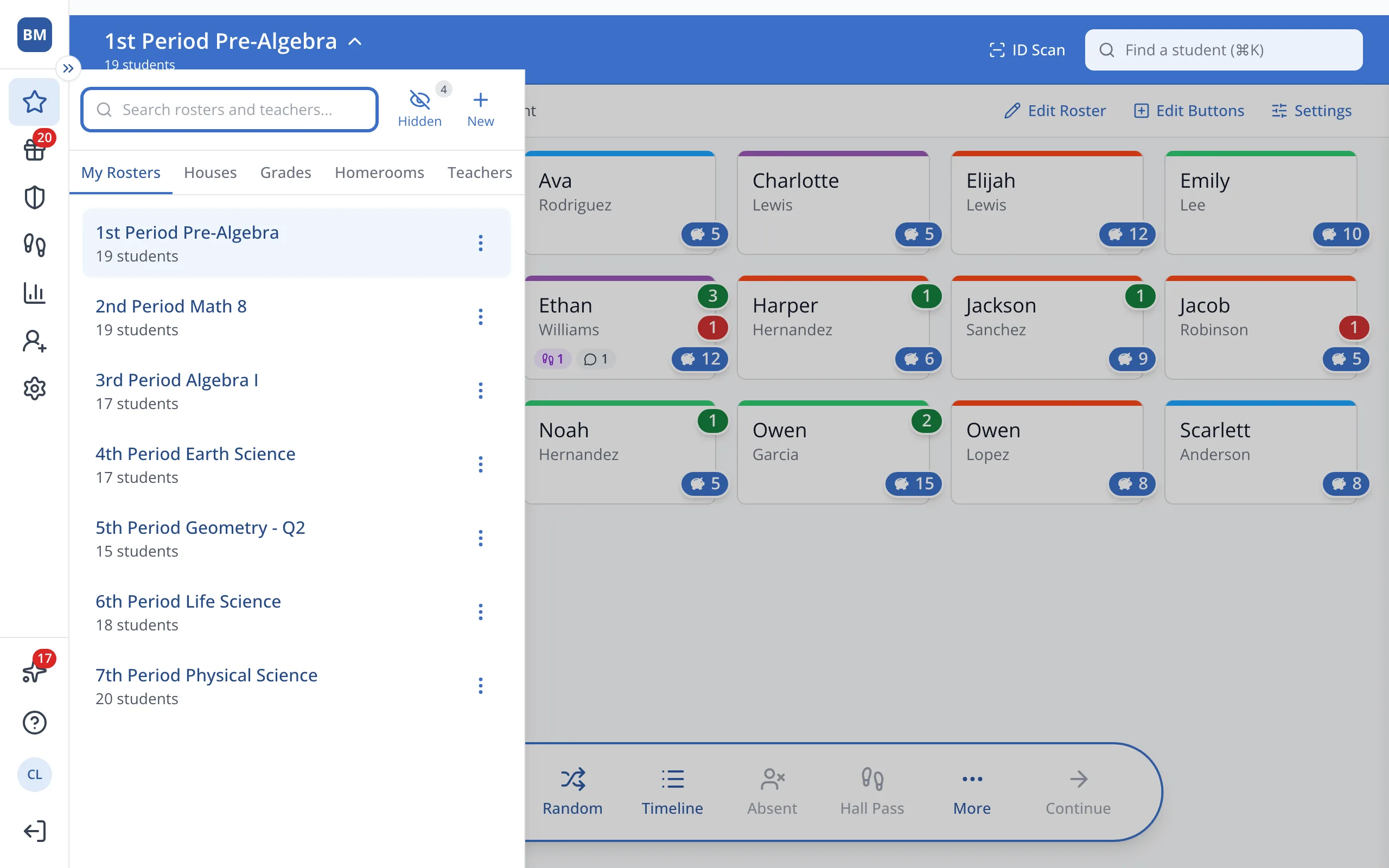
2.Next to the roster you'd like to rename, click the three dots.
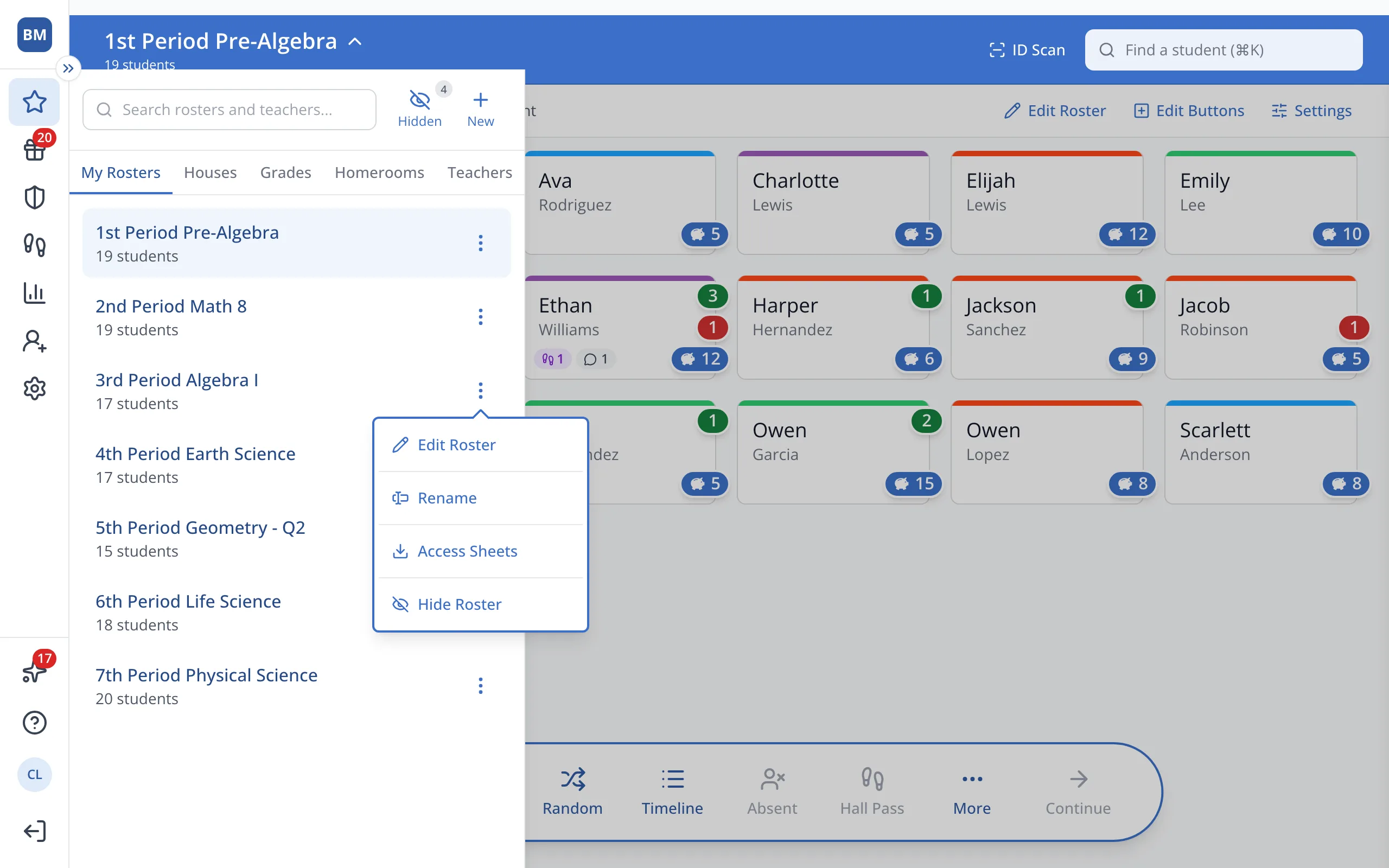
3.Click Rename.
4.Type the new name.
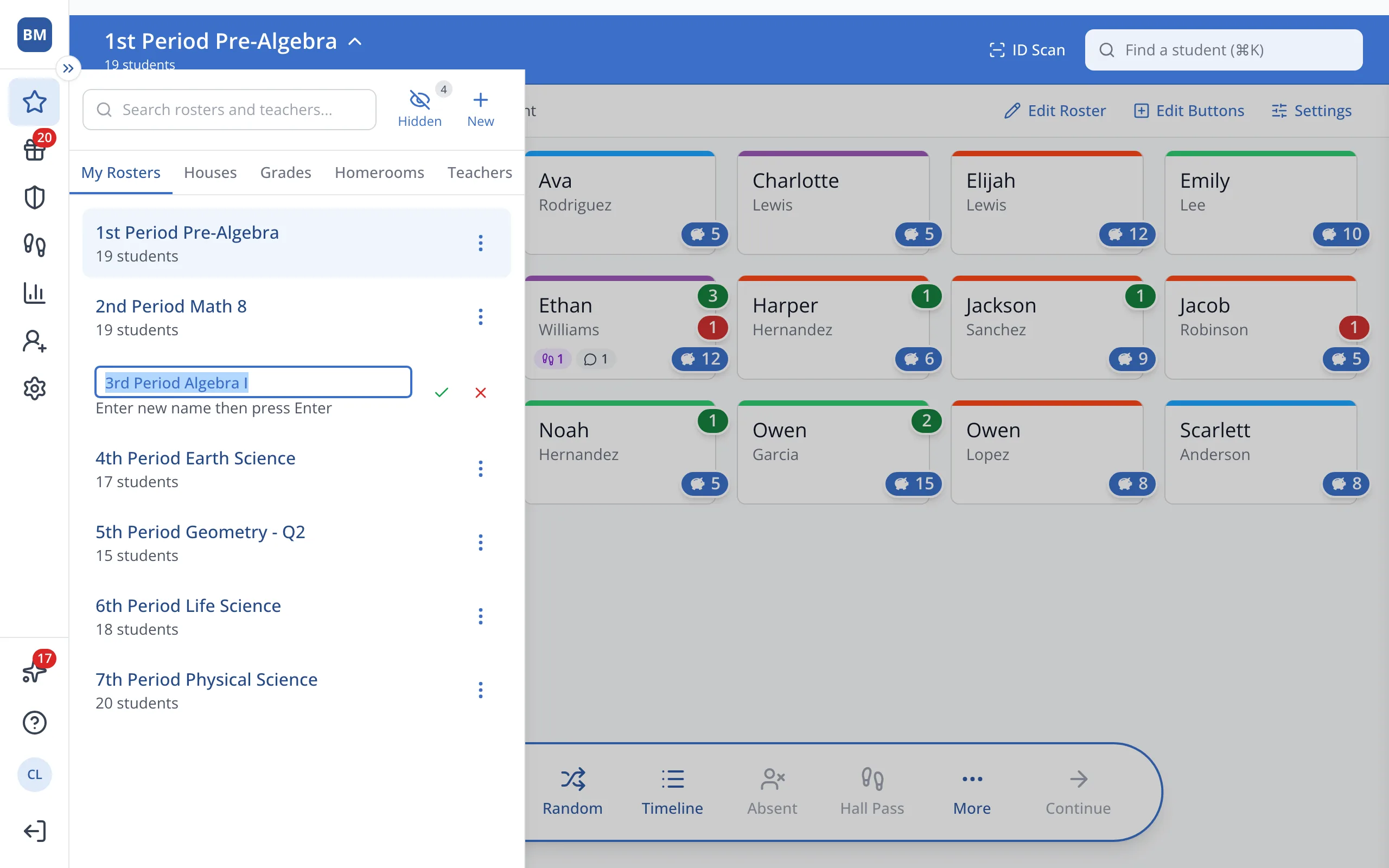
5.Click the green check, or press Enter, to save.
Was this helpful?