
See which rosters a teacher can access
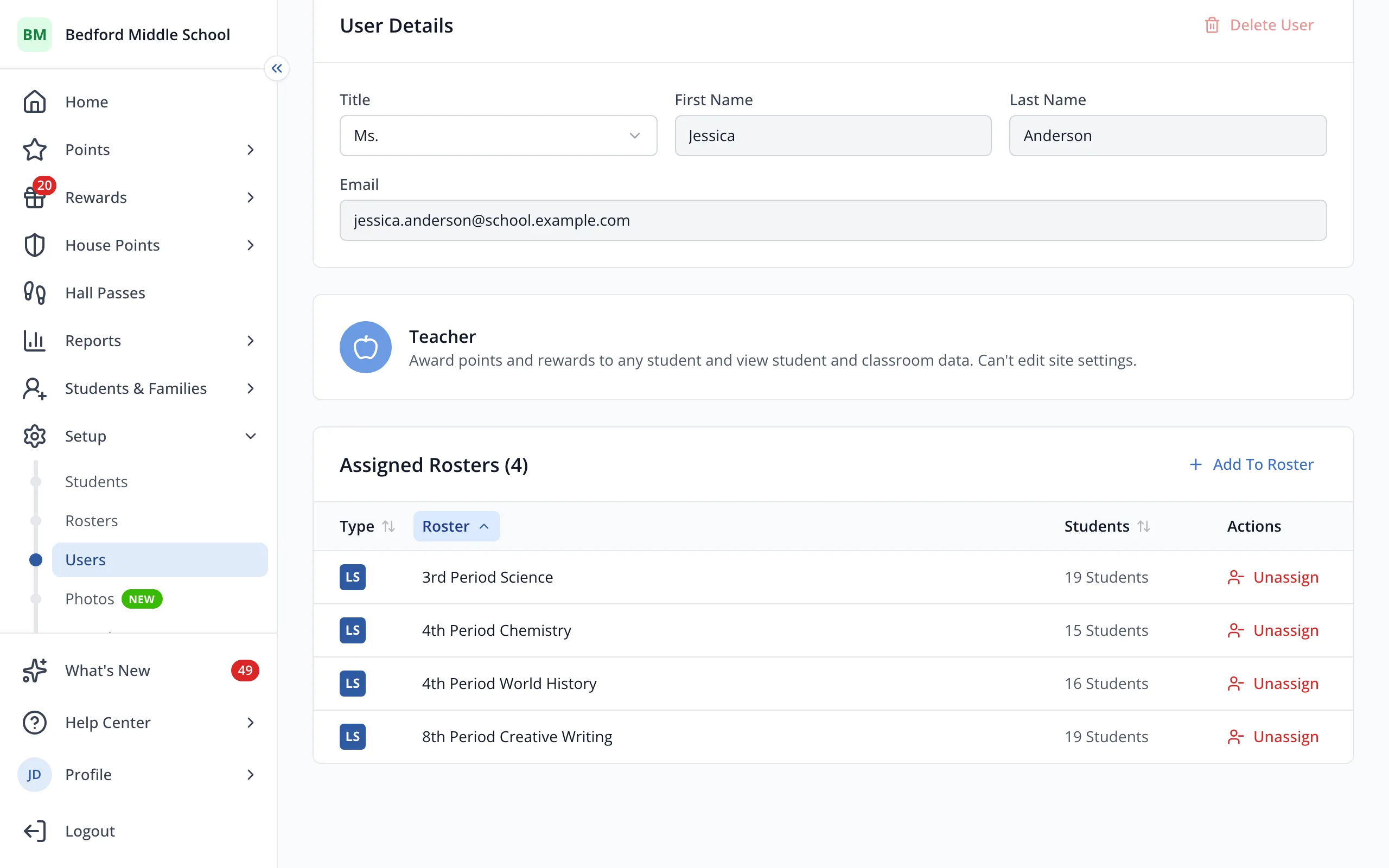
Every roster a teacher is on is listed on their user page, so you can check their access in one place.
AdminSite Leader
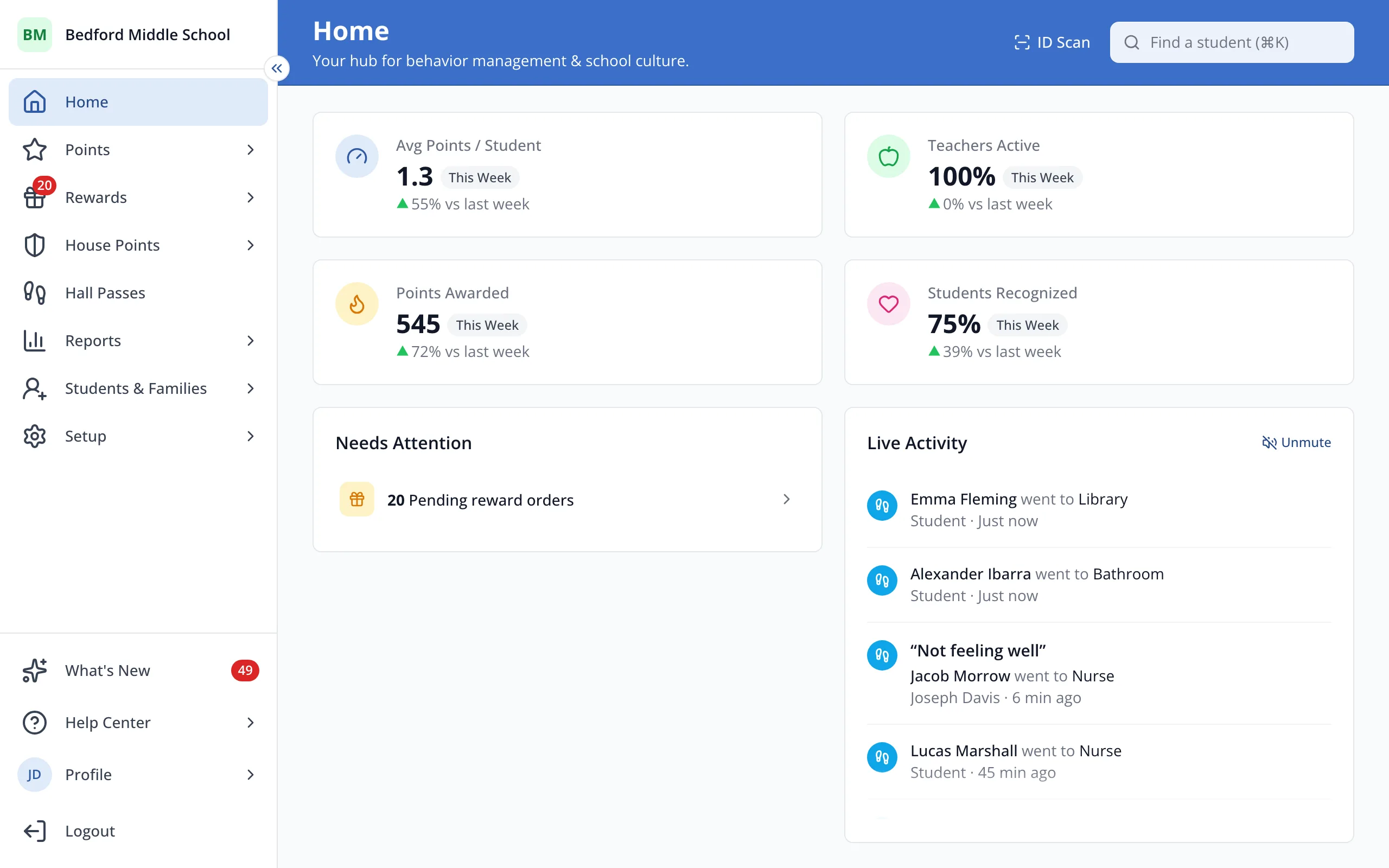
1 / 4In the sidebar, click Setup.
1.In the sidebar, click Setup.
2.Click Users.
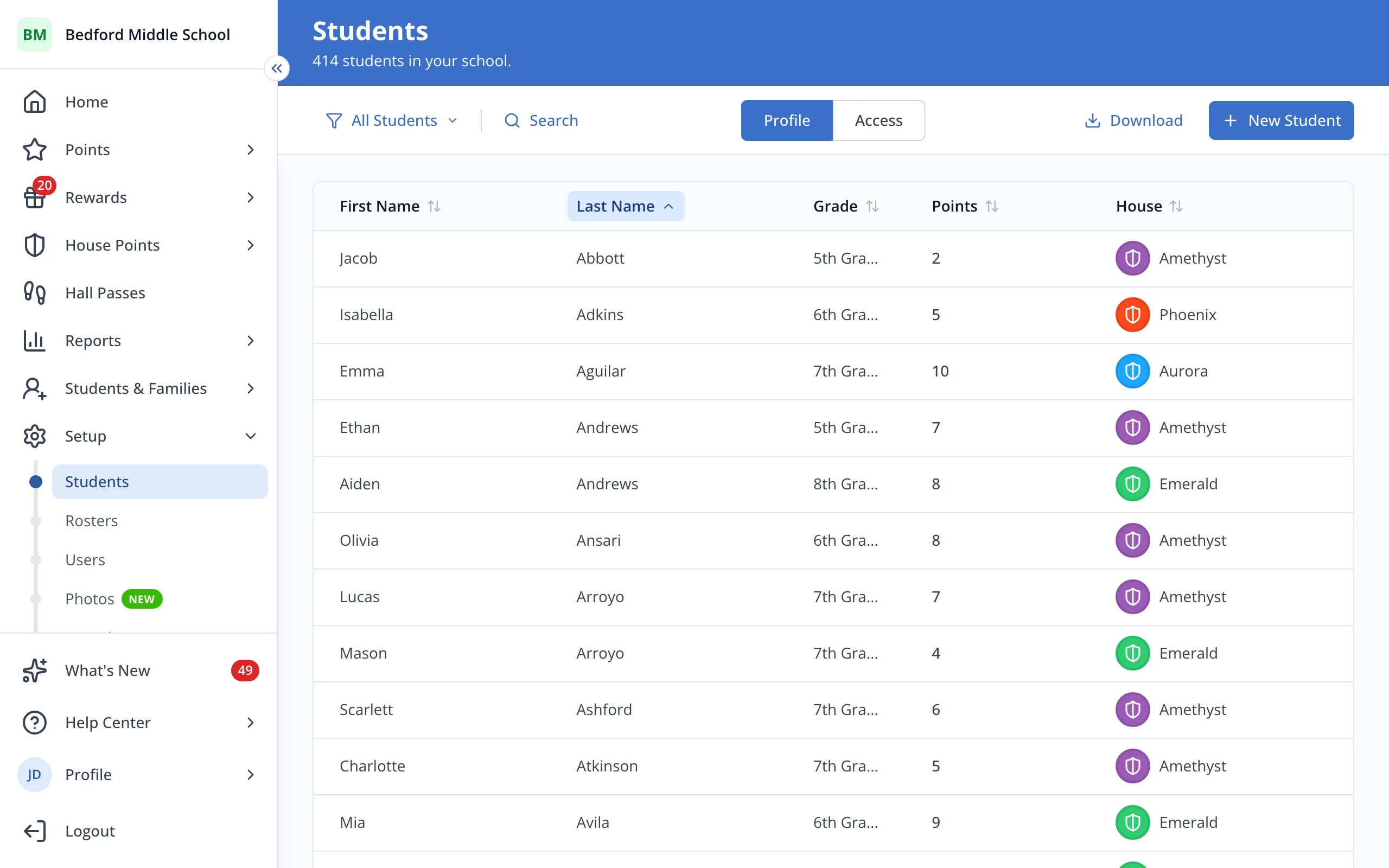
3.Click the teacher's name.
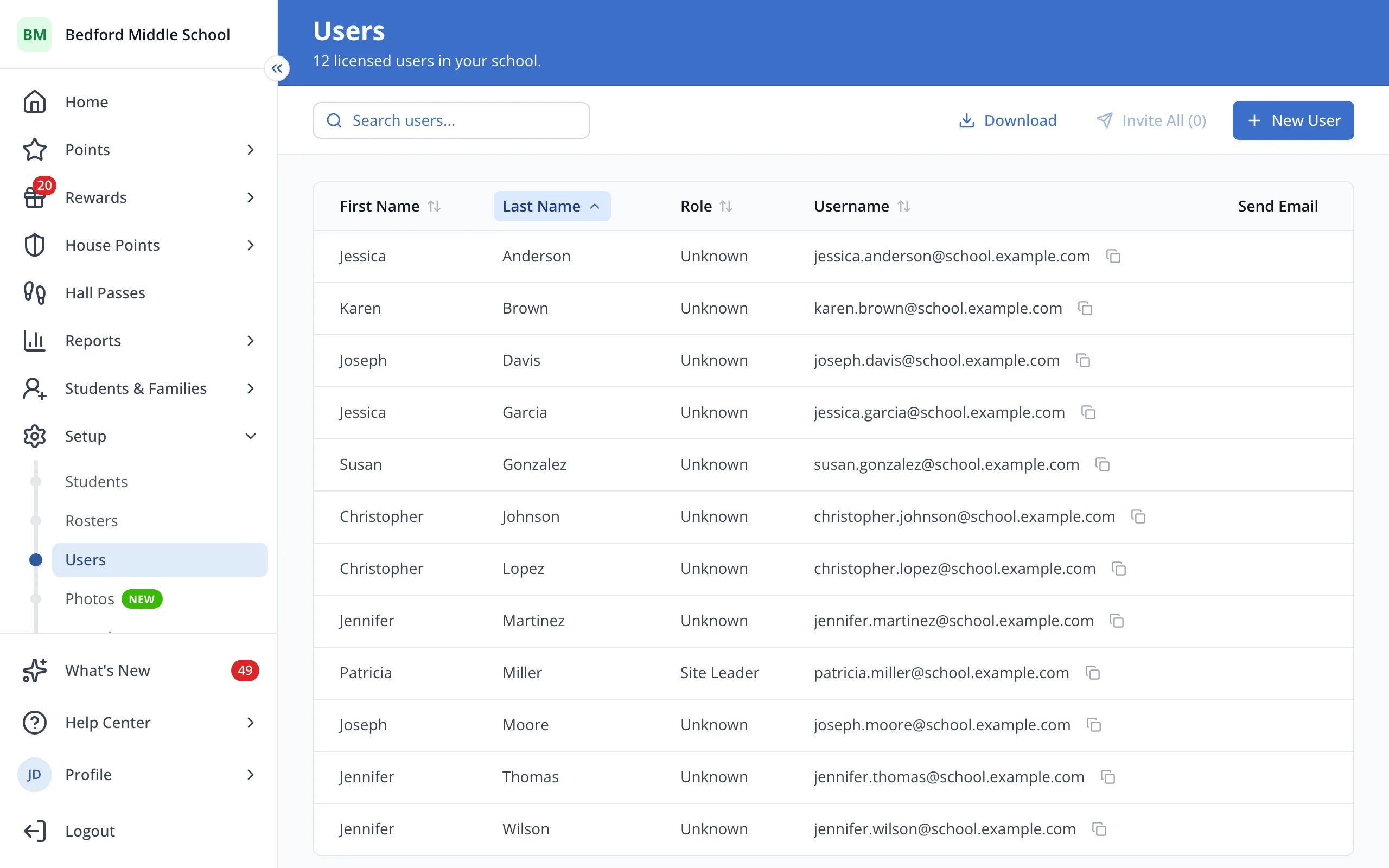
4.Scroll to Assigned Rosters to see every roster the teacher is on.
Was this helpful?