
Show a hidden roster again
Hidden rosters wait in their own list and can be unhidden at any time.
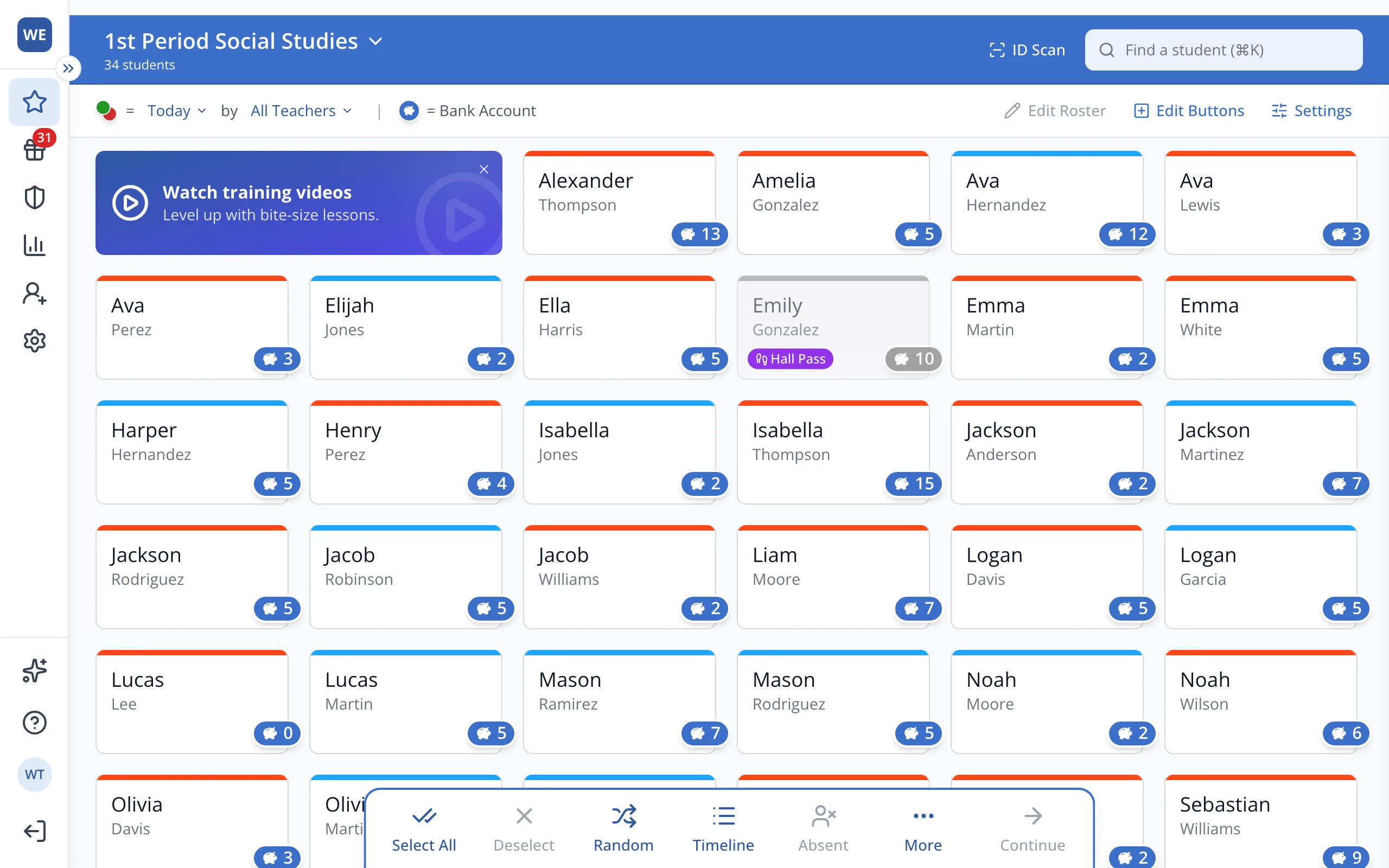
1 / 5At the top of the Points page, click your roster's name.
1.At the top of the Points page, click your roster's name.
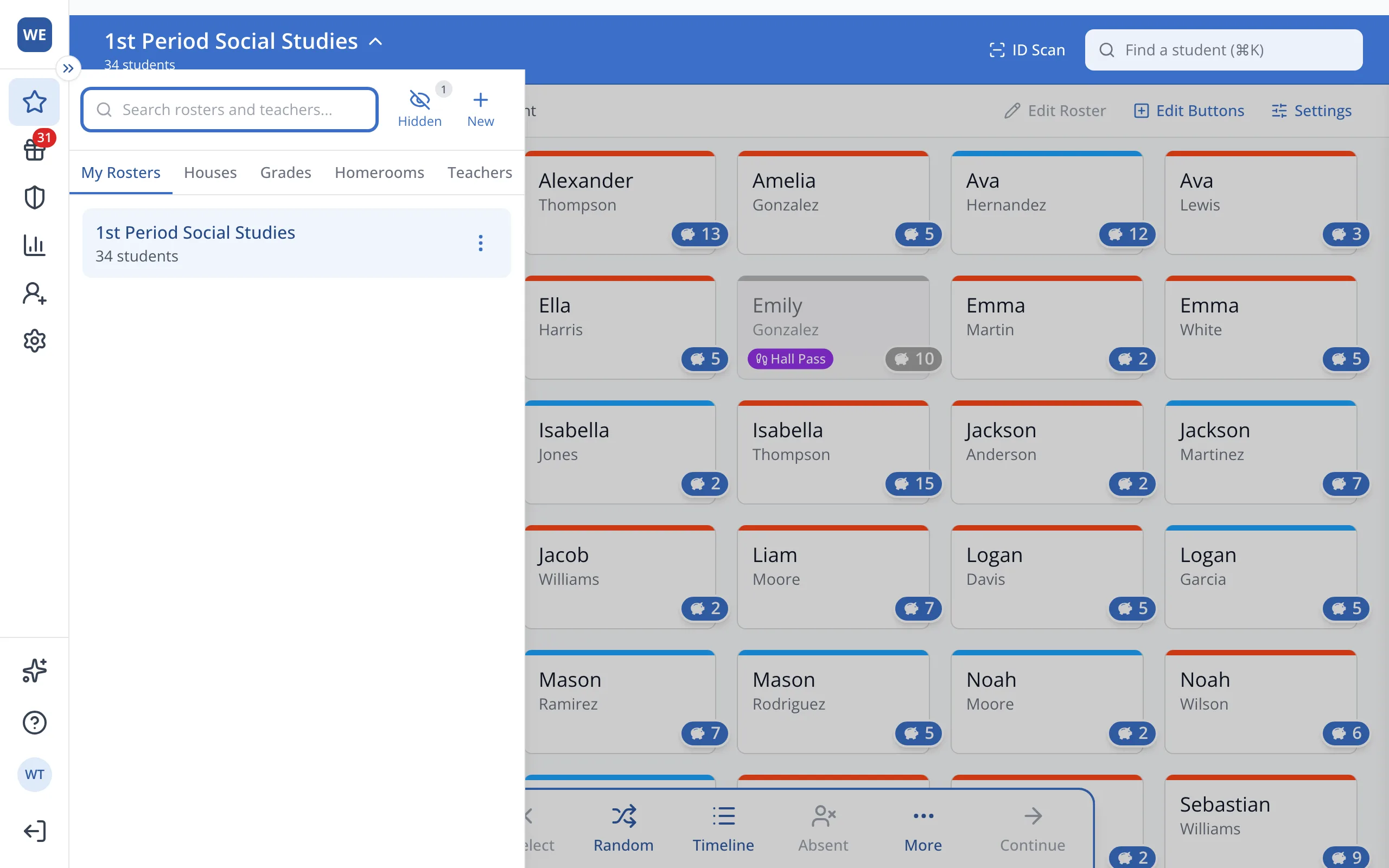
2.Click Hidden, next to the search box.
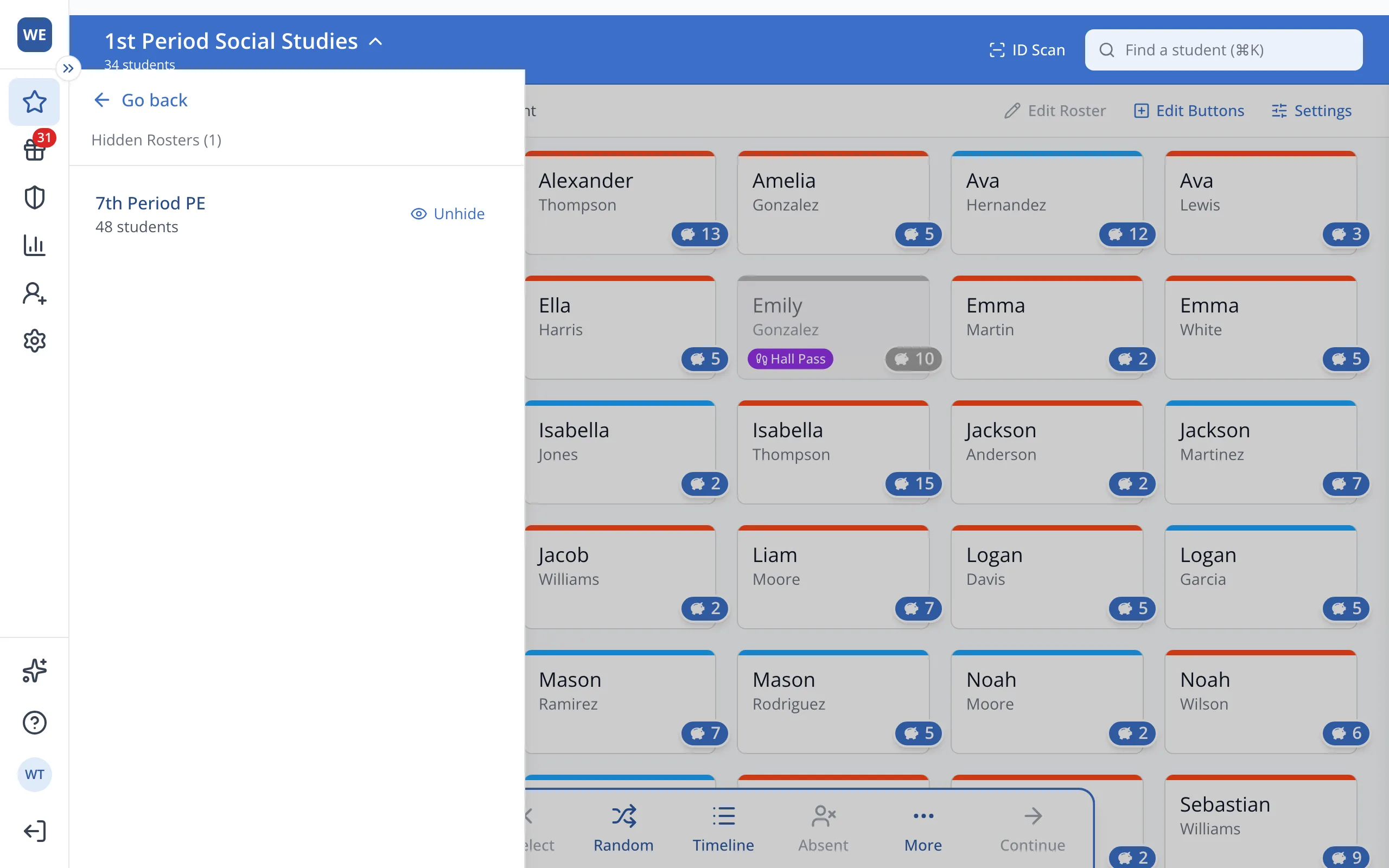
3.Next to the roster you'd like back, click Unhide.
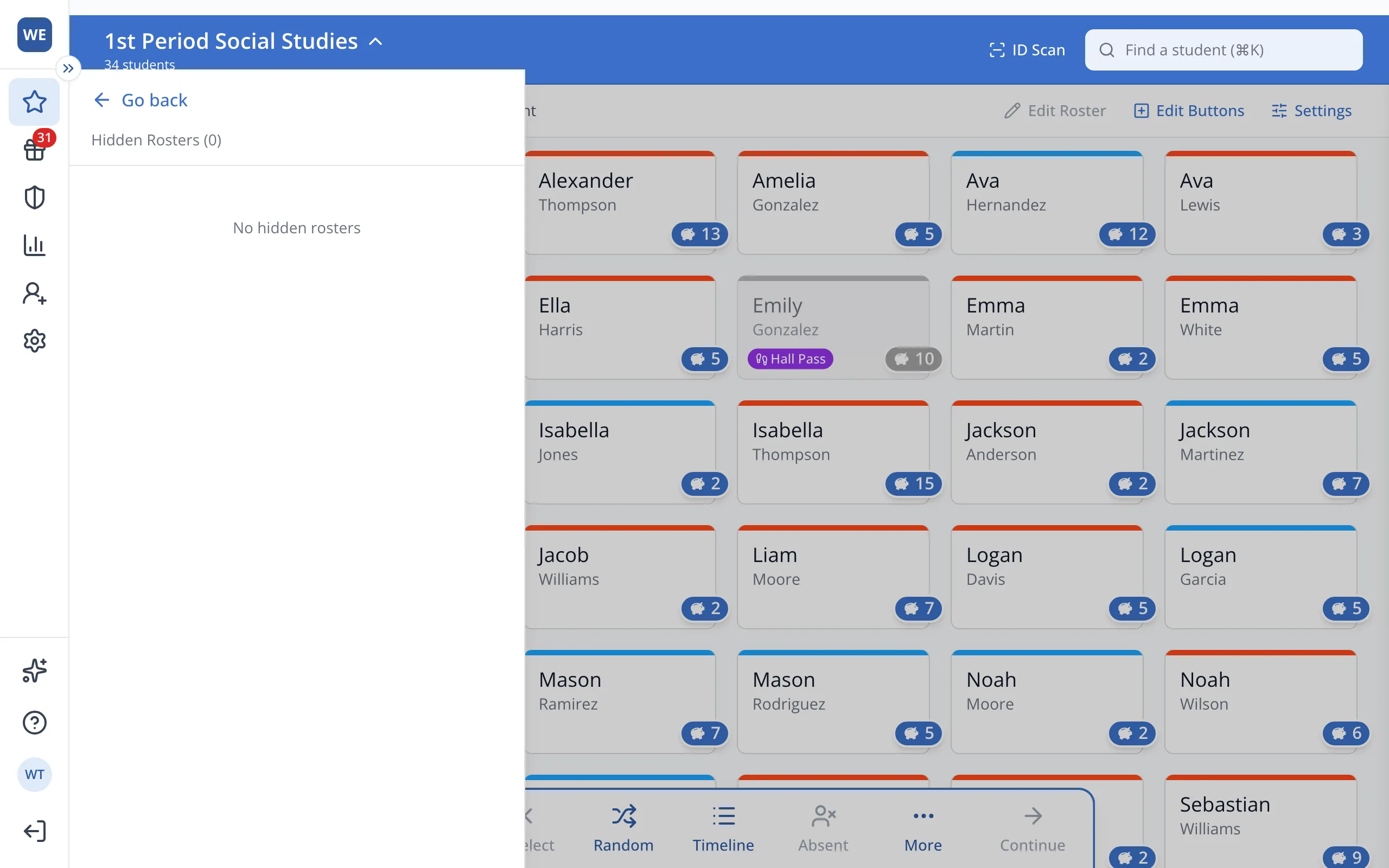
4.Click Go back to return to your rosters.
Was this helpful?