
Utilize a grade-level roster
Every grade is already a roster available in the Roster Picker.
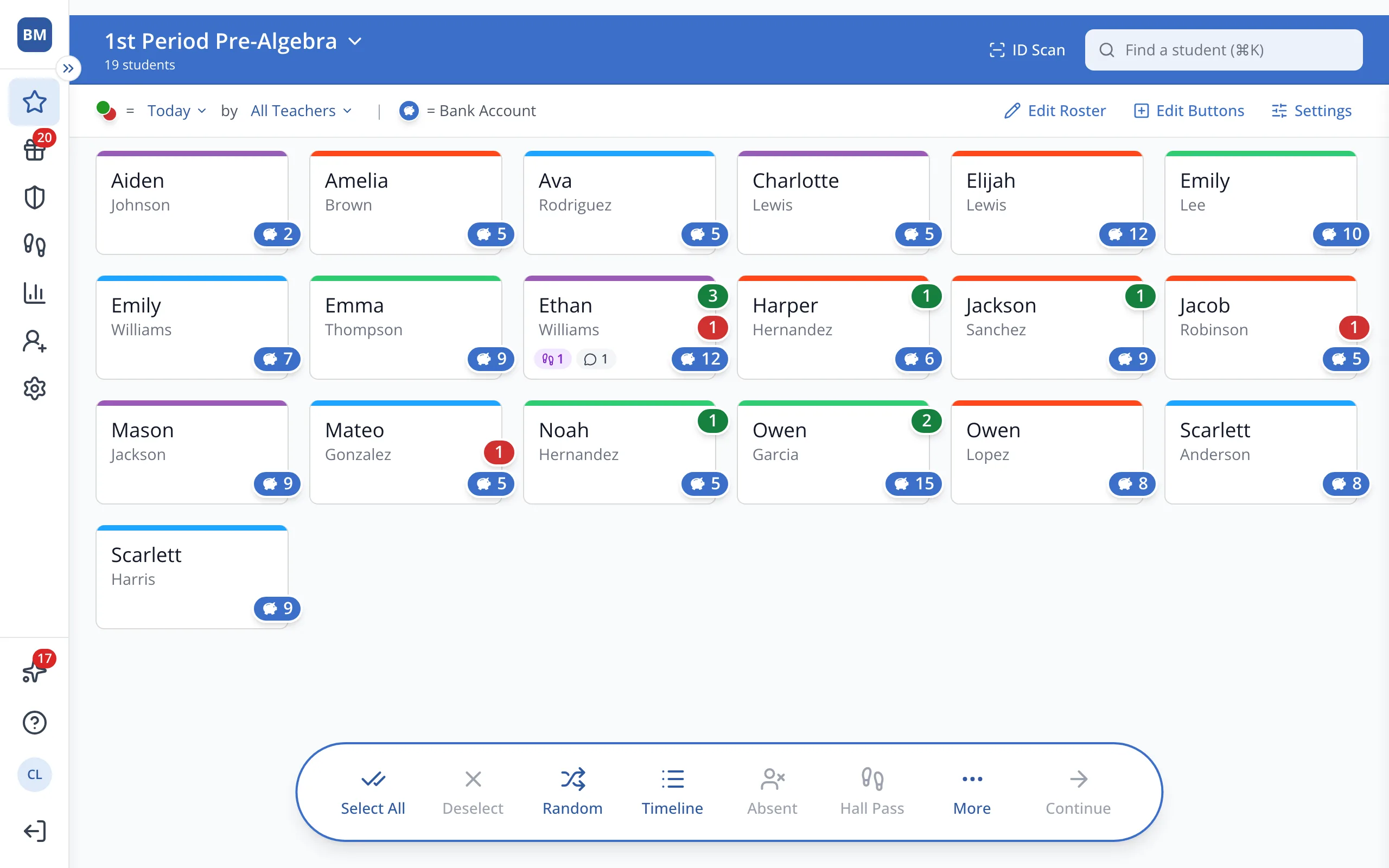
1 / 4At the top of the Points page, click your roster's name.
1.At the top of the Points page, click your roster's name.
2.Click the Grades tab.
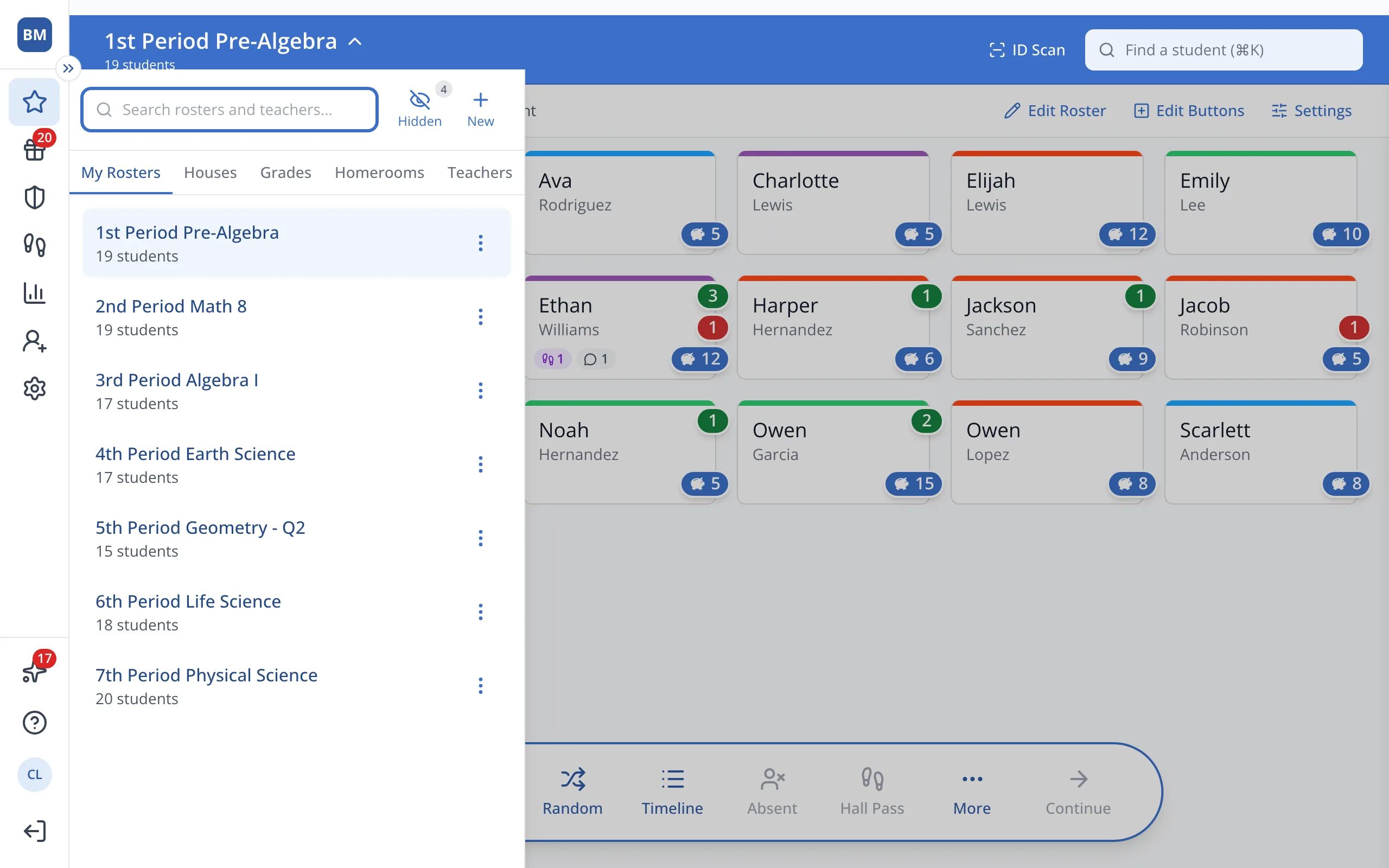
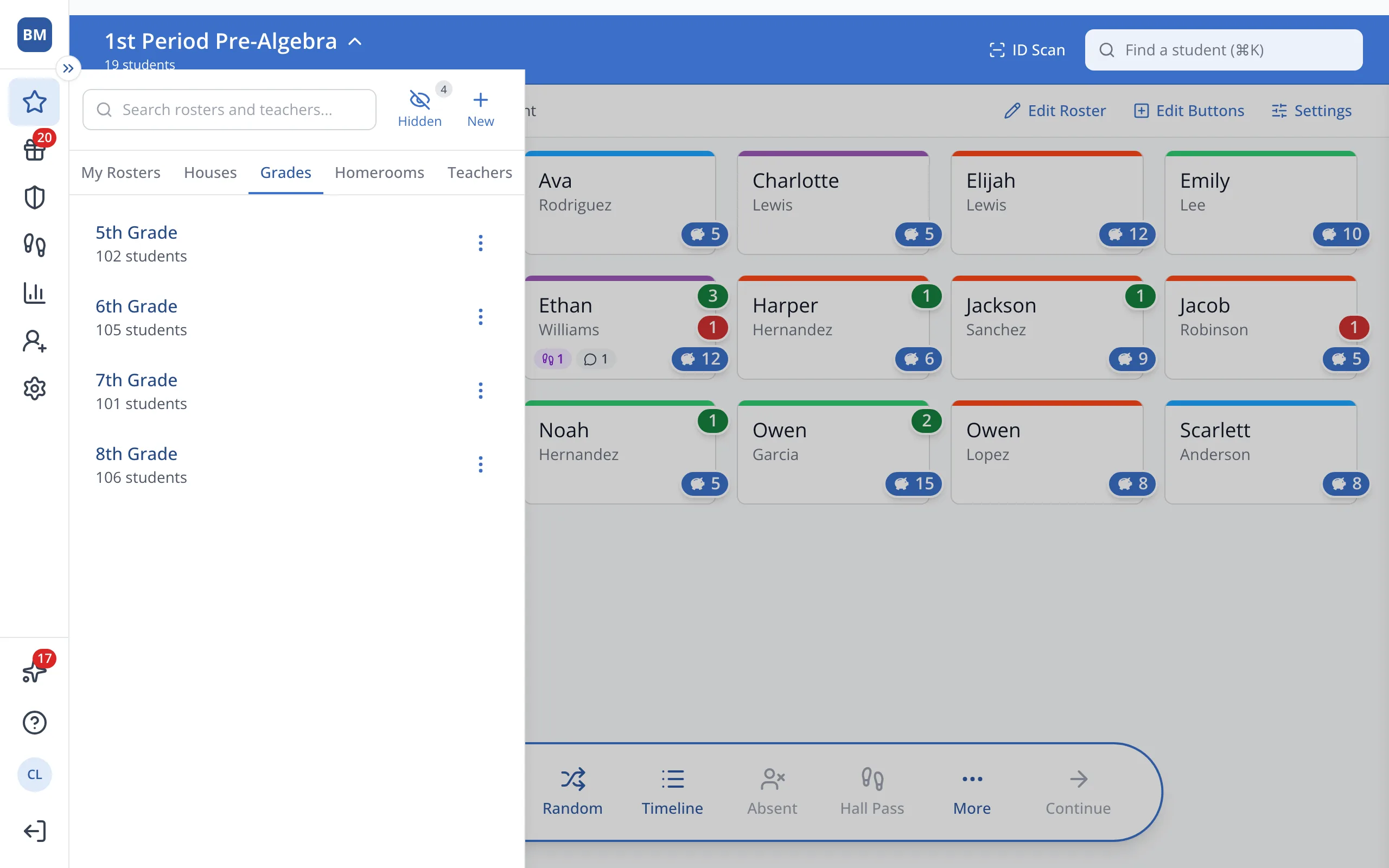
3.Click the grade you'd like.
Was this helpful?