Ask to add a feature to your plan
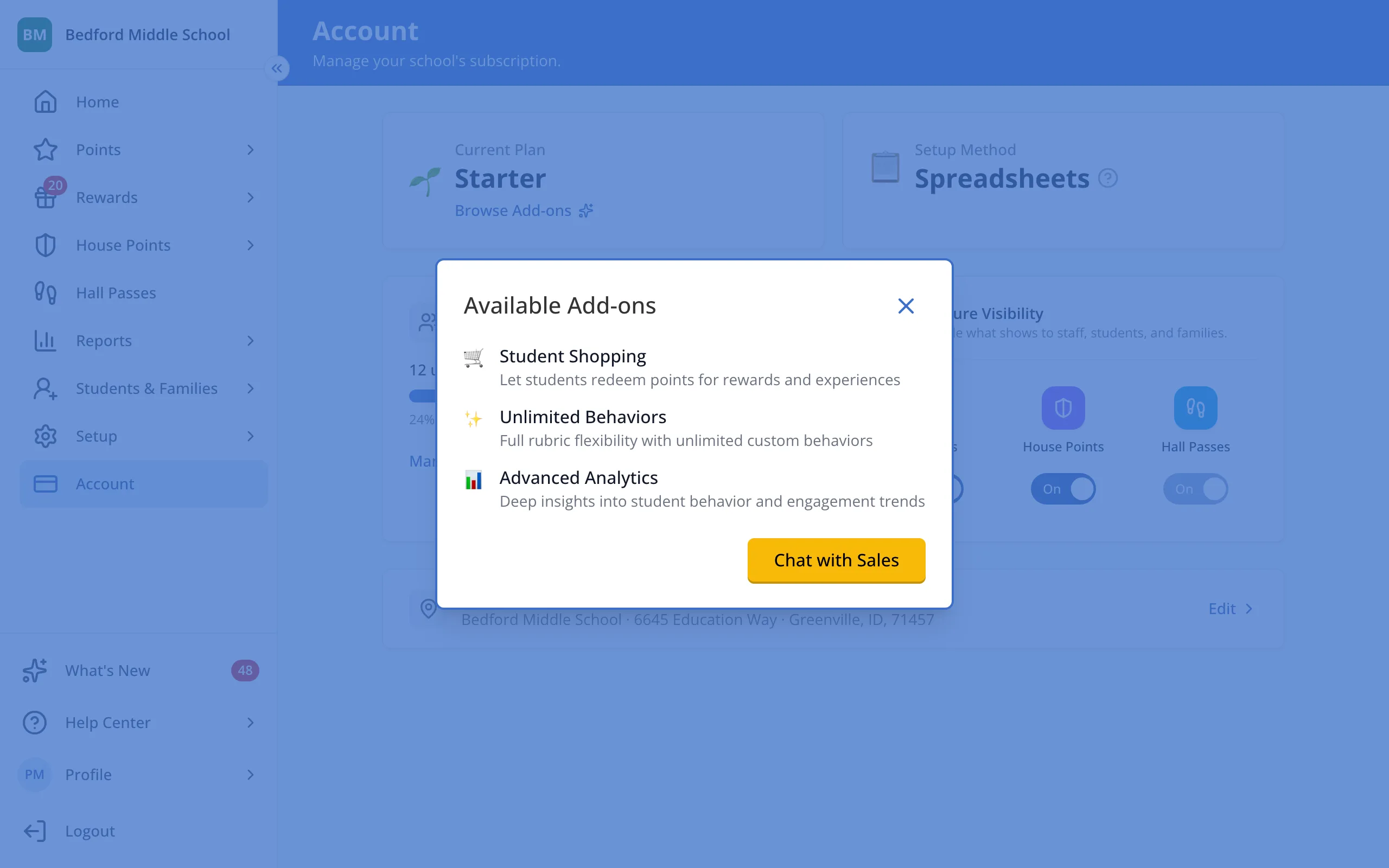
On the Starter plan you can see the add-ons you don't have yet and ask our sales team to add one. Premium already includes them all.
AdminSite Leader
Open in LiveSchool
Already signed in? Open this guide inside LiveSchool.
Use the Left and Right arrow keys to move between steps, and Space to play or pause.
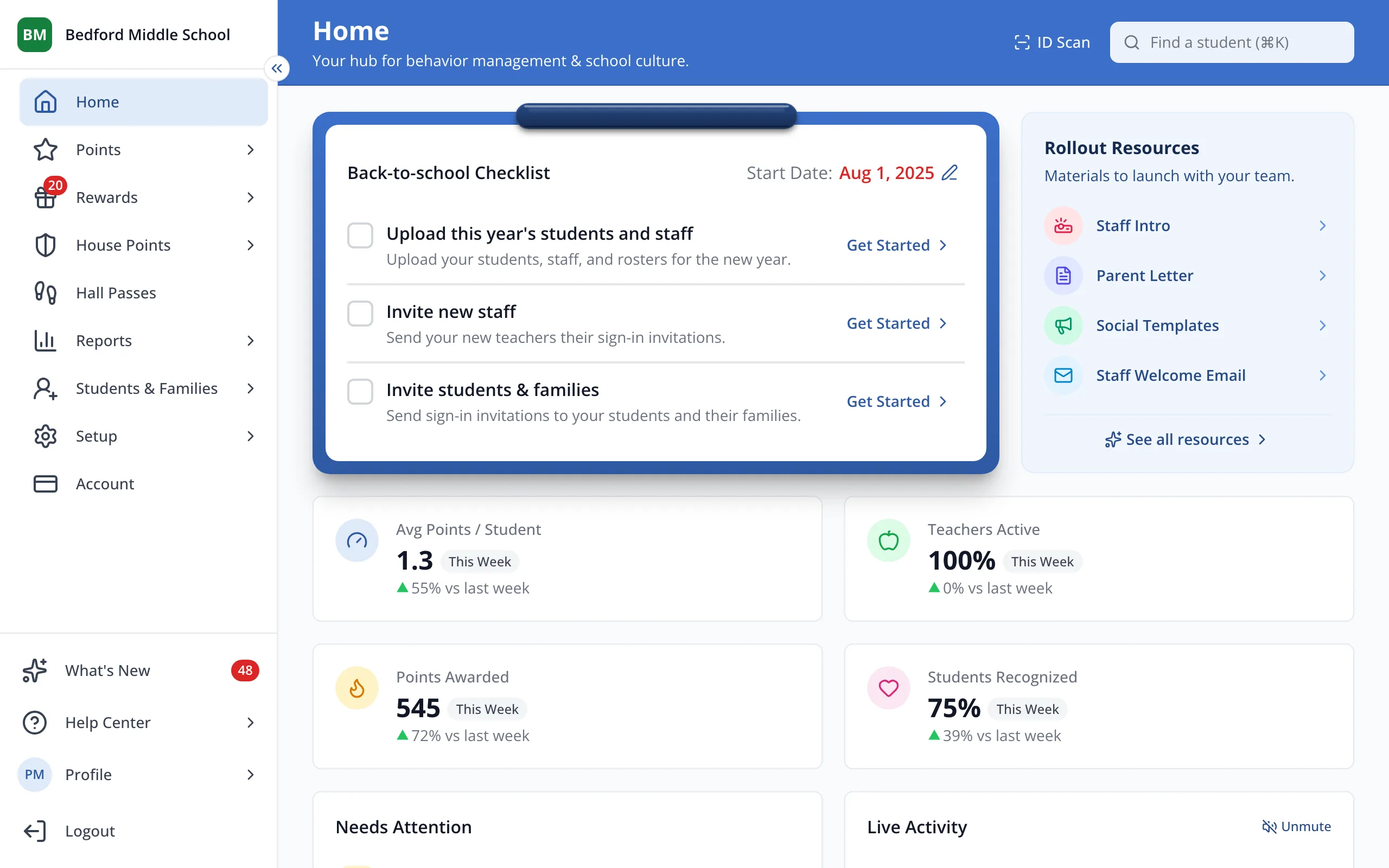
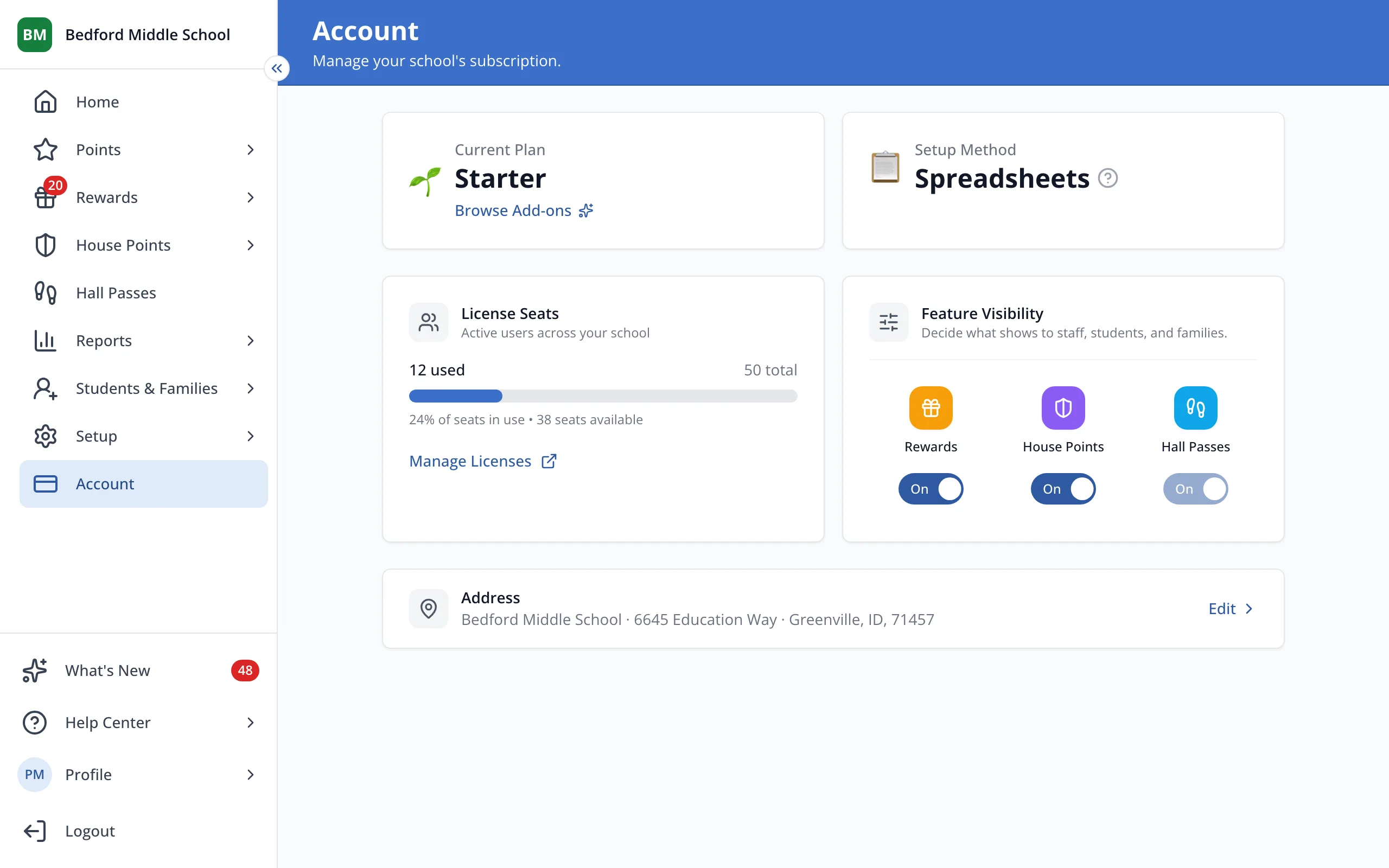
1.In the sidebar, click Account.
2.Under Current Plan, click Browse Add-ons.
3.Read about the add-ons your plan doesn't have, then click Chat with Sales to ask for one.