
Add a staff member when all your licenses are in use
Free a seat by turning off the license of someone who no longer needs it, then add your new staff member.
AdminSite Leader
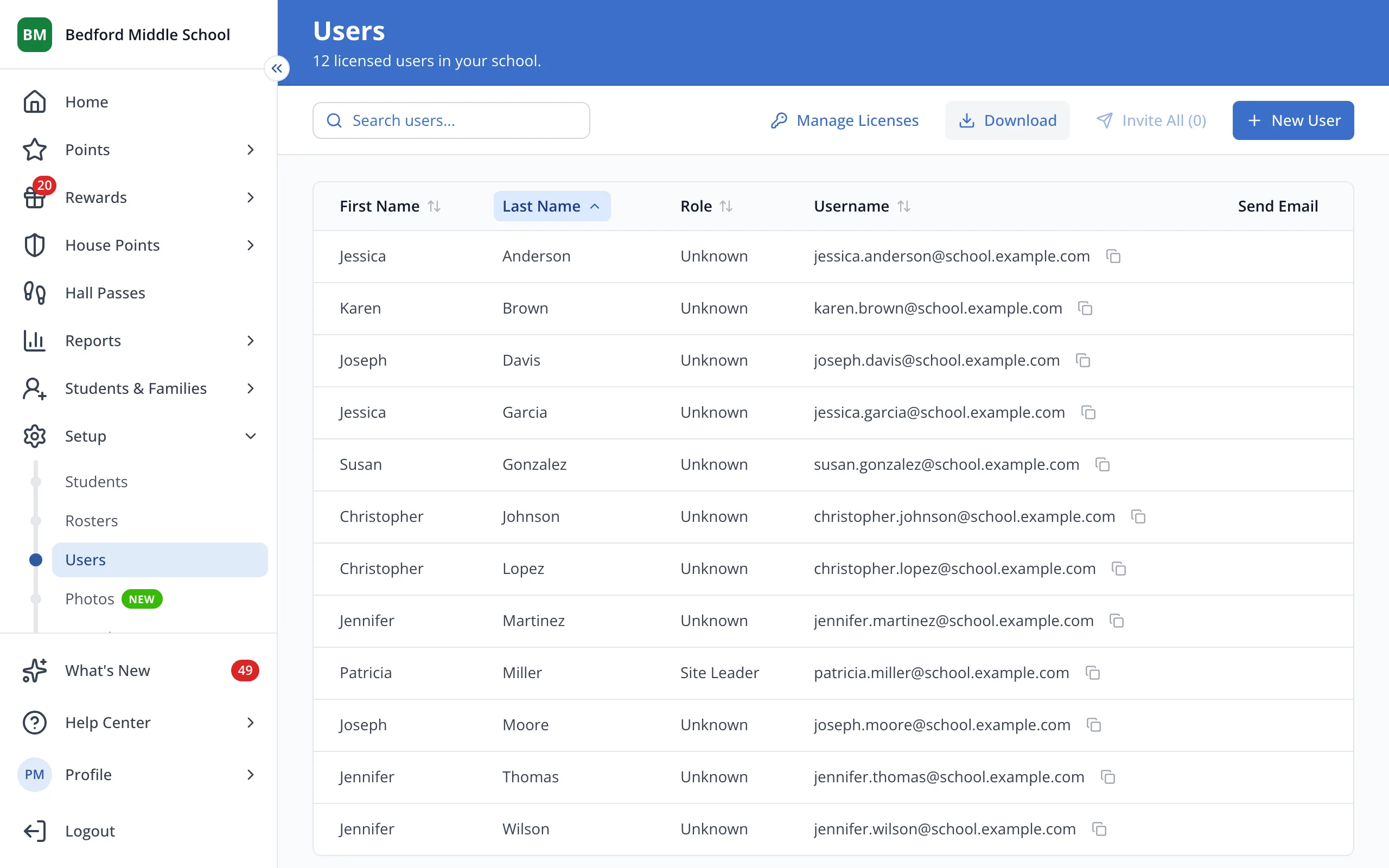
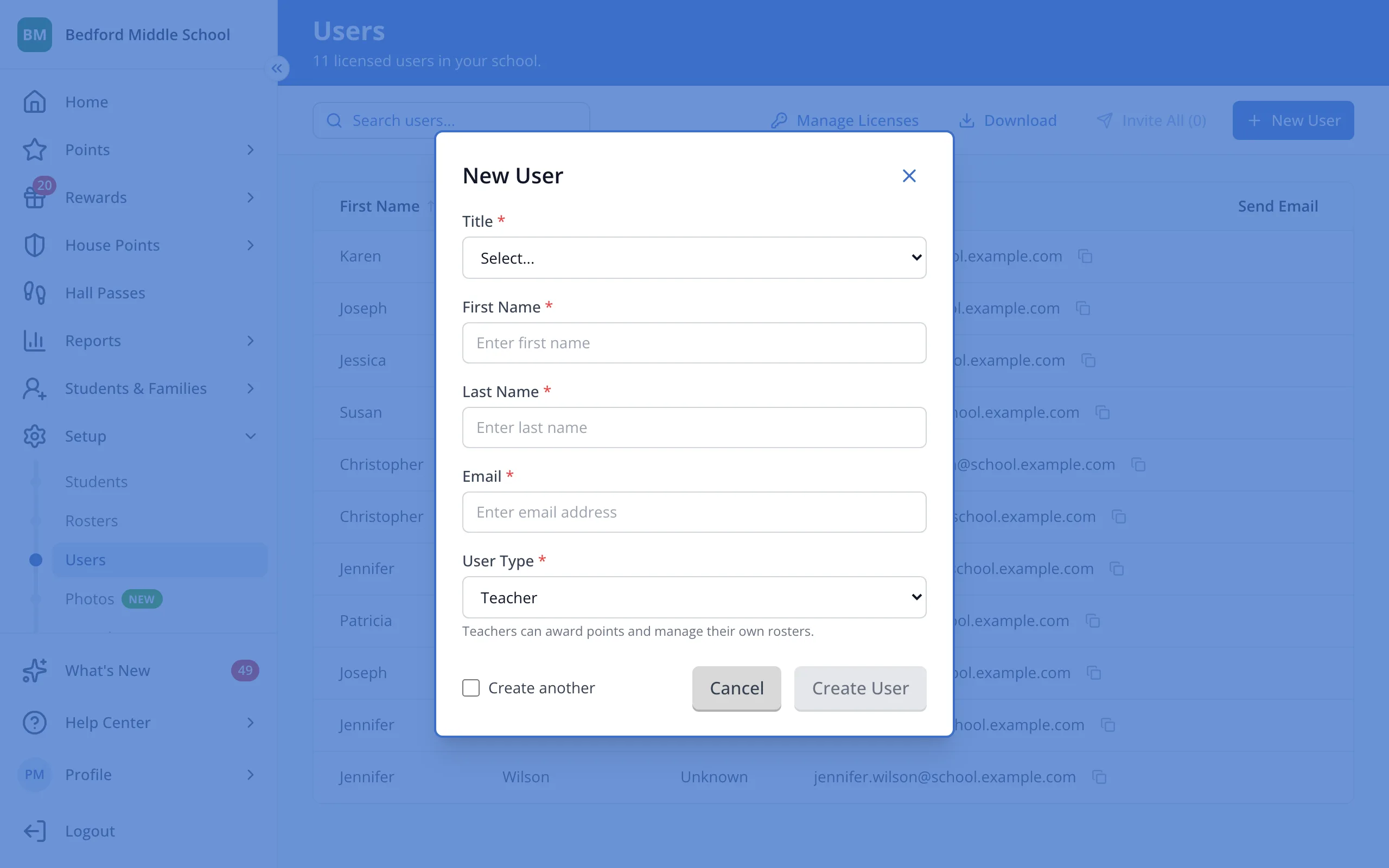
1 / 5At the top right of the Users page, click New User.
1.At the top right of the Users page, click New User.
2.If everyone still needs their license, click Request more seats to message LiveSchool support instead.
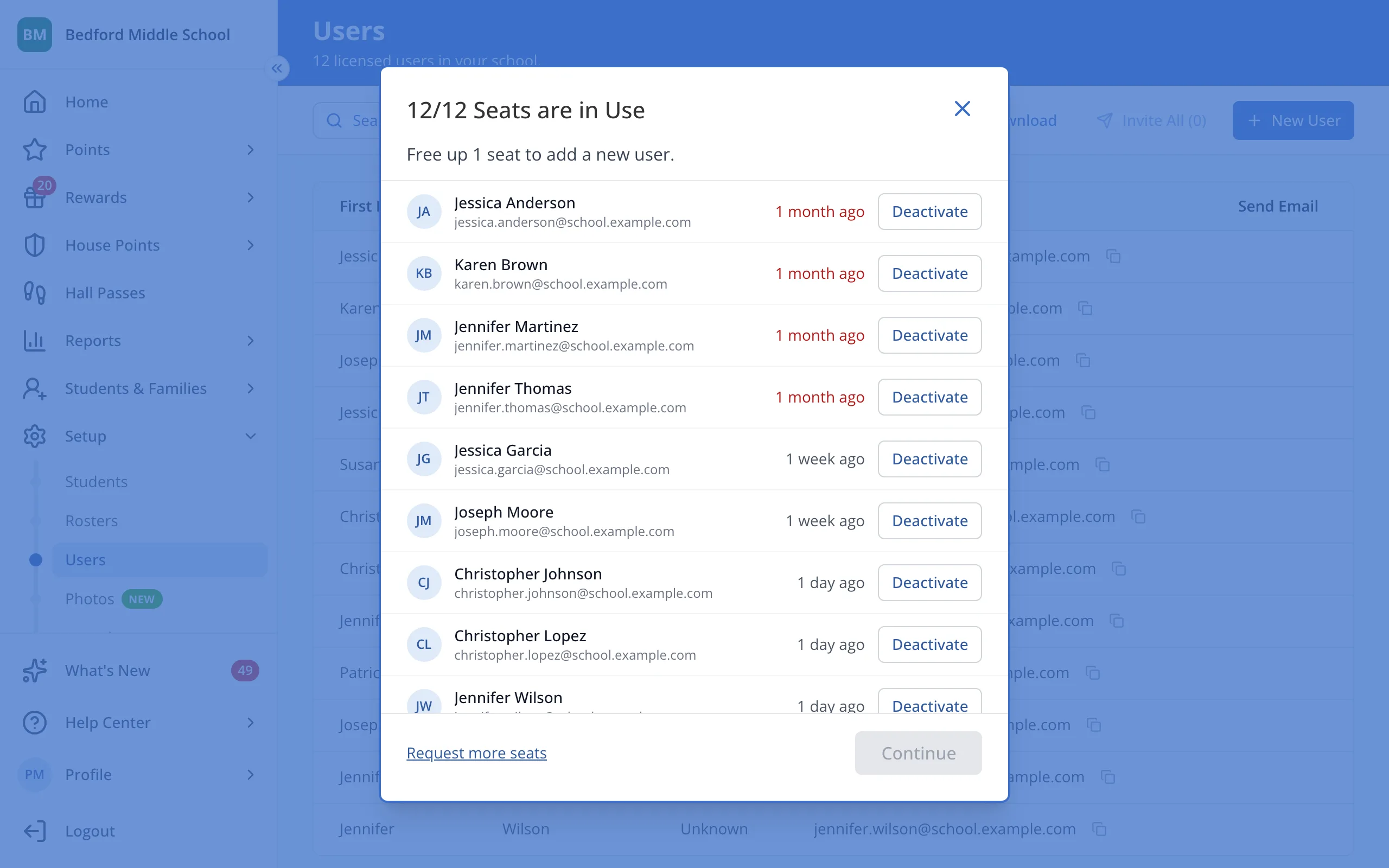
3.Click Deactivate next to someone who no longer needs a license.
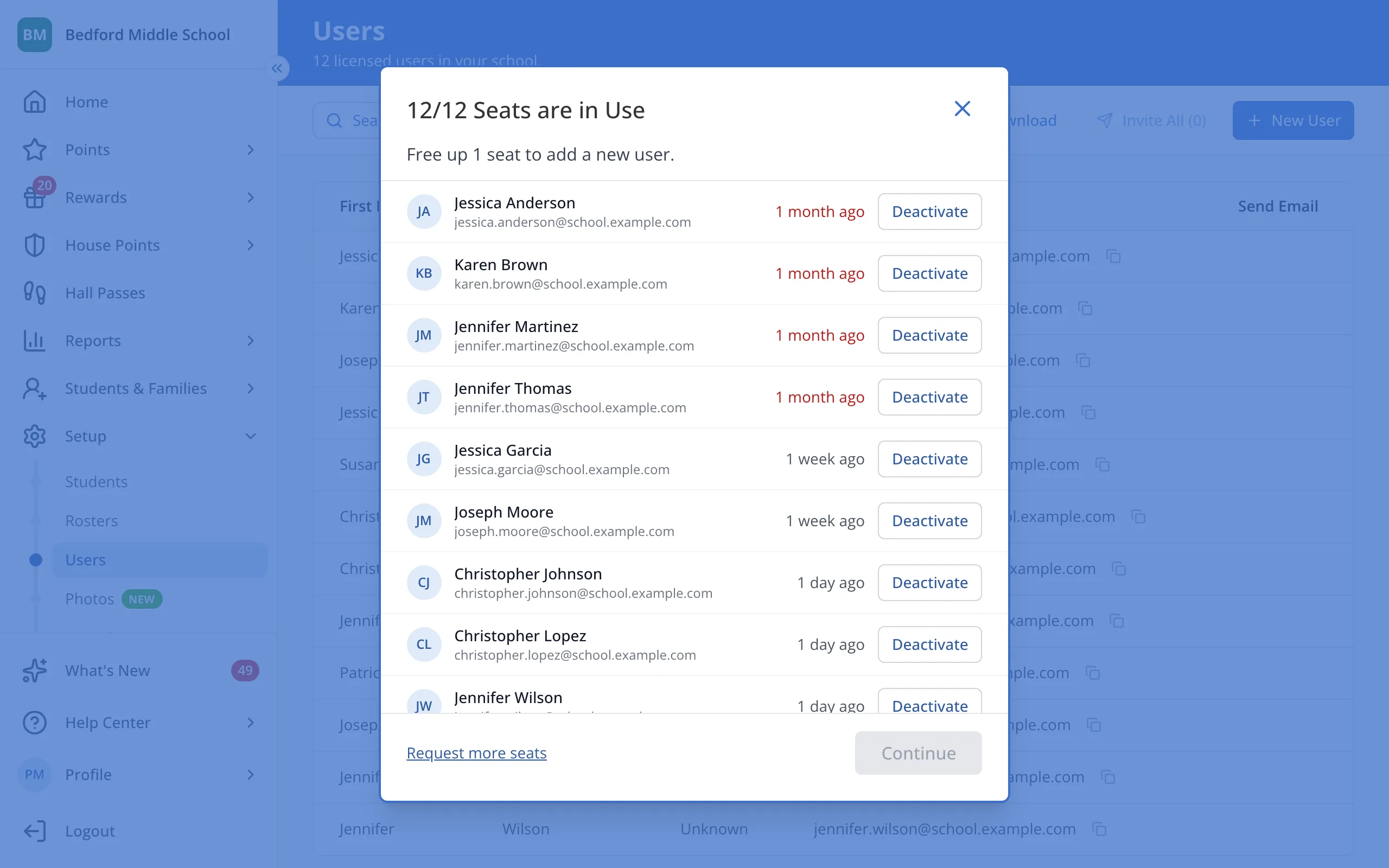
Tip: Staff who have been inactive the longest are at the top.
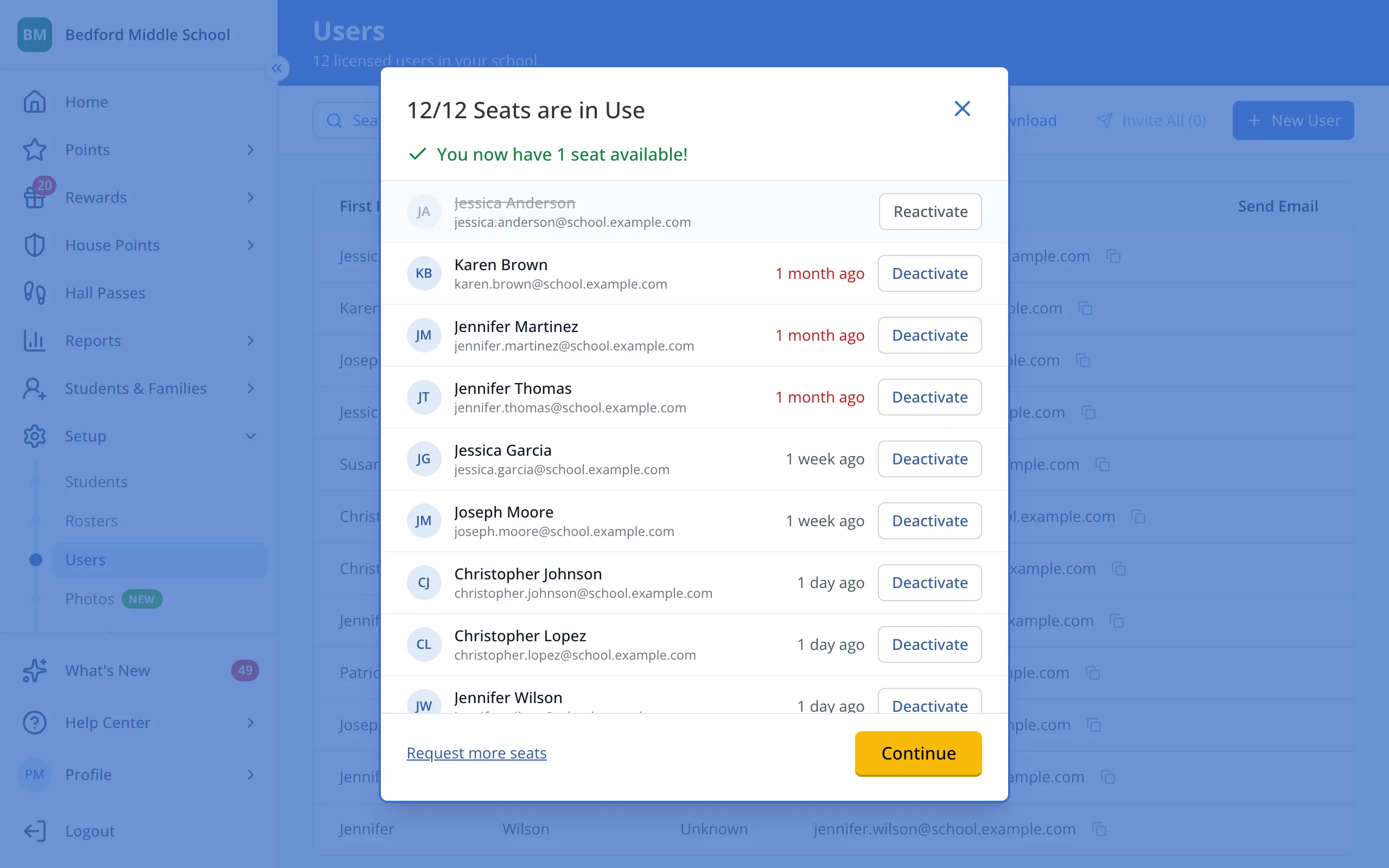
4.Click Continue. Their license will turn off and the new user form will open.
5.Fill in the new staff member's details, then click Create User.
Was this helpful?