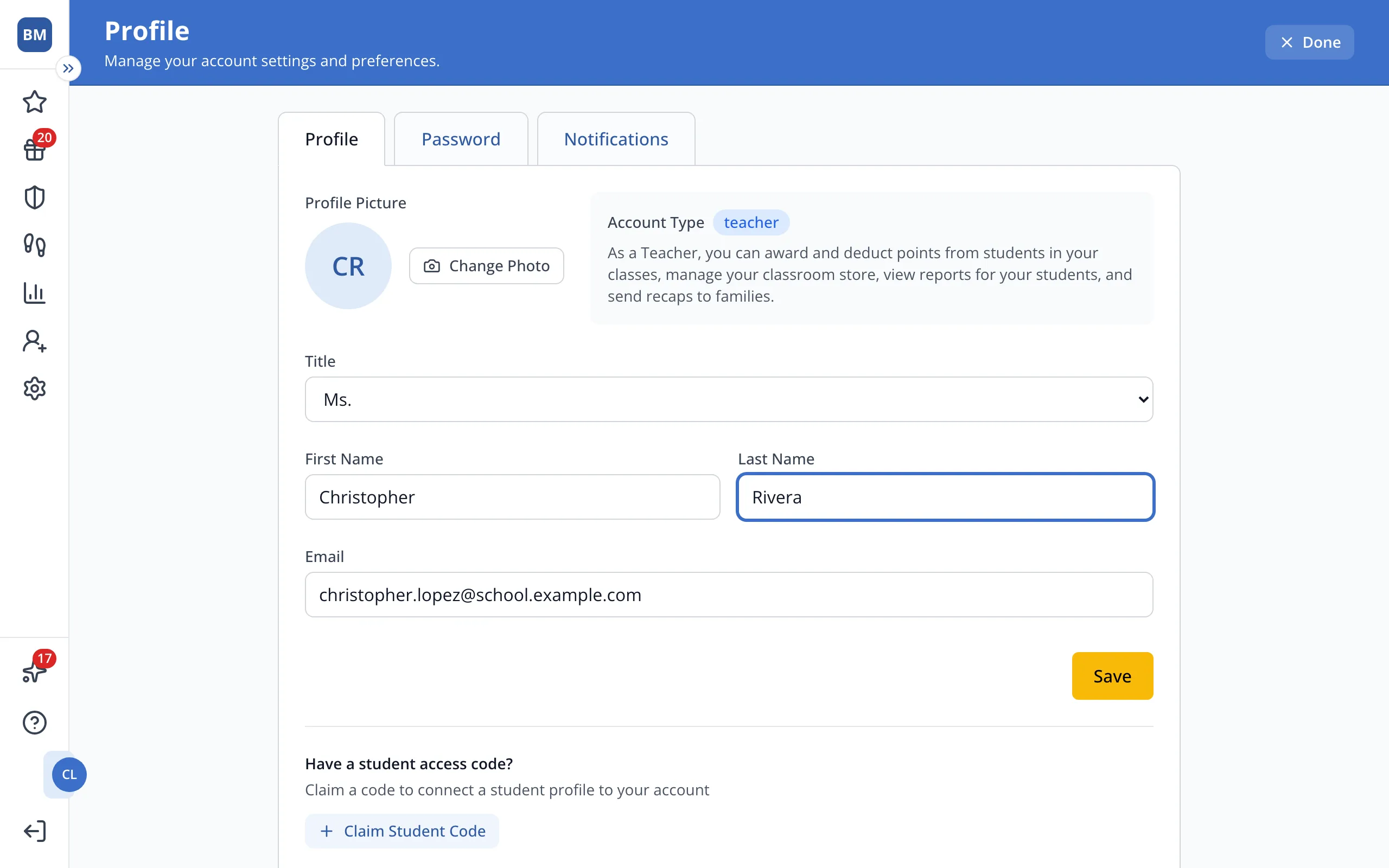
Edit your name, title or email
Your title and name show next to your points and messages across the school, so keep them the way students know you.
Open in LiveSchool
Already signed in? Open this guide inside LiveSchool.
Use the Left and Right arrow keys to move between steps, and Space to play or pause.
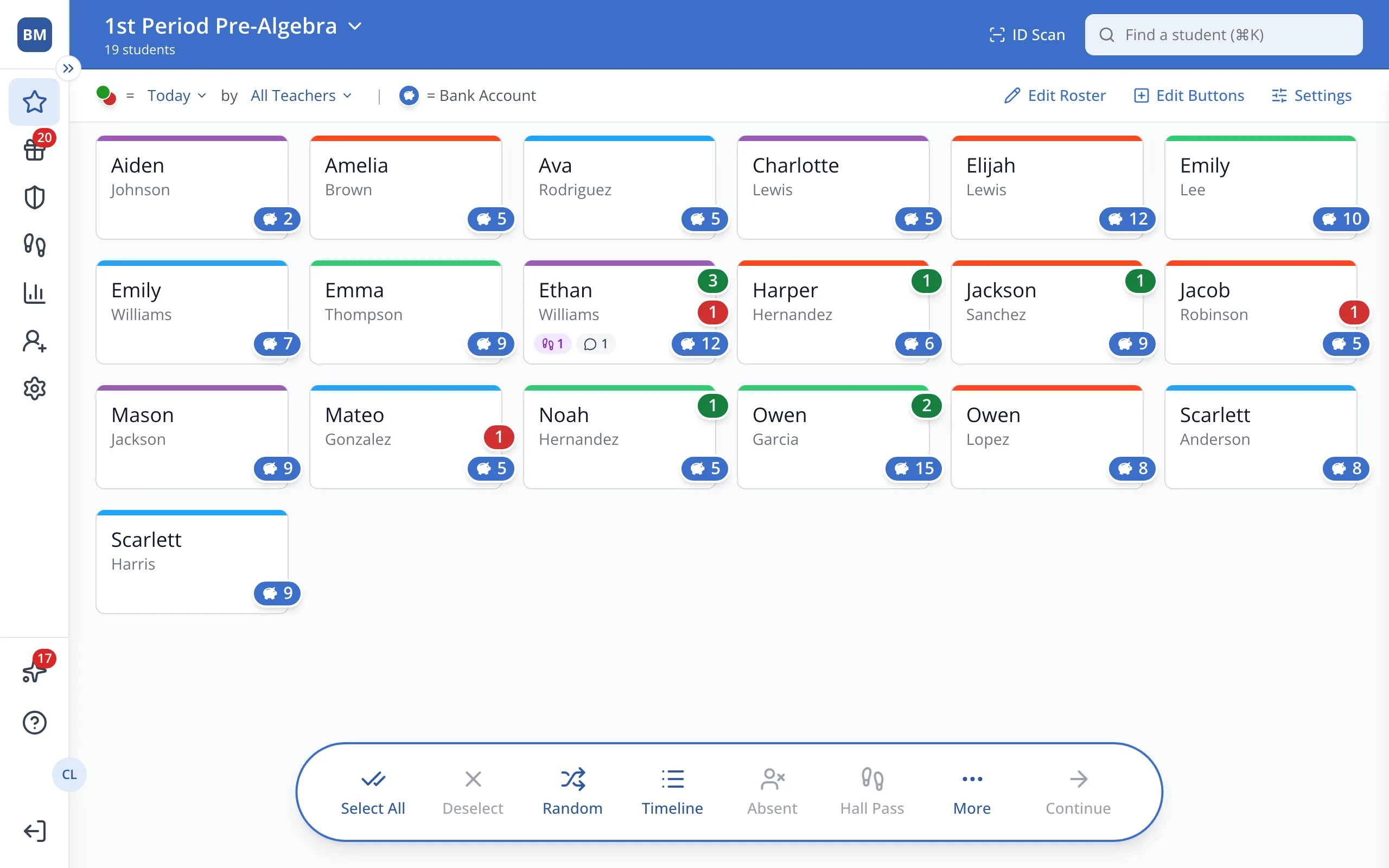
1.At the bottom of the sidebar, click Profile.
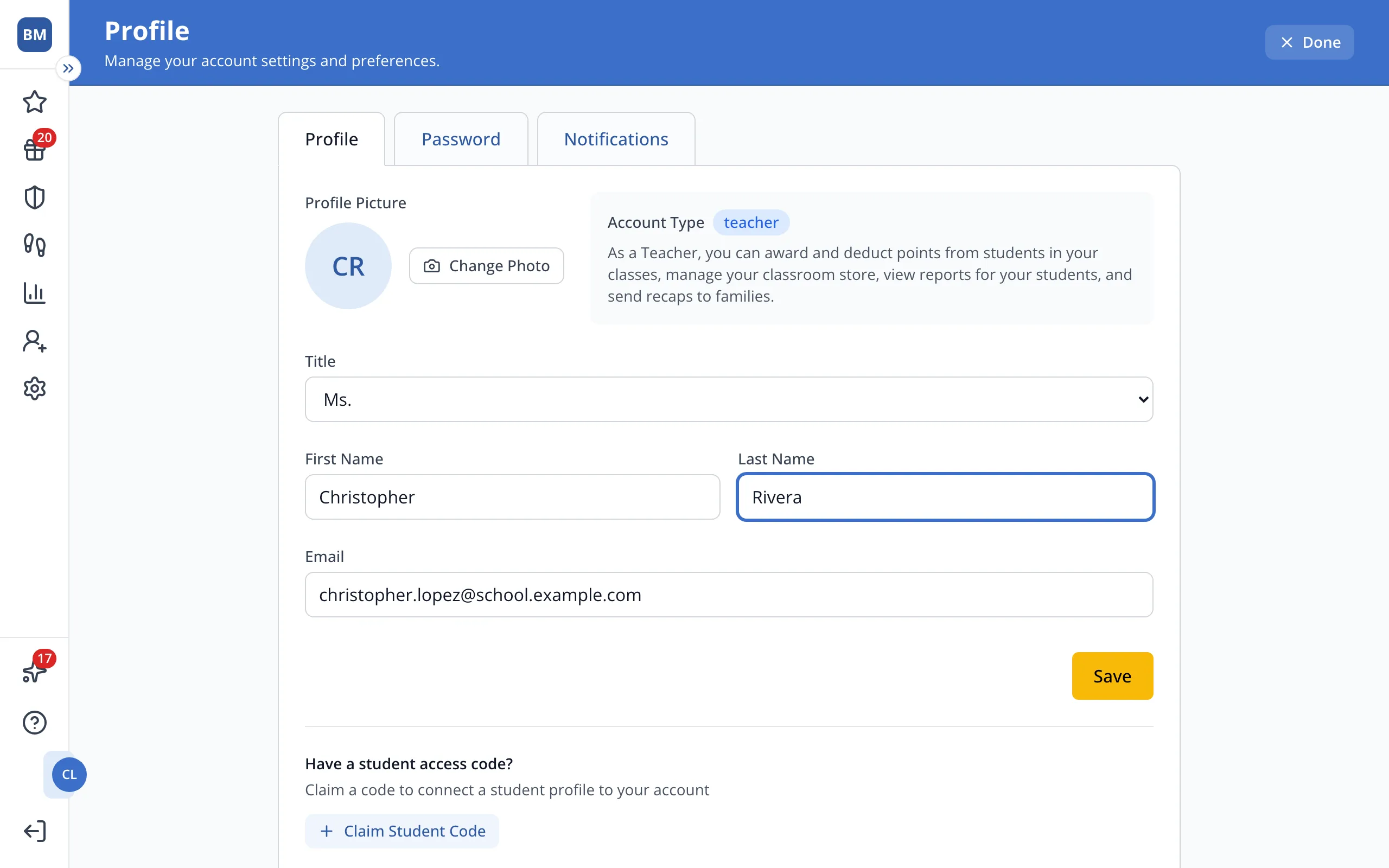
2.Under Title, pick the title you'd like to use.
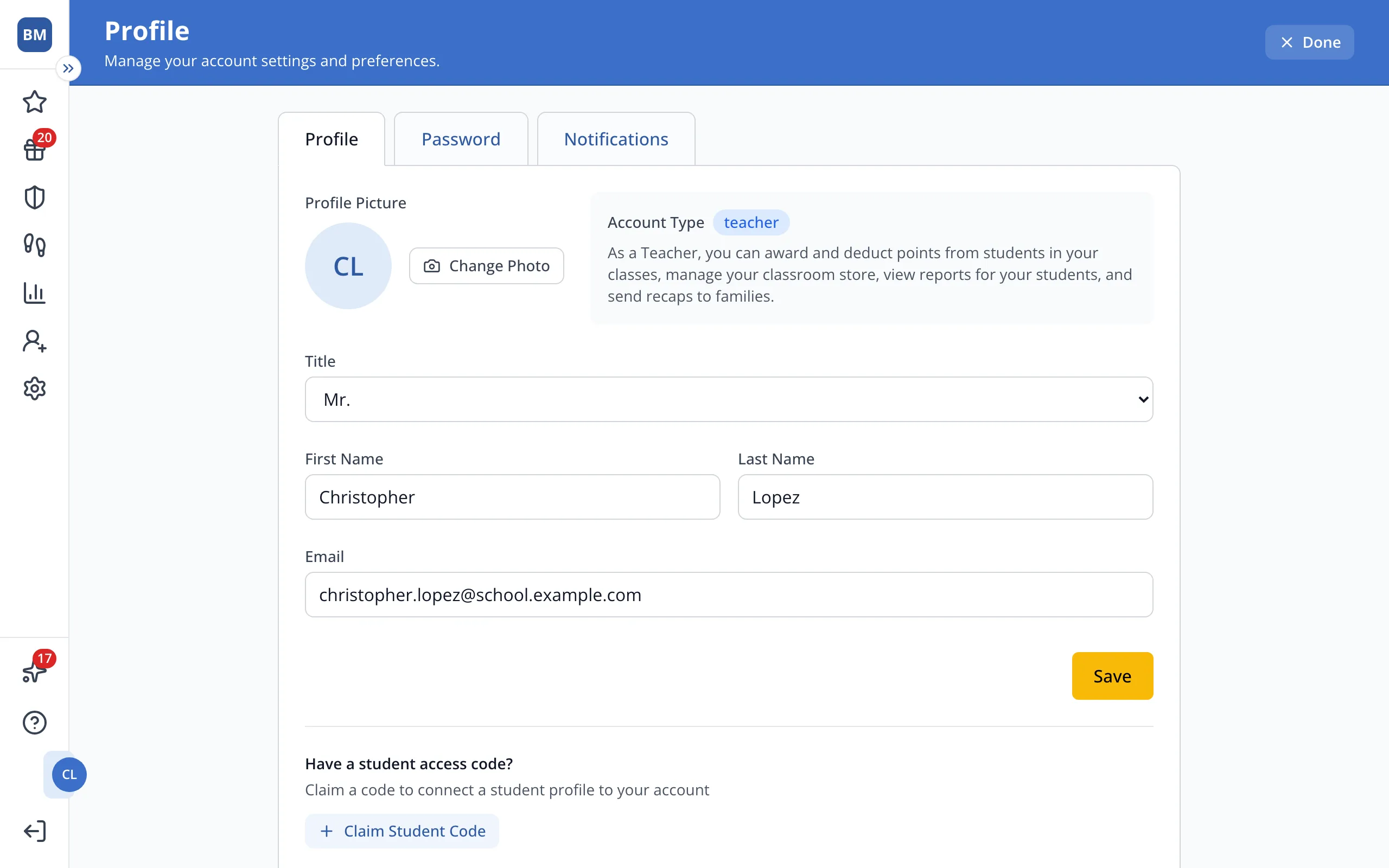
3.Change your first name, last name or email.
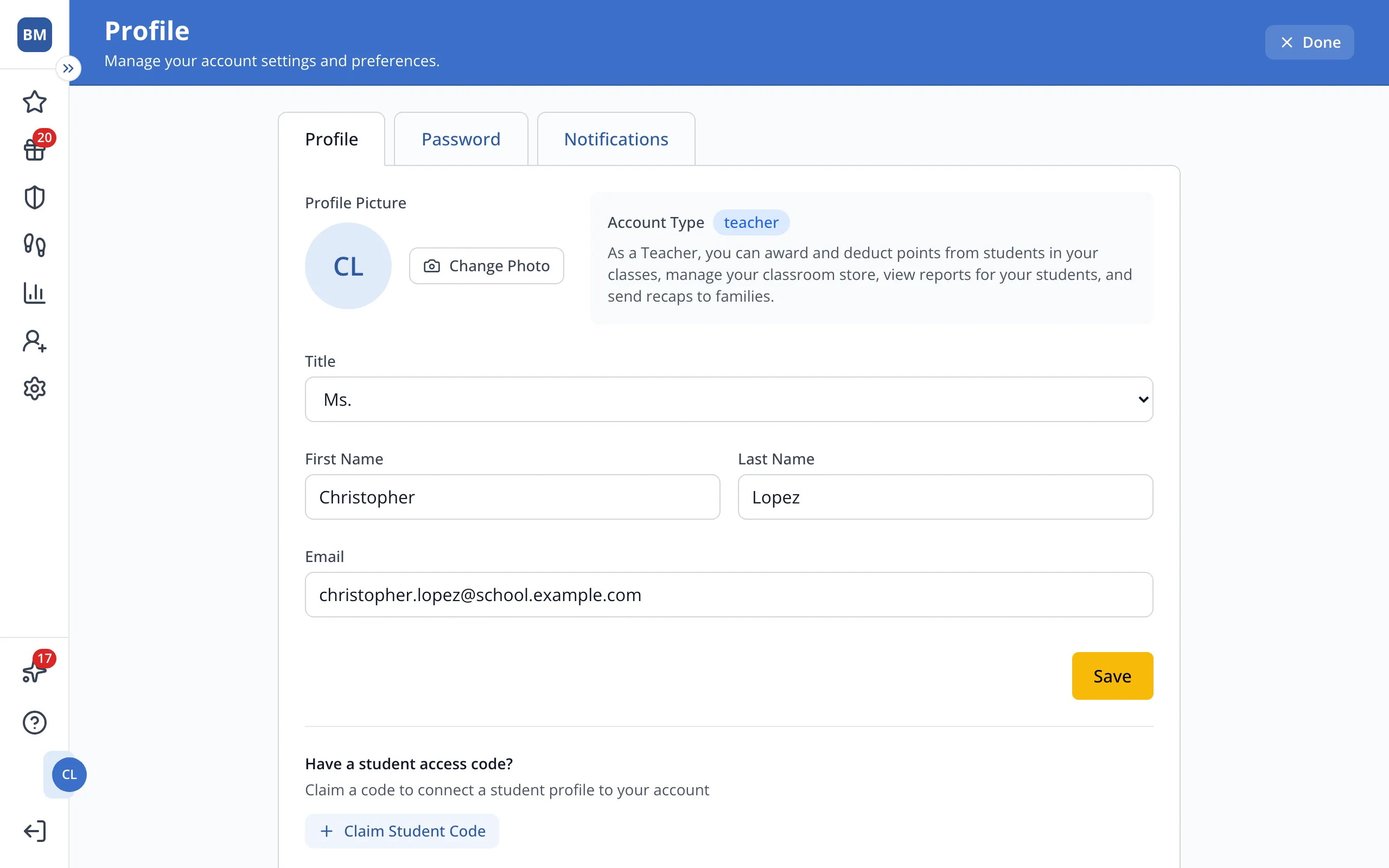
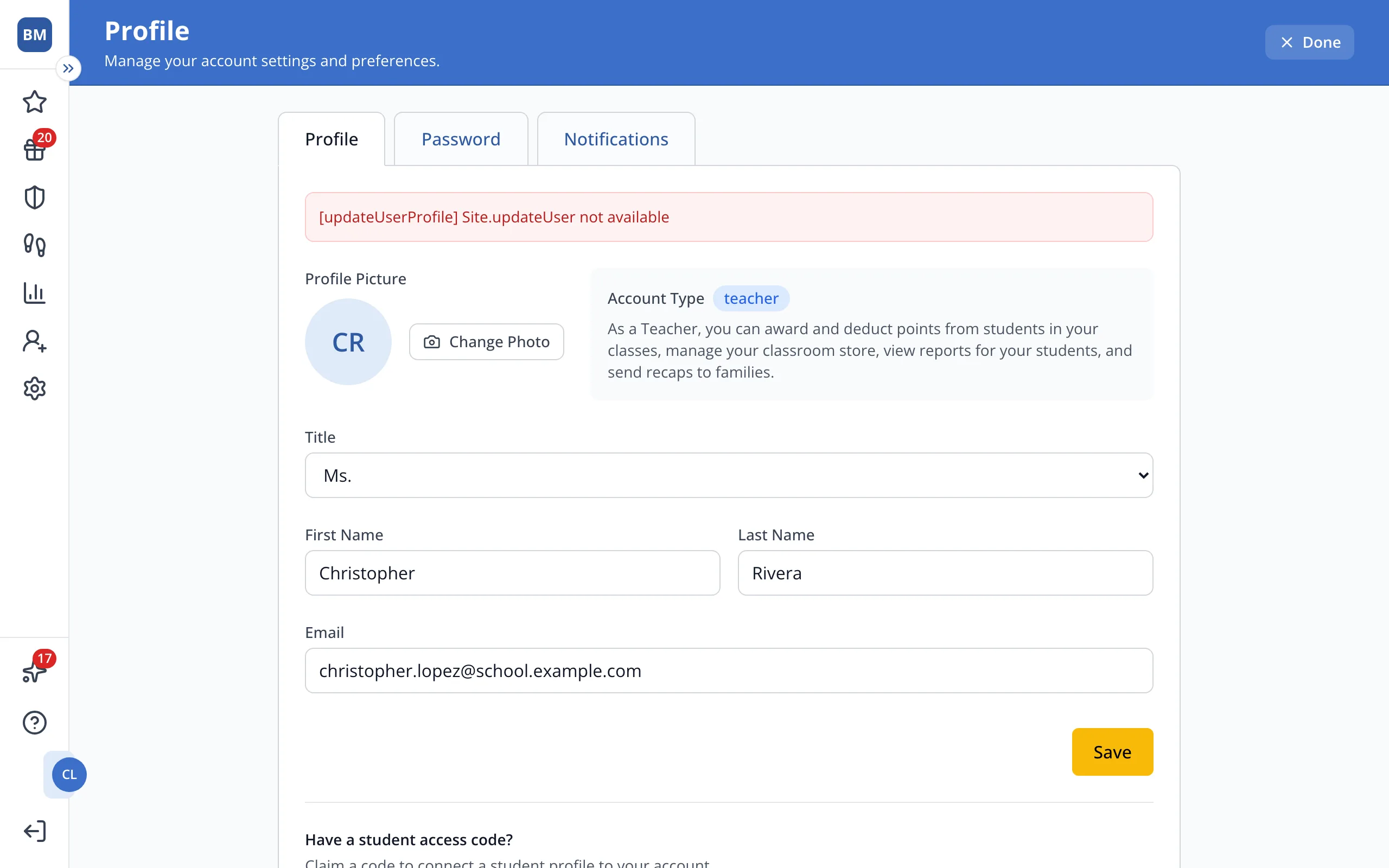
4.Click Save. You'll see "Profile updated successfully" at the top.