
Change your profile photo
Your photo replaces your initials in the sidebar and on your profile.
Open in LiveSchool
Already signed in? Open this guide inside LiveSchool.
Use the Left and Right arrow keys to move between steps, and Space to play or pause.
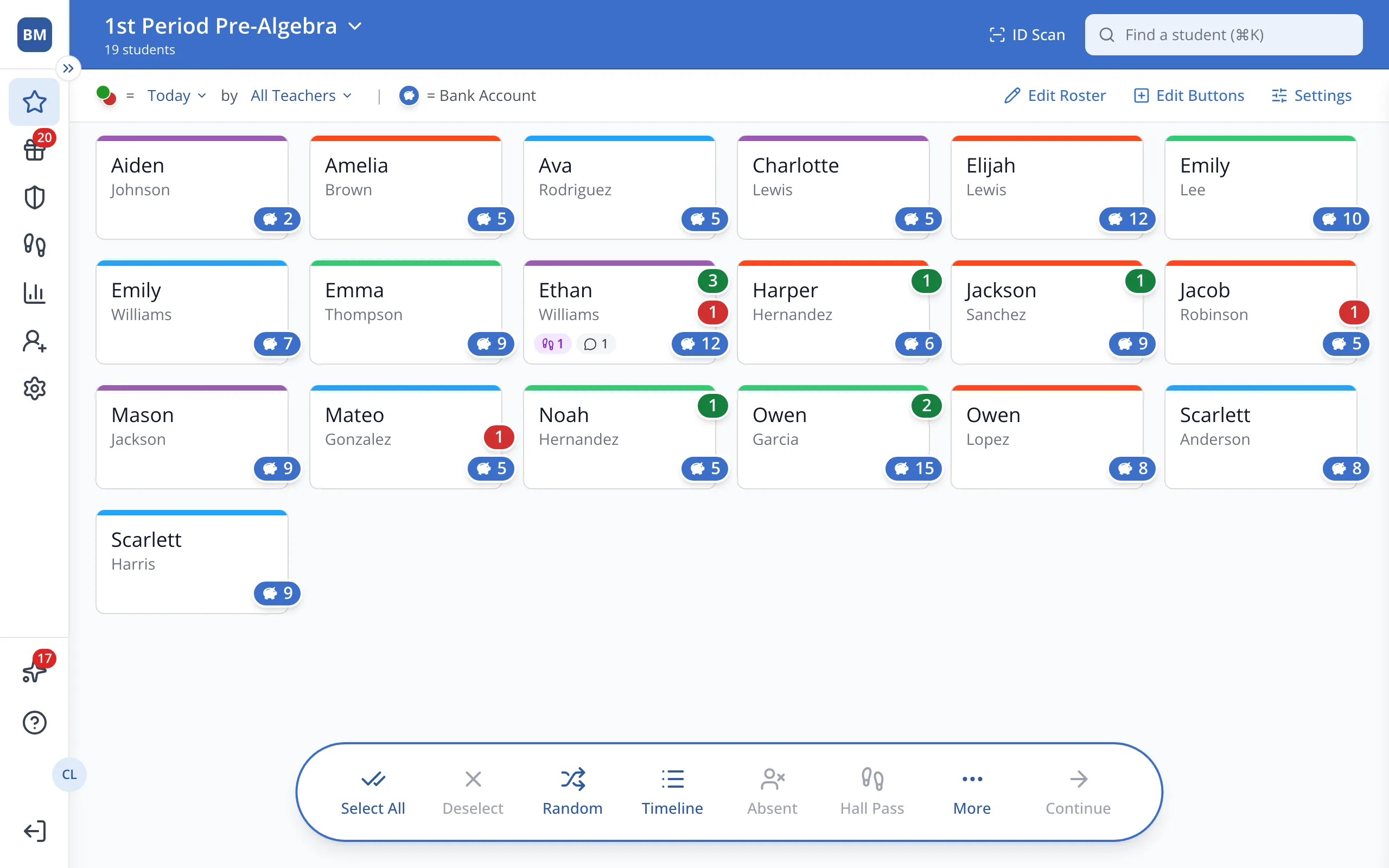
1.At the bottom of the sidebar, click Profile.
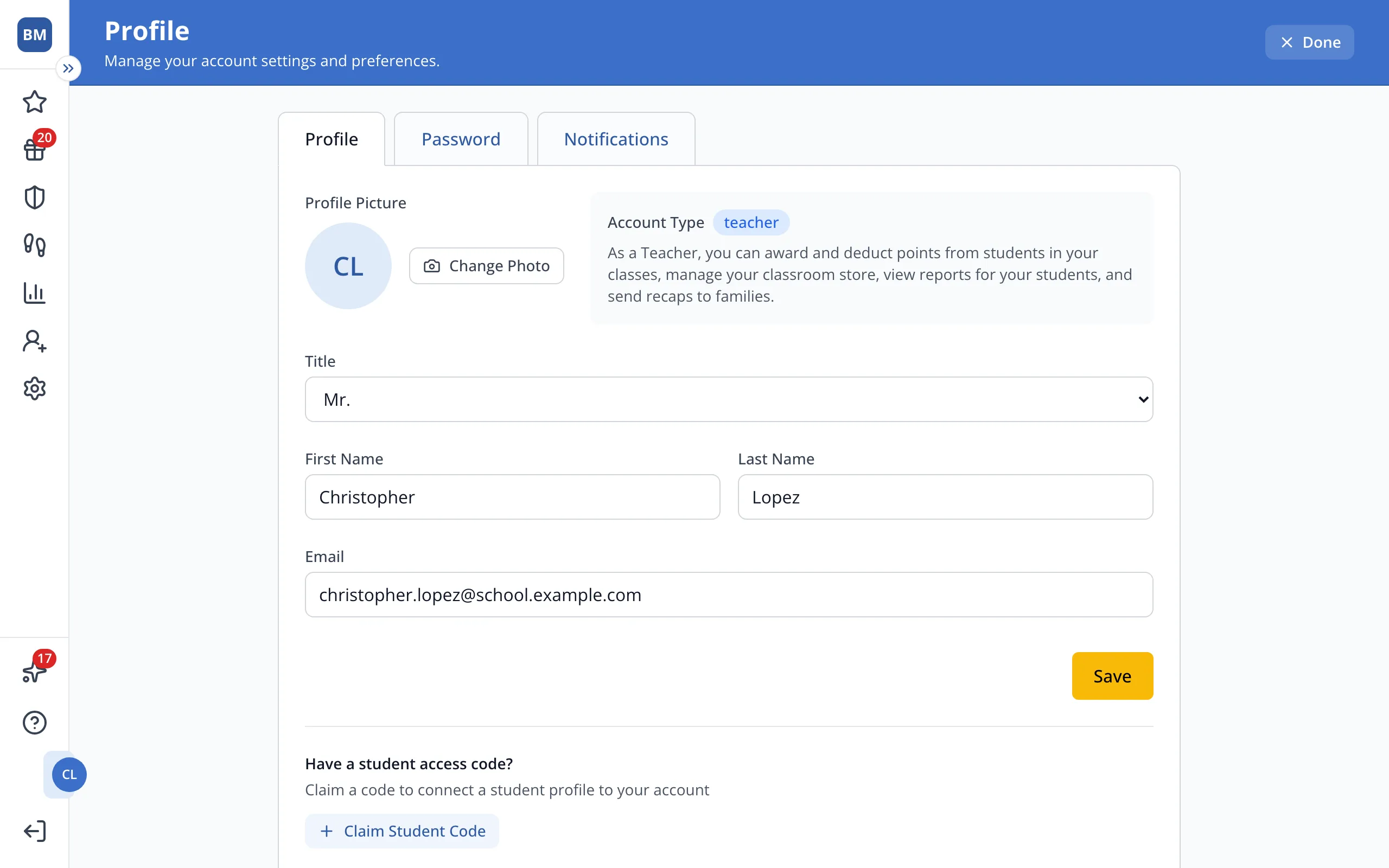
2.Click Change Photo, then pick a JPG or PNG picture from your computer. It saves as soon as it uploads.
Did you know? Pictures must be under 5 MB.