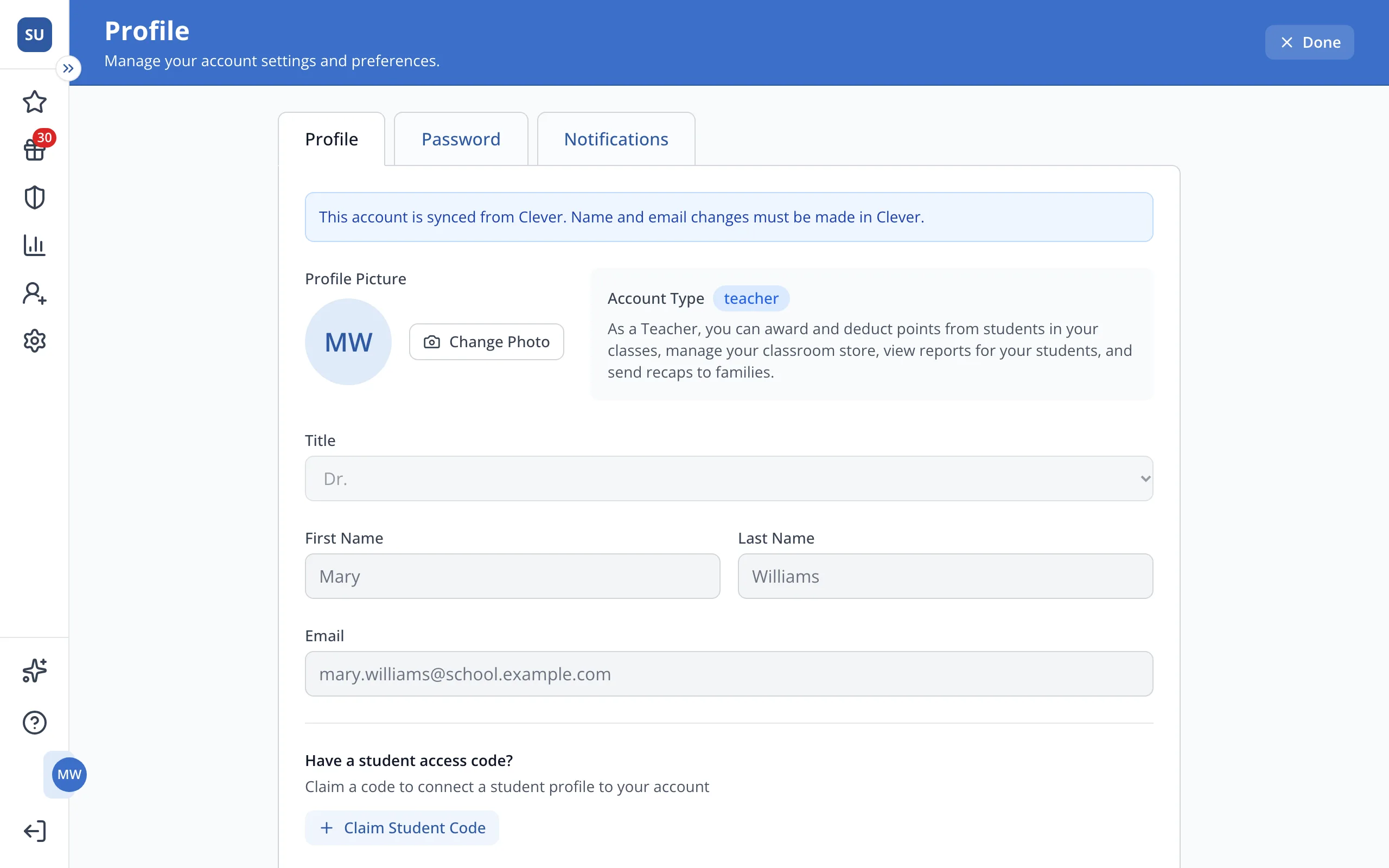
Change your title or name when Clever or ClassLink syncs your account
Your name and email come from Clever or ClassLink, so they're changed there. Your title isn't synced, so an admin can change it.
Open in LiveSchool
Already signed in? Open this guide inside LiveSchool.
Use the Left and Right arrow keys to move between steps, and Space to play or pause.
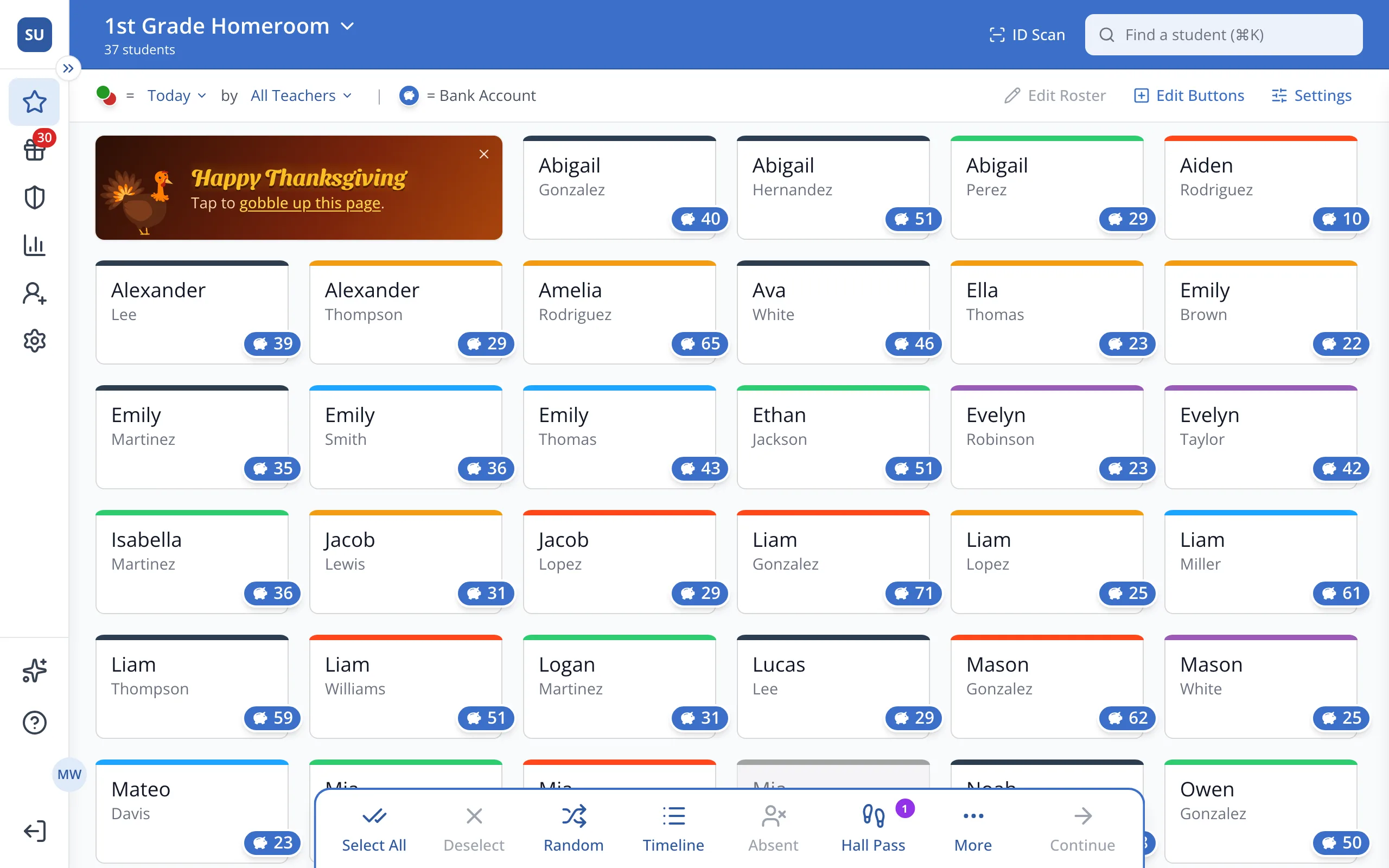
1.At the bottom of the sidebar, click Profile.
2.Check the note at the top. It names where your account comes from, Clever or ClassLink.
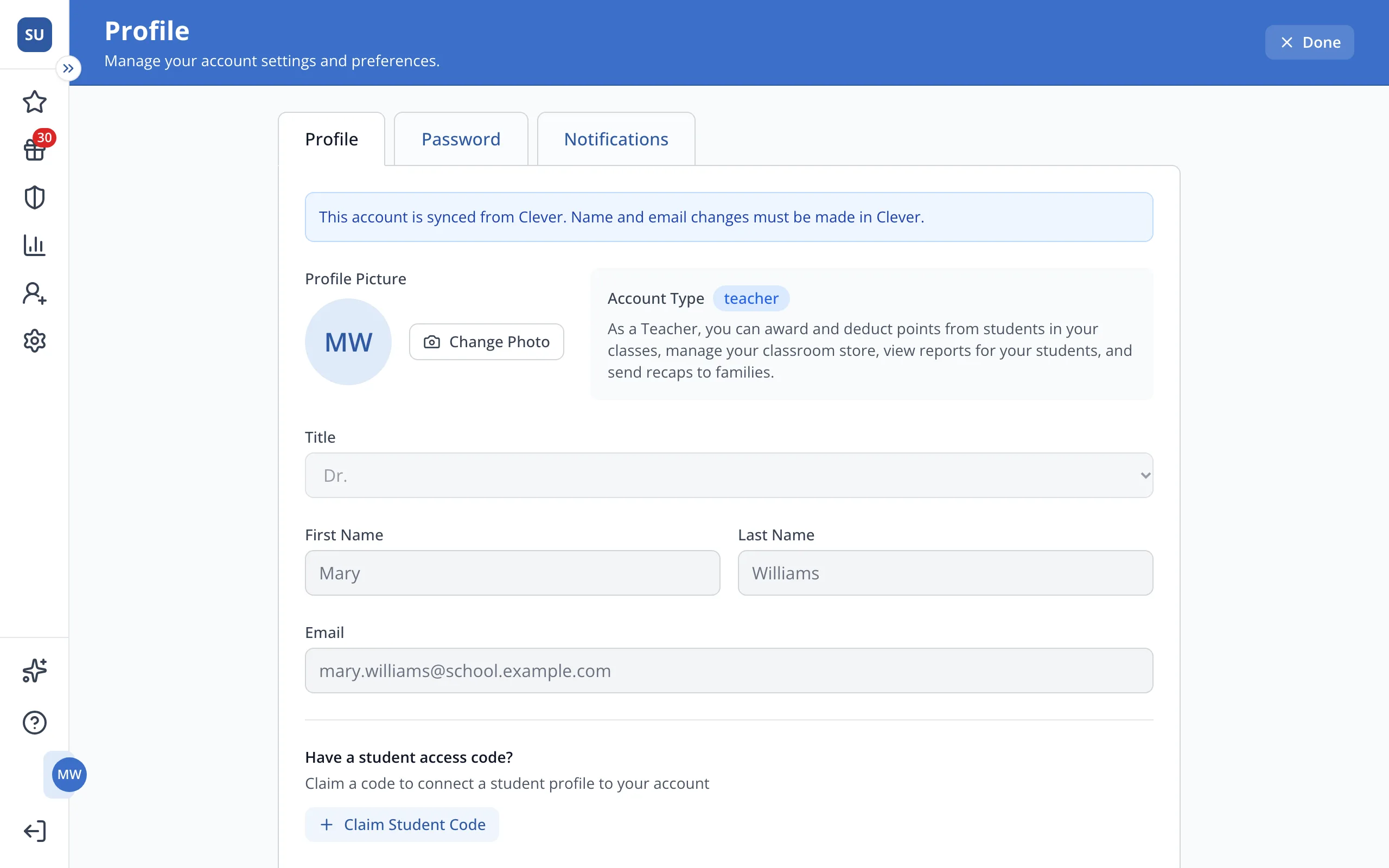
3.Your name and email are grayed out. Ask whoever manages Clever or ClassLink for your school or district to change them there.
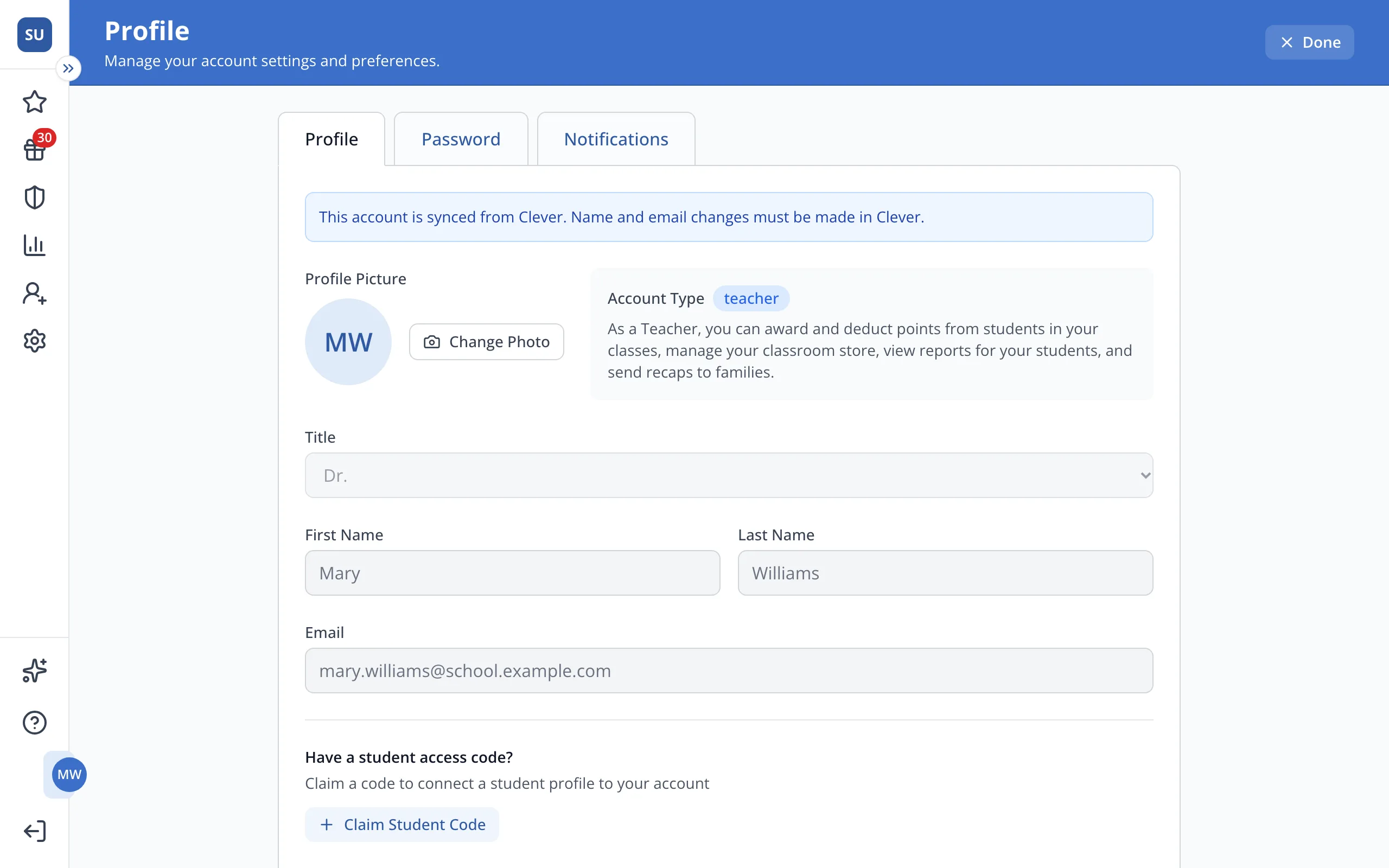
4.Your title is grayed out here too, but it isn't synced. Ask an admin to change it for you on the Users page in Setup.