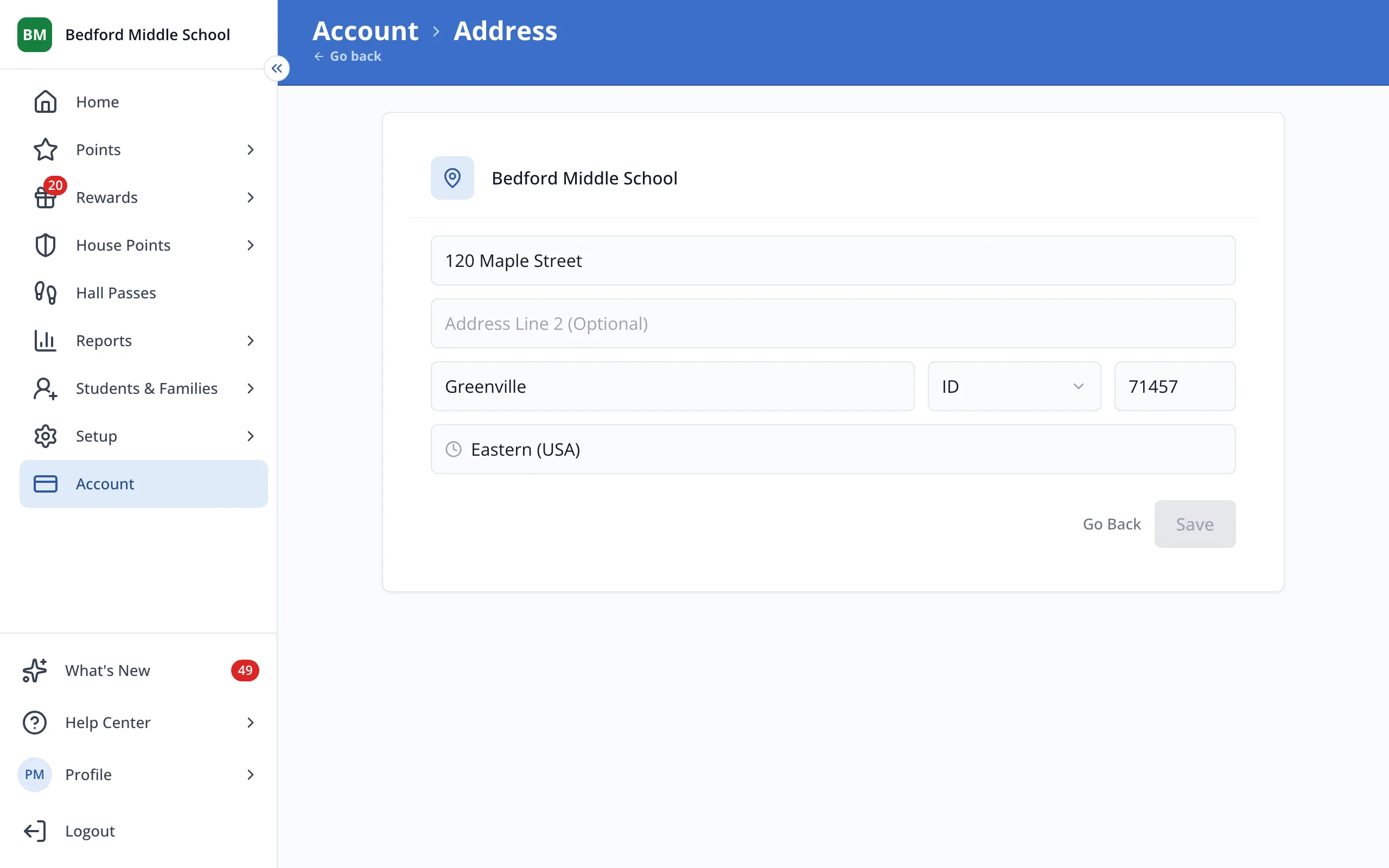
Change your school's name or address
Only site leaders can change the school's name and address.
AdminSite Leader
Open in LiveSchool
Already signed in? Open this guide inside LiveSchool.
Use the Left and Right arrow keys to move between steps, and Space to play or pause.
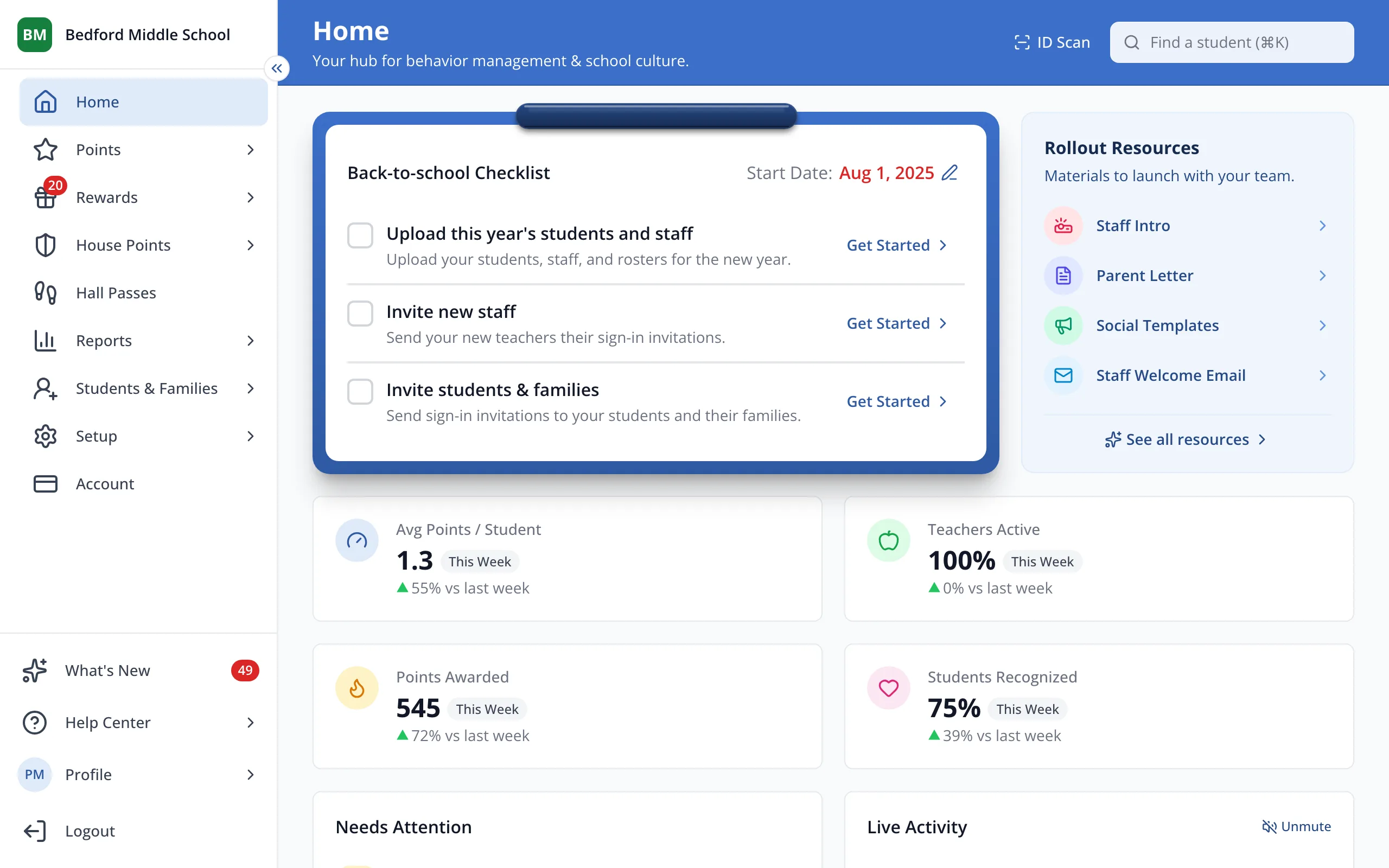
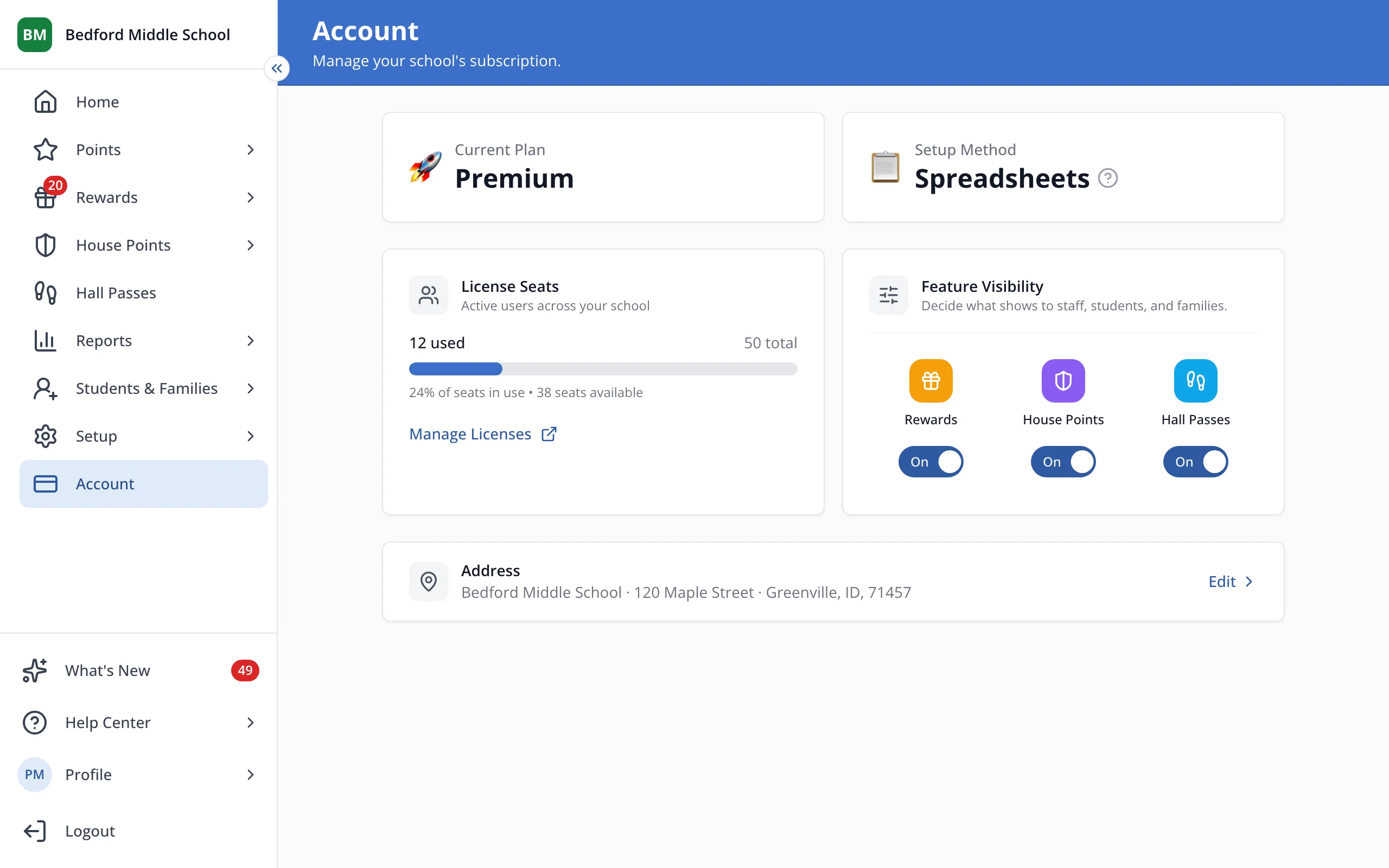
1.In the sidebar, click Account.
2.Next to Address, click Edit.
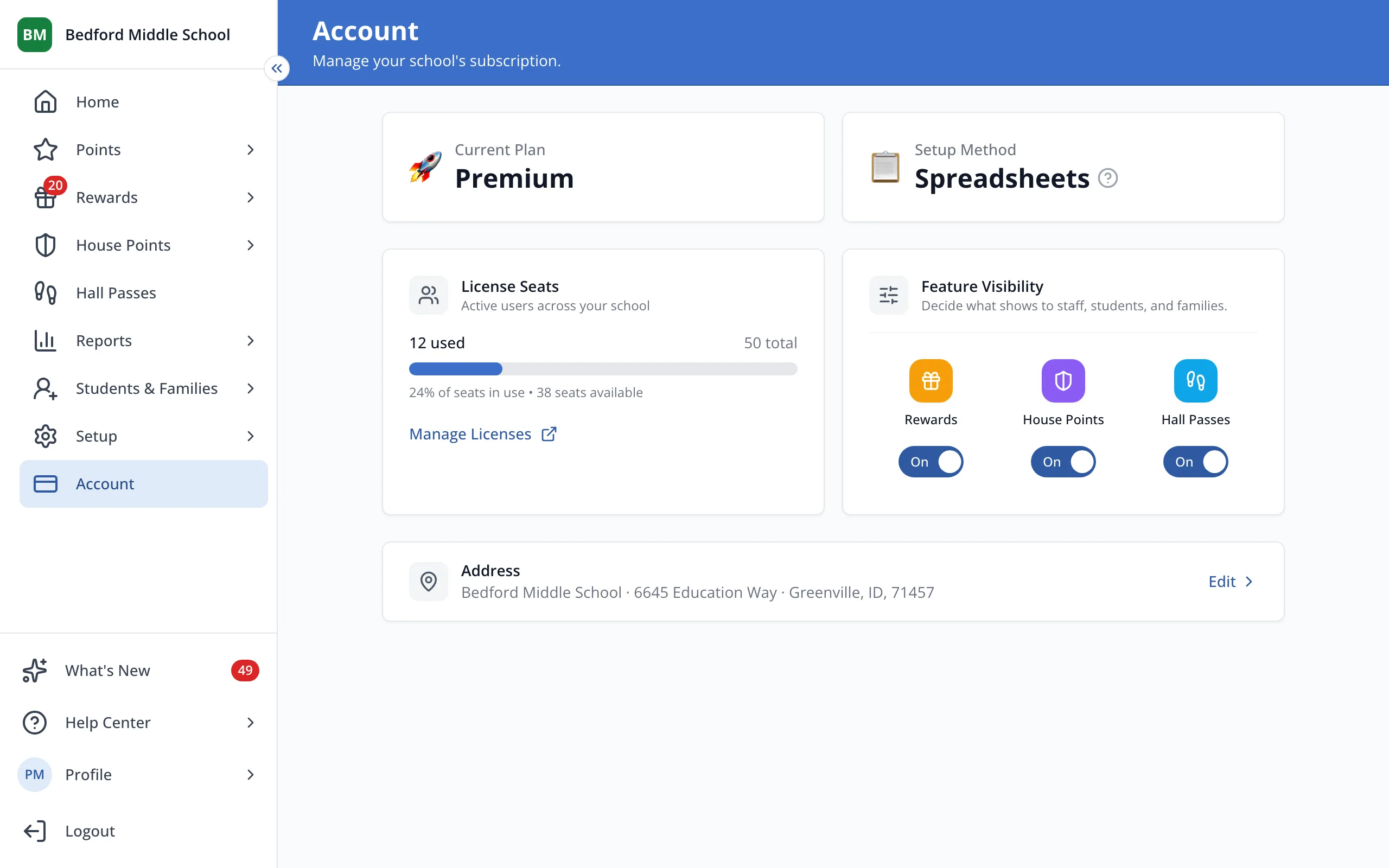
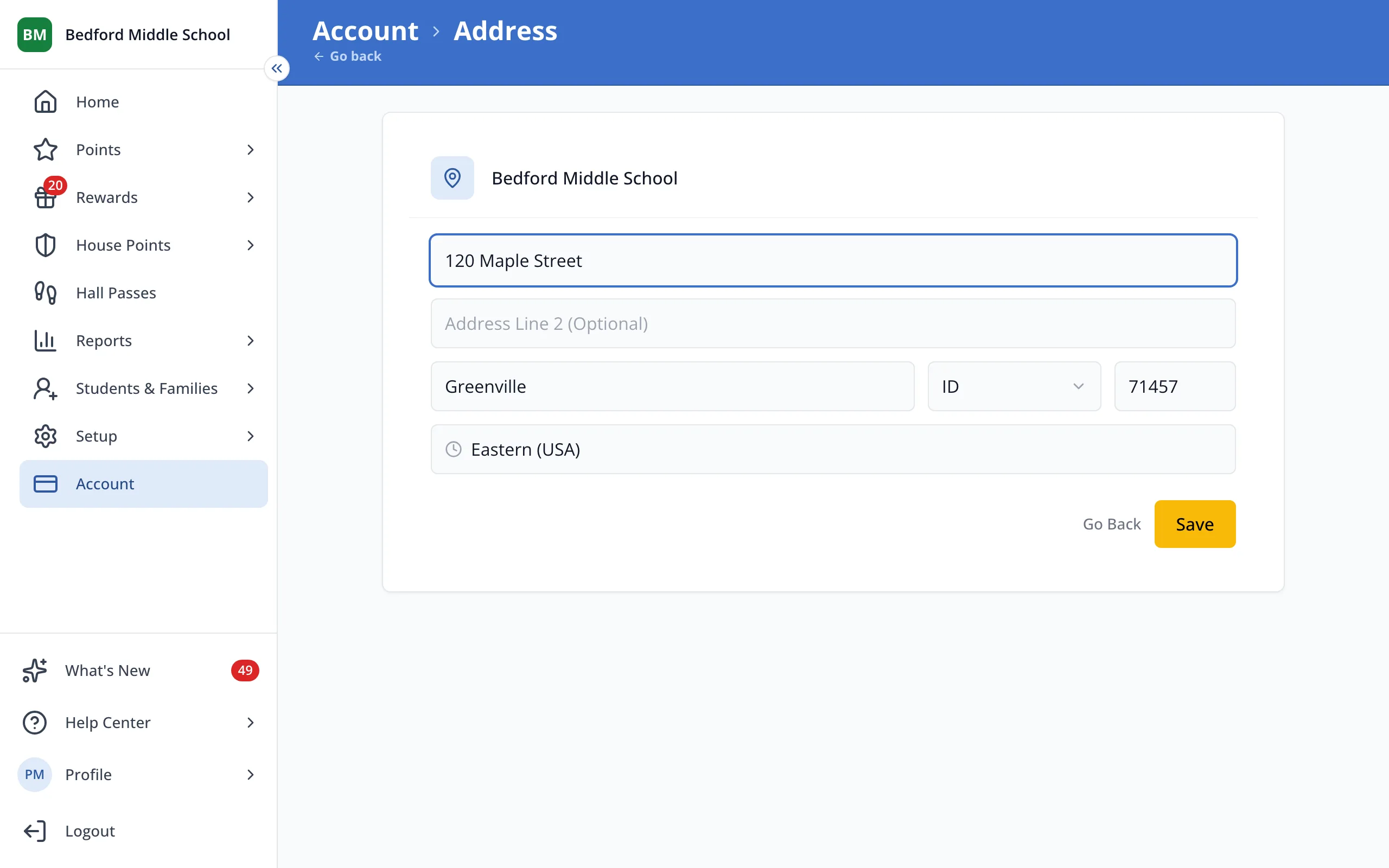
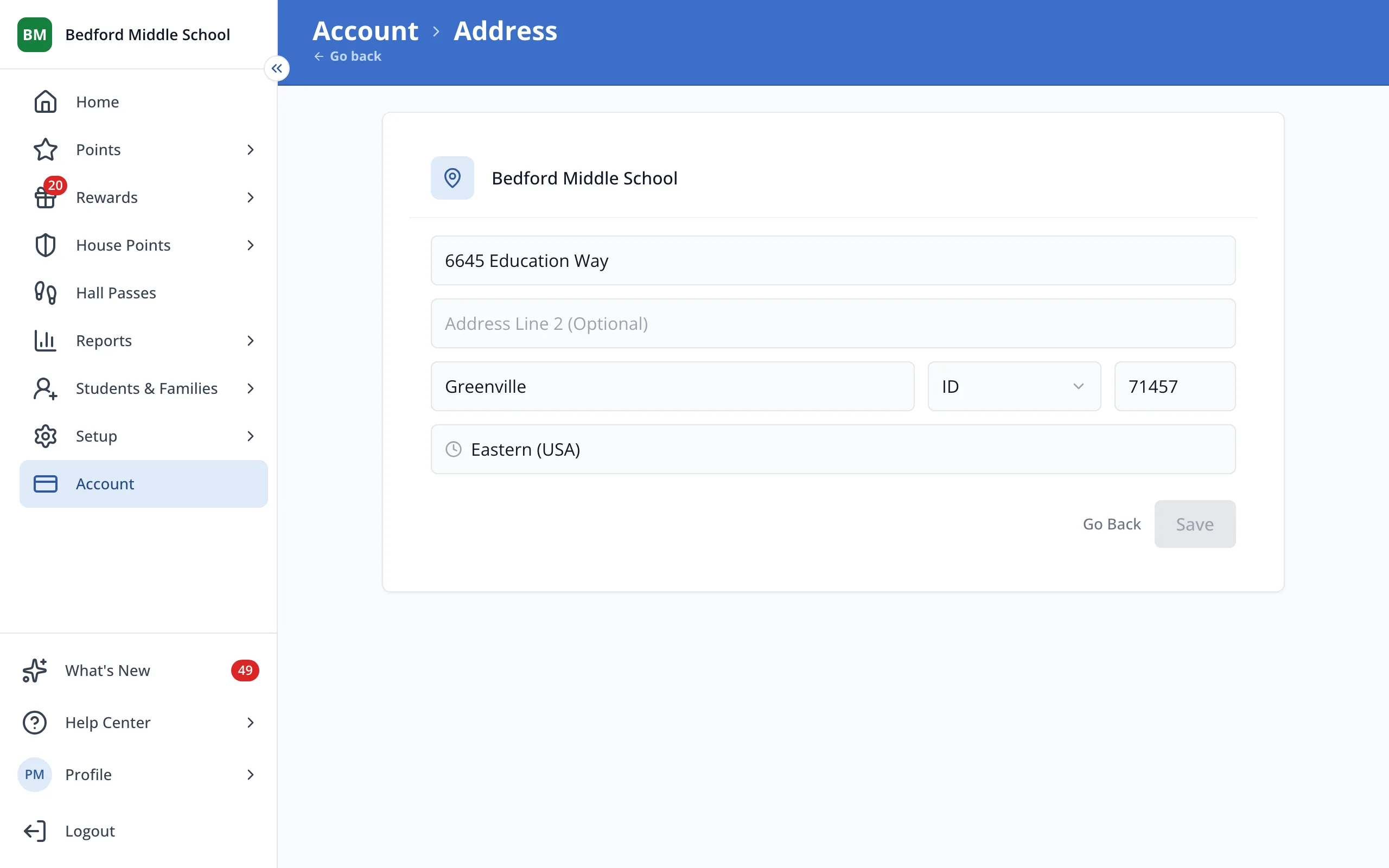
3.Change your school's name or any part of its address.
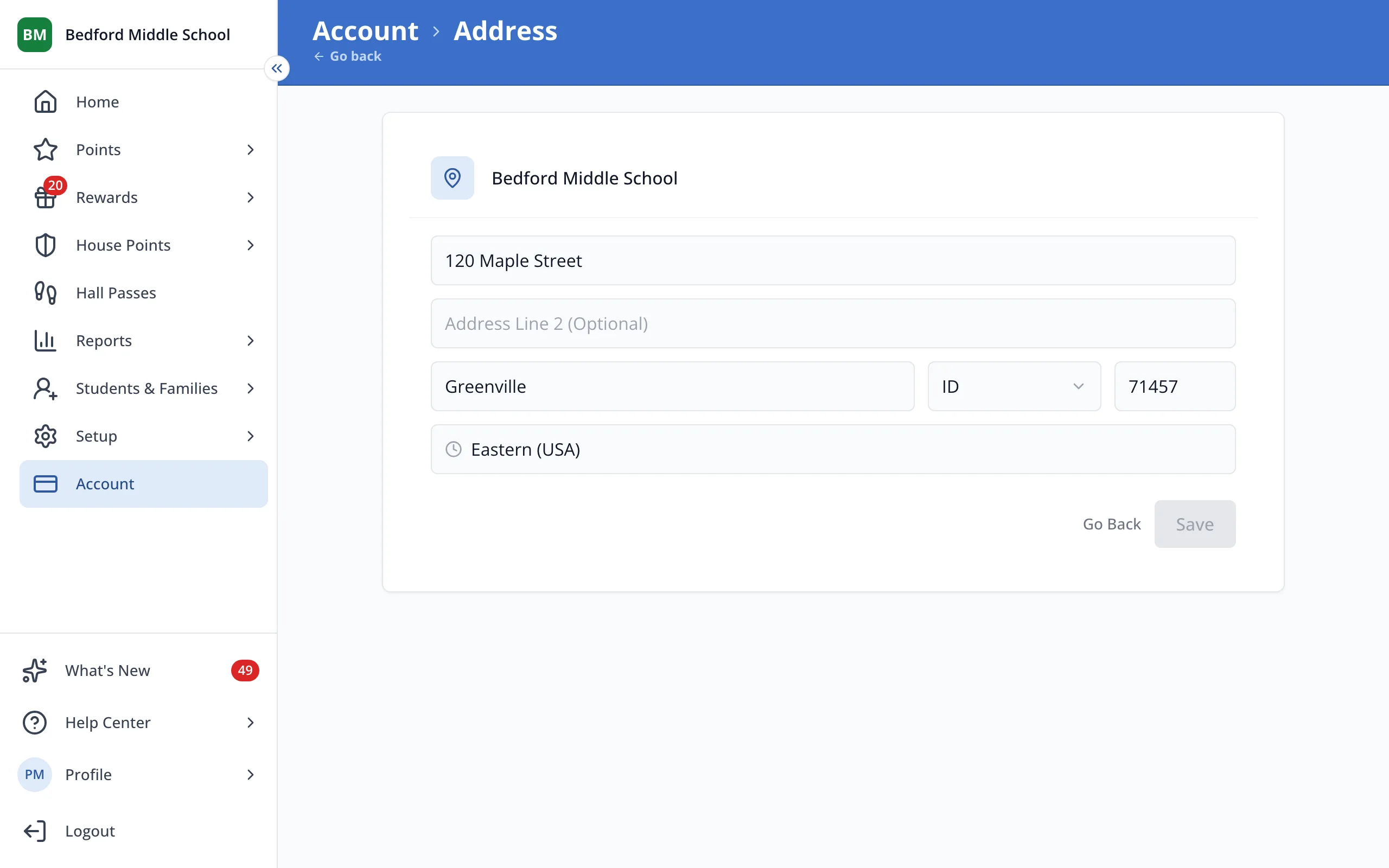
4.Click Save.
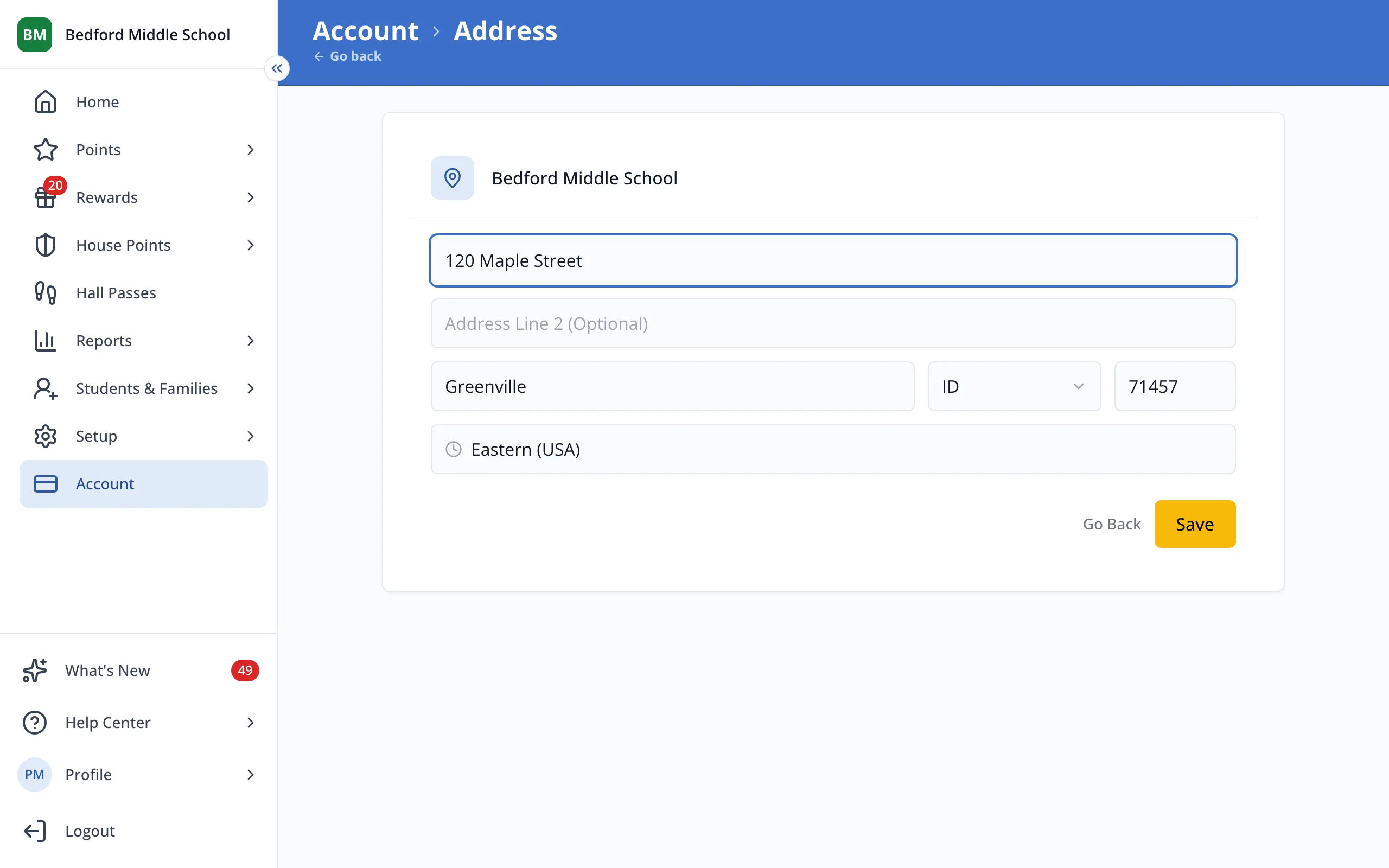
5.Click Go Back to return to Account.