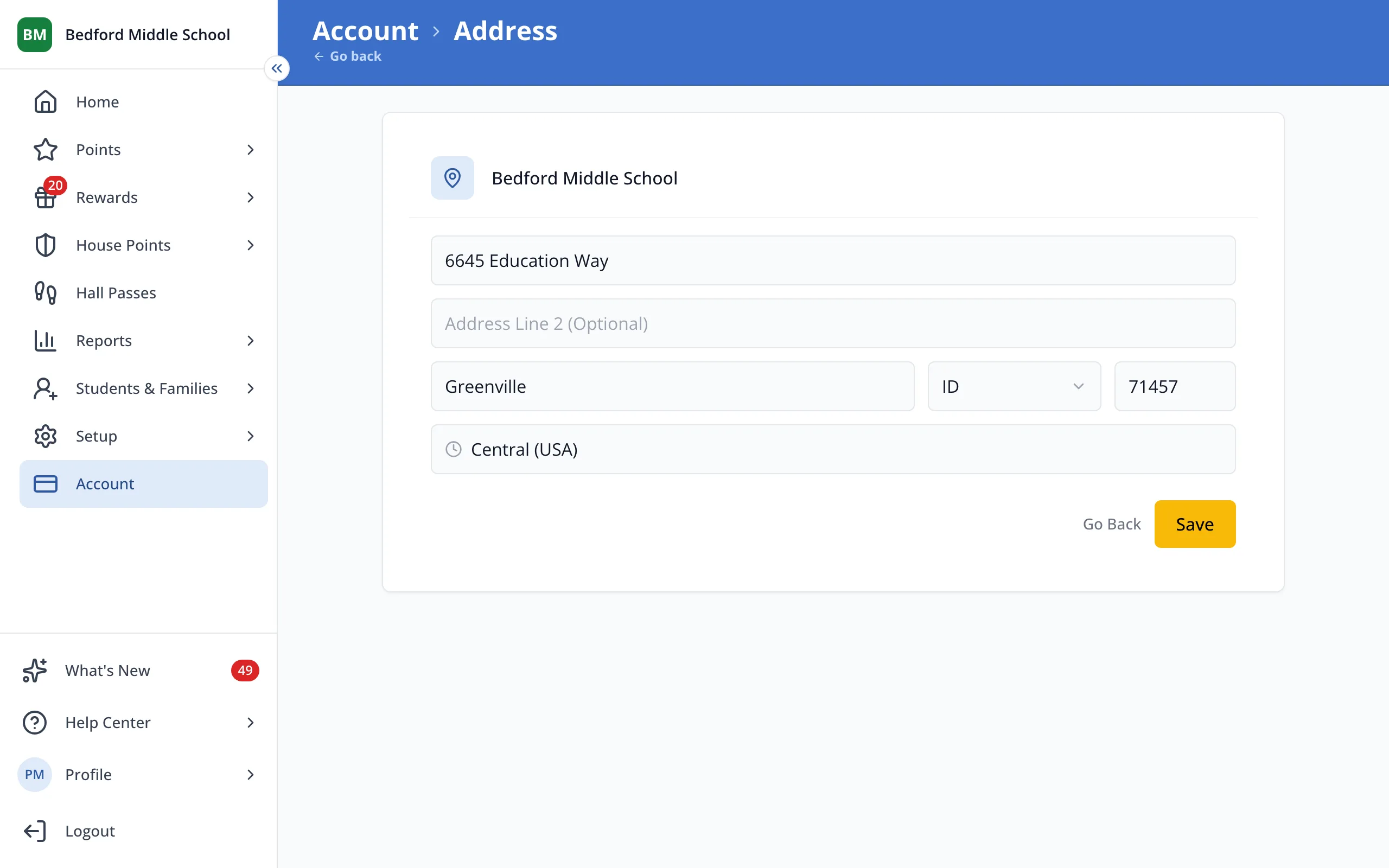
Change your school's time zone
Dates and times across your school's account, like when points were given, follow this time zone, not each person's computer.
AdminSite Leader
Open in LiveSchool
Already signed in? Open this guide inside LiveSchool.
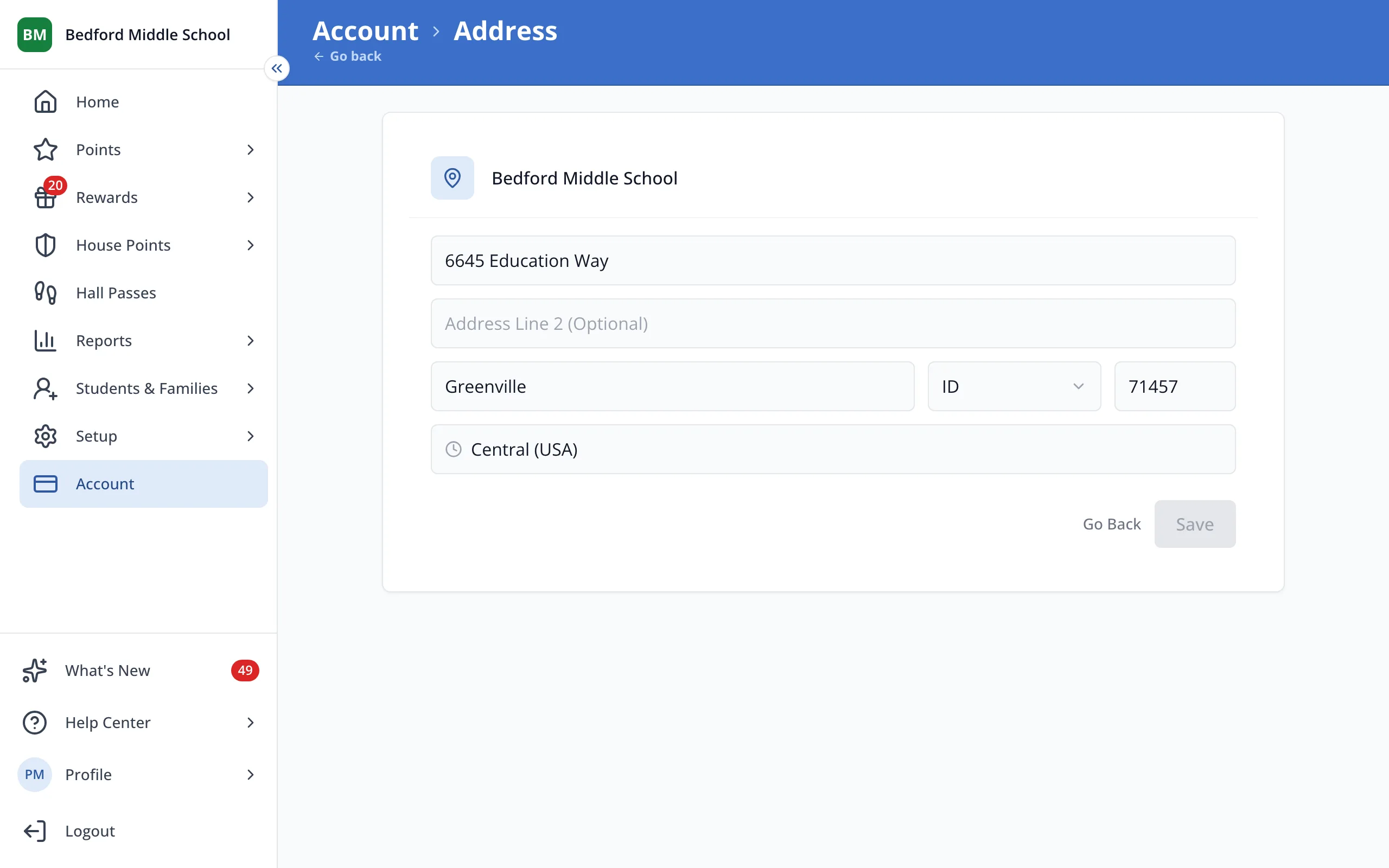
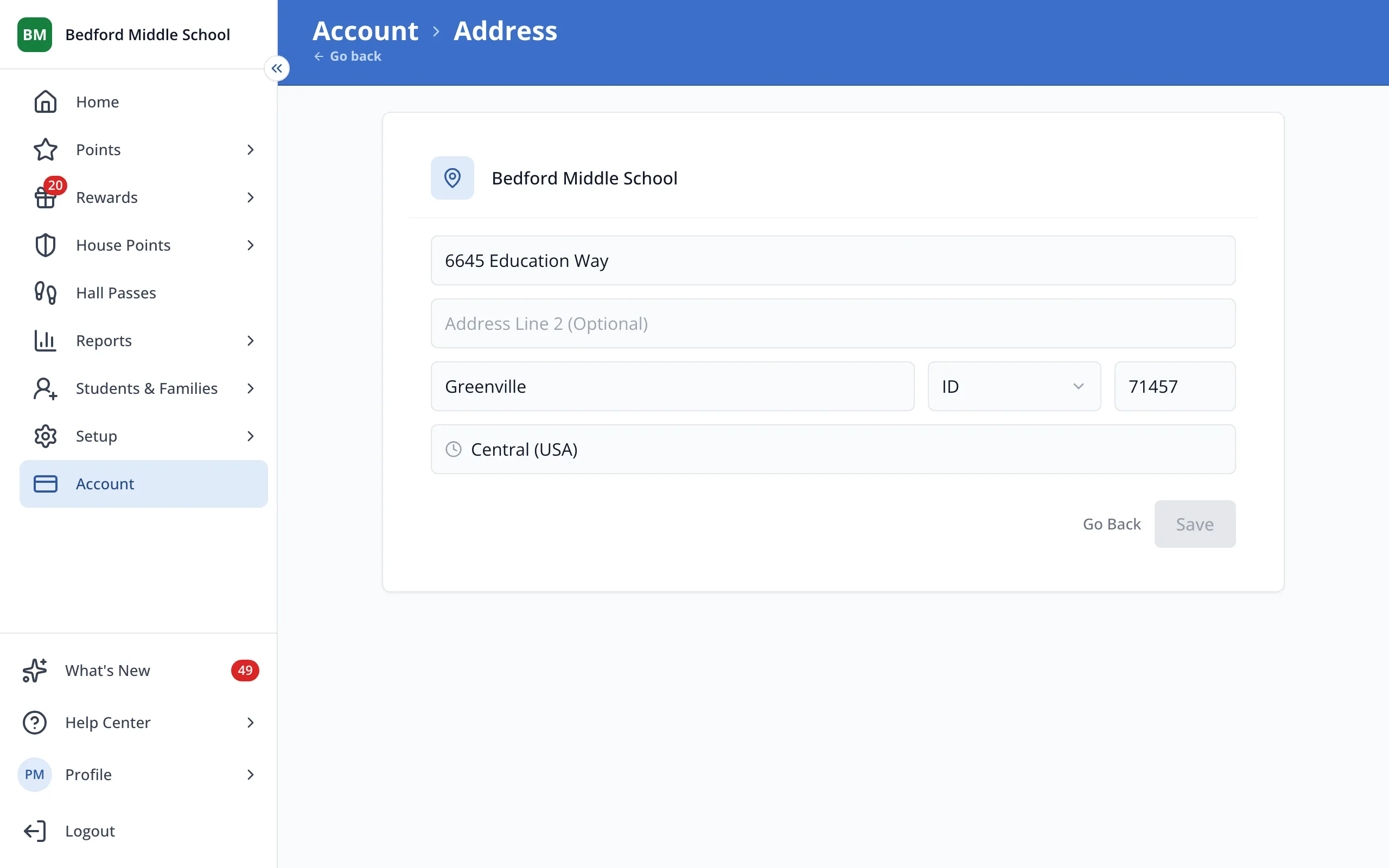
Use the Left and Right arrow keys to move between steps, and Space to play or pause.
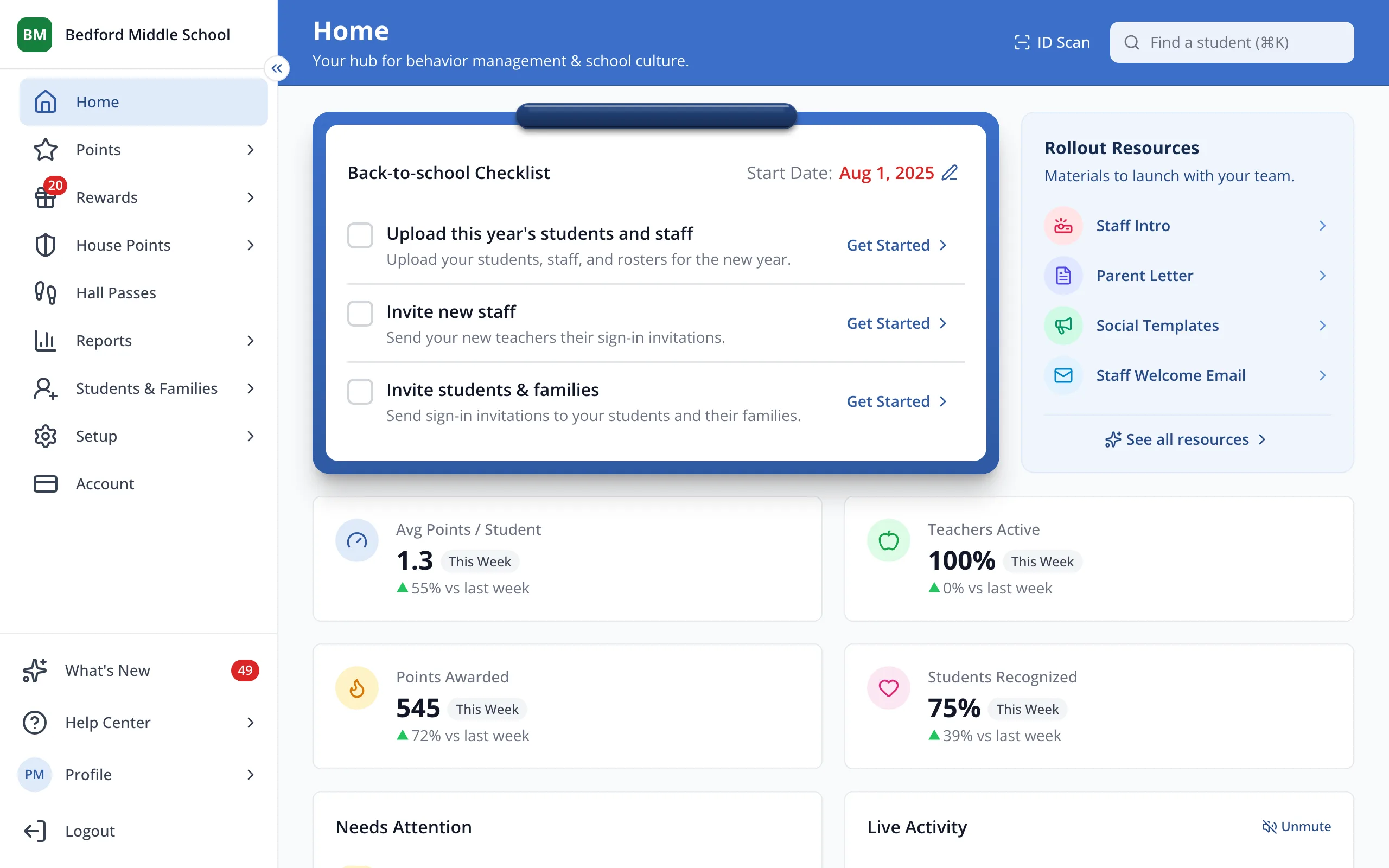
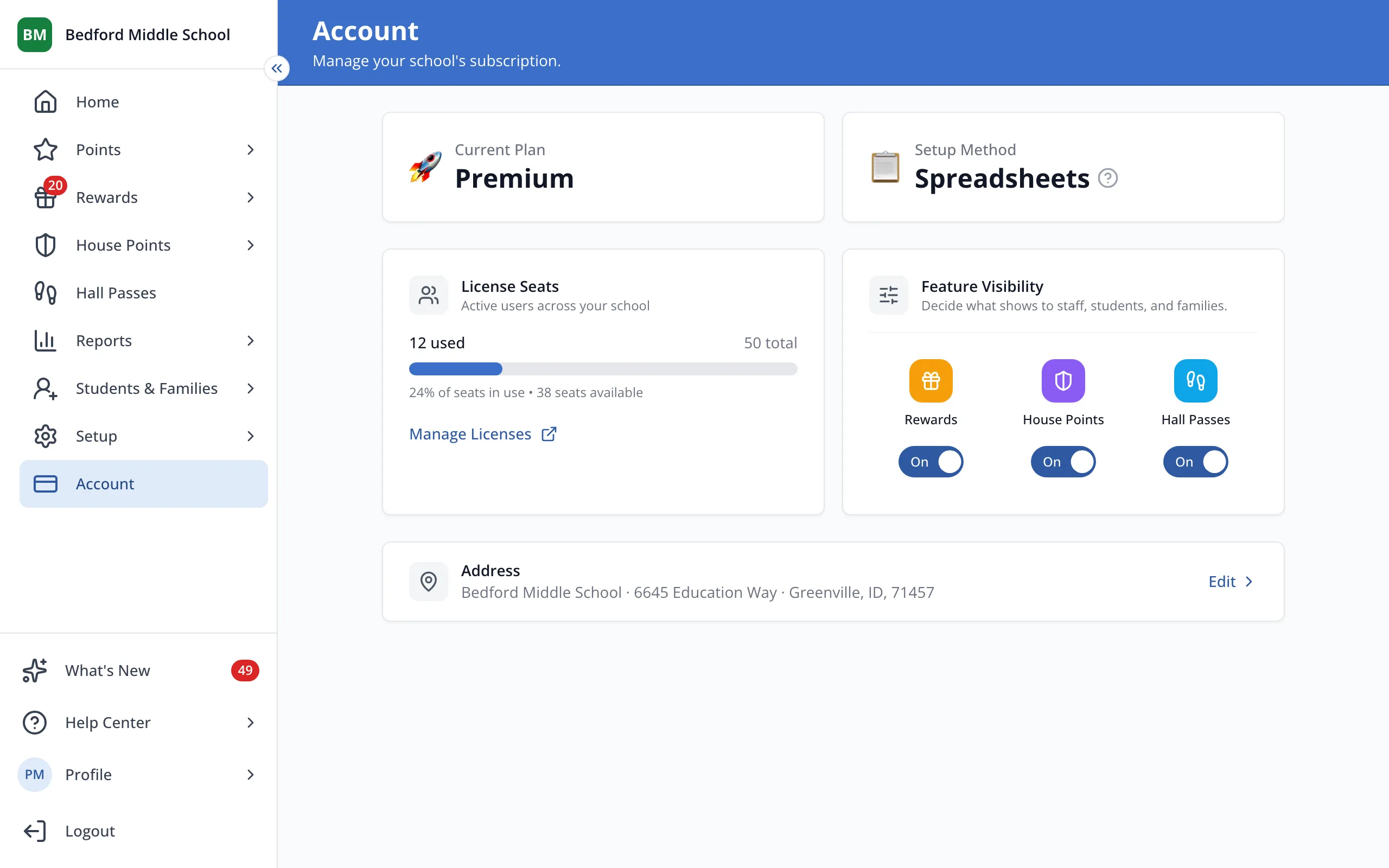
1.In the sidebar, click Account.
2.Next to Address, click Edit.
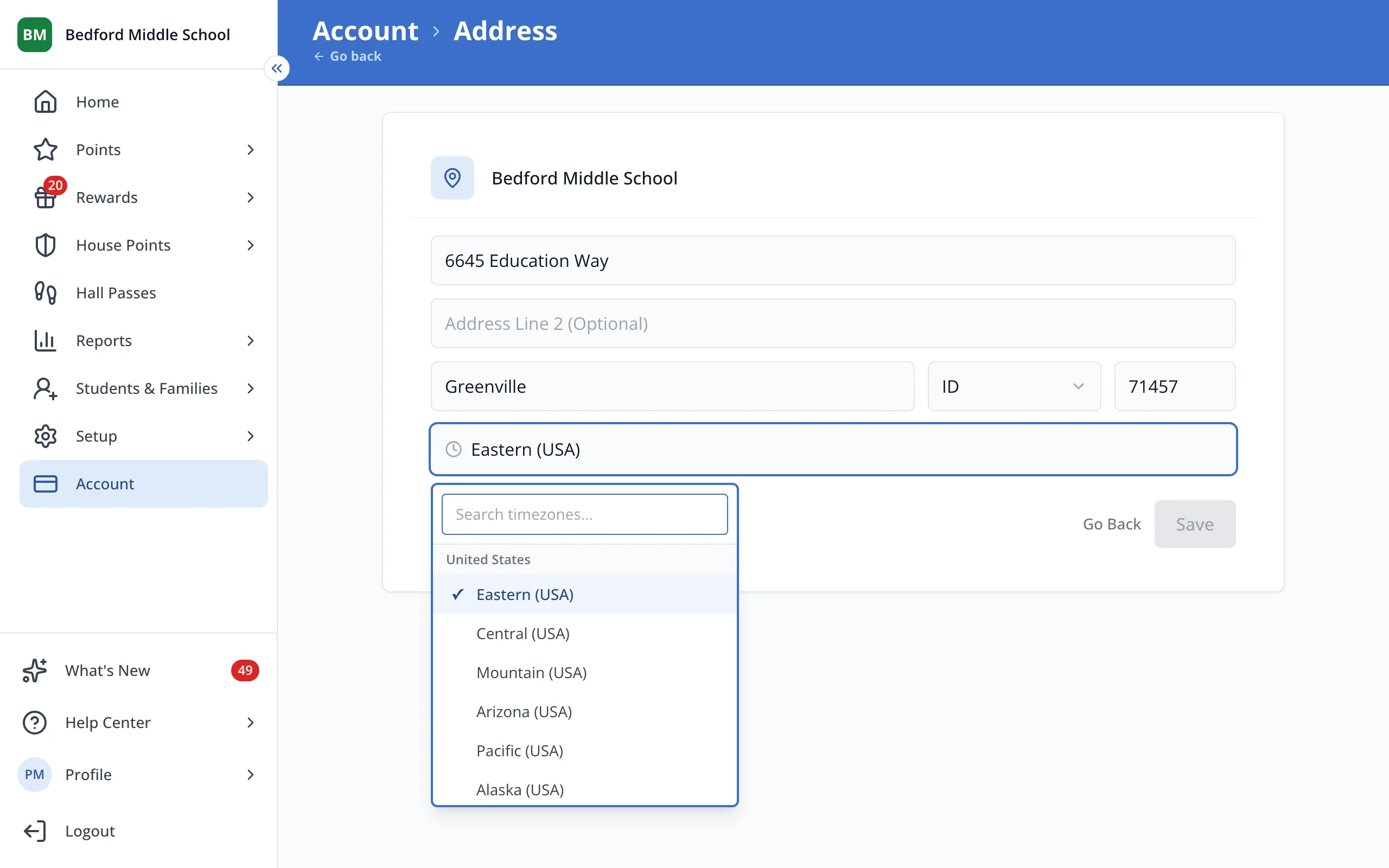
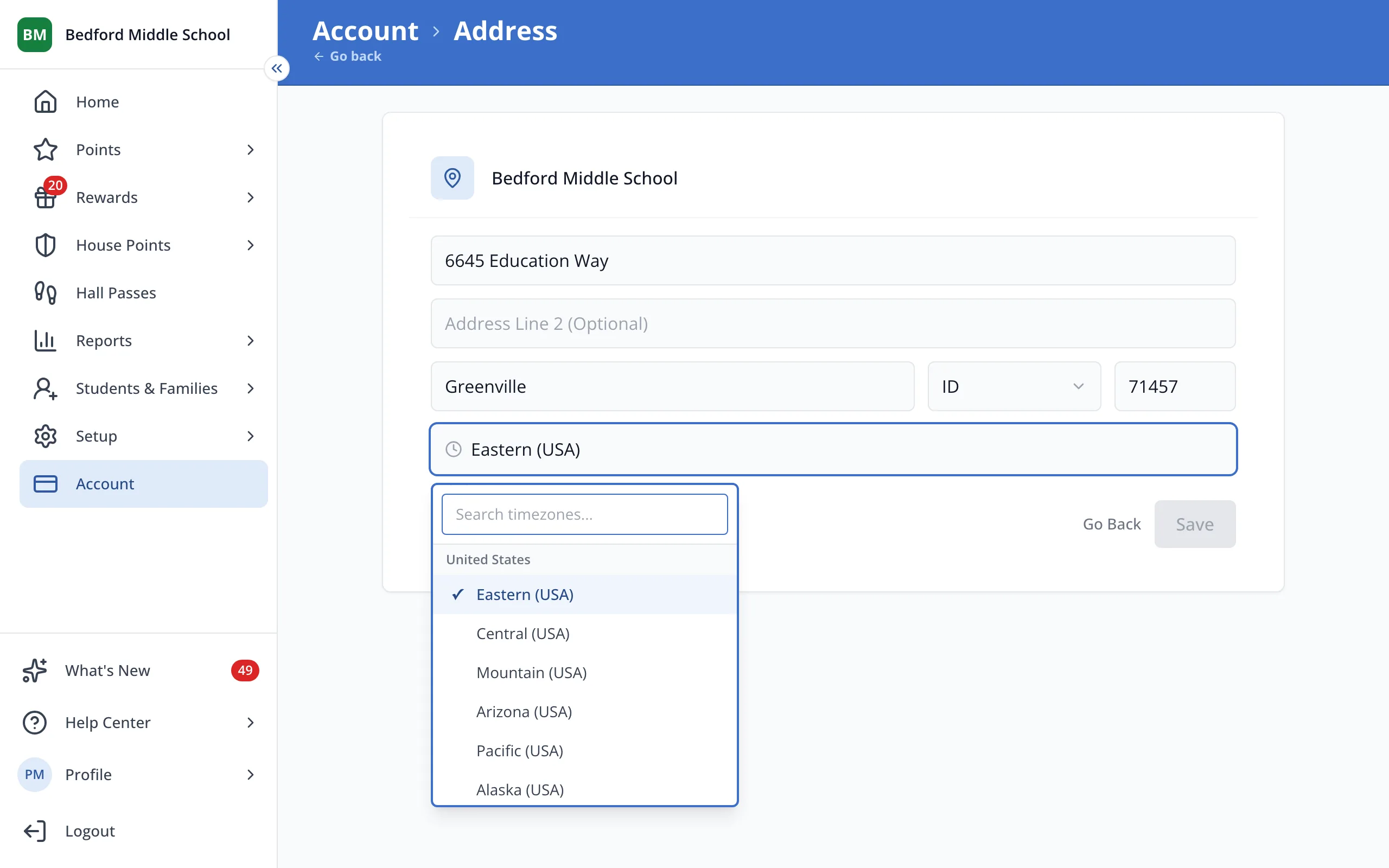
3.Click the time zone under your address.
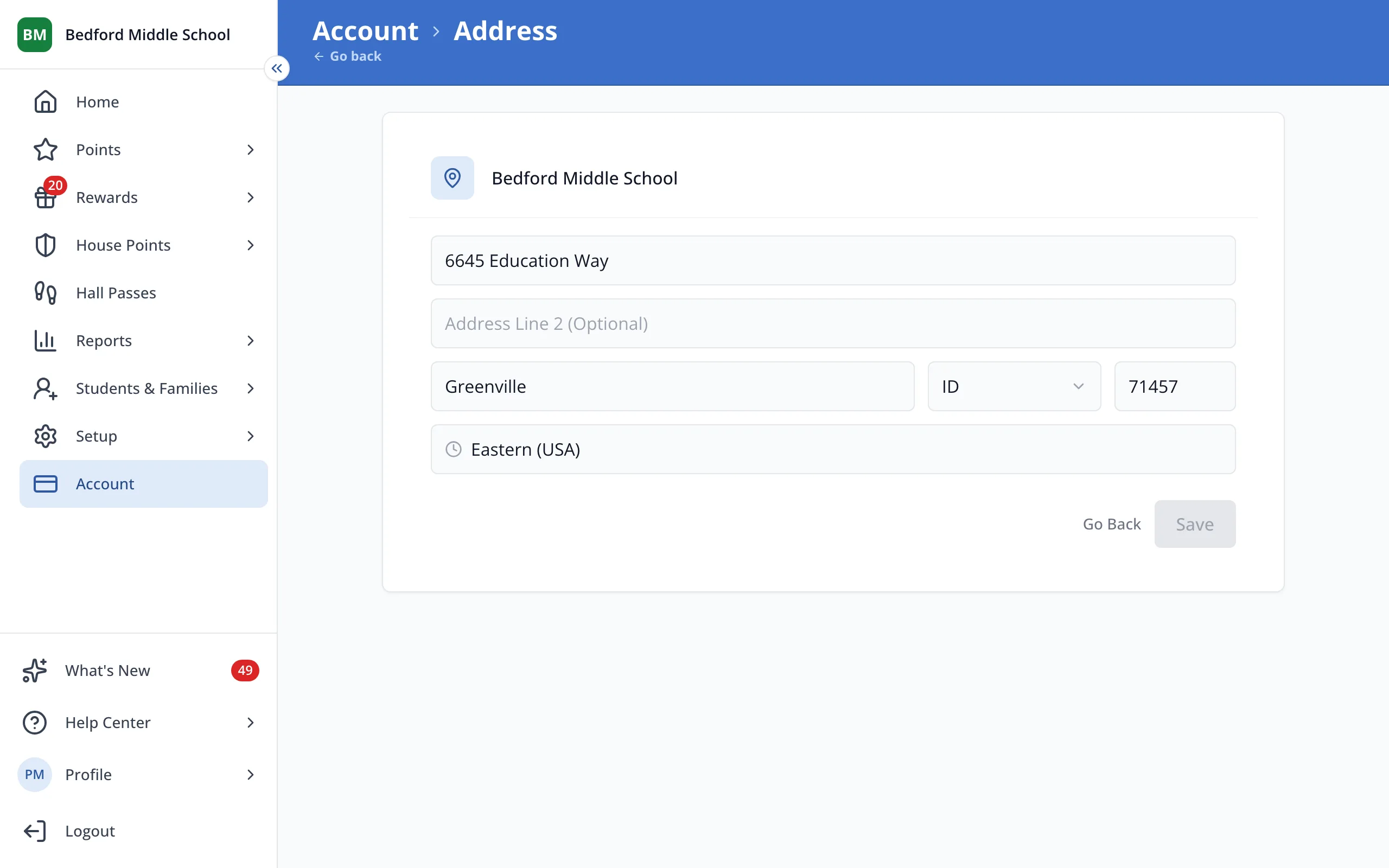
4.Click your school's time zone, like Central (USA).
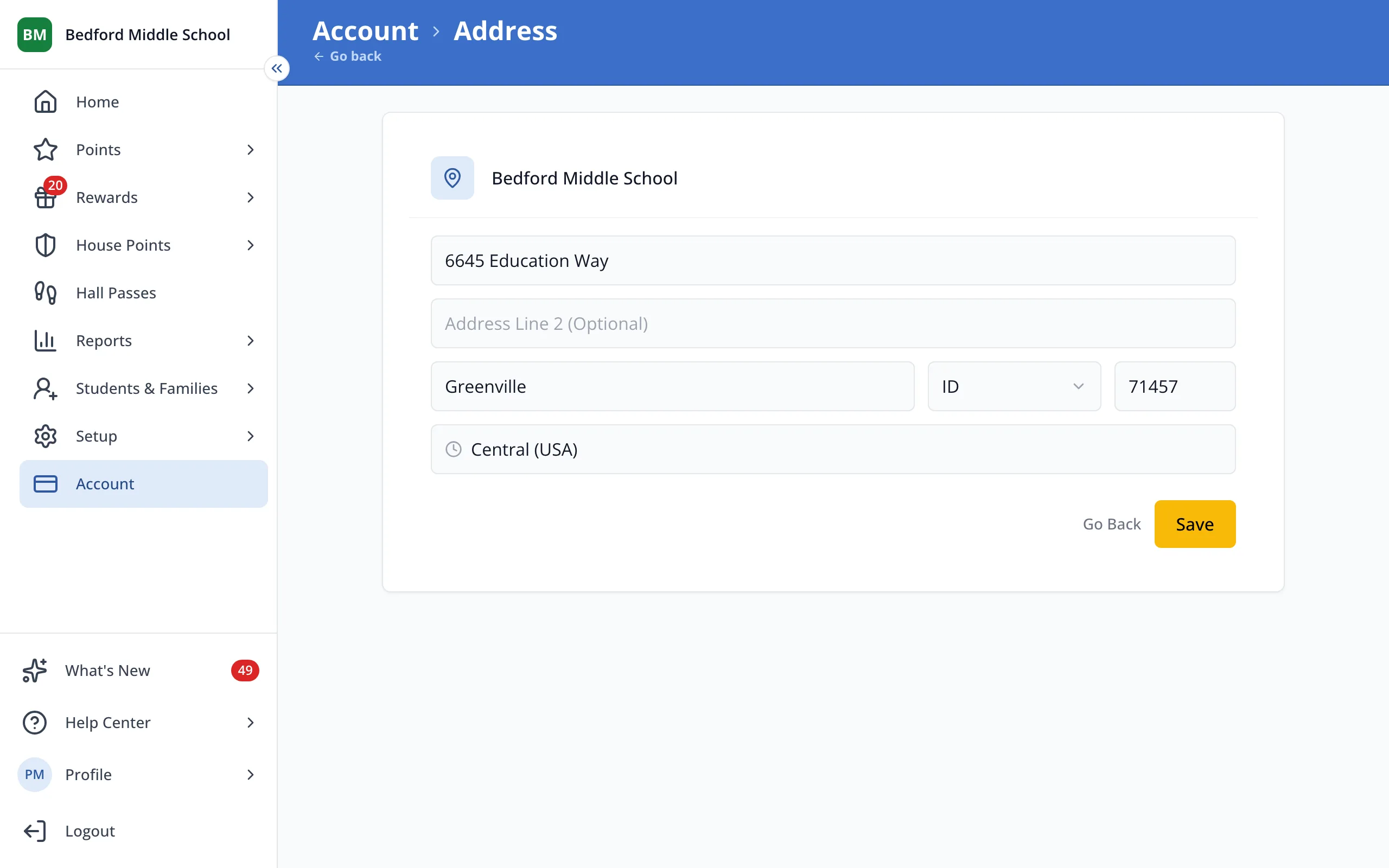
5.Click Save.