Change your school year's first day
The start date is the first day you'll award points. Your last day of school is set in the new school year wizard.
AdminSite Leader
Open in LiveSchool
Already signed in? Open this guide inside LiveSchool.
Use the Left and Right arrow keys to move between steps, and Space to play or pause.
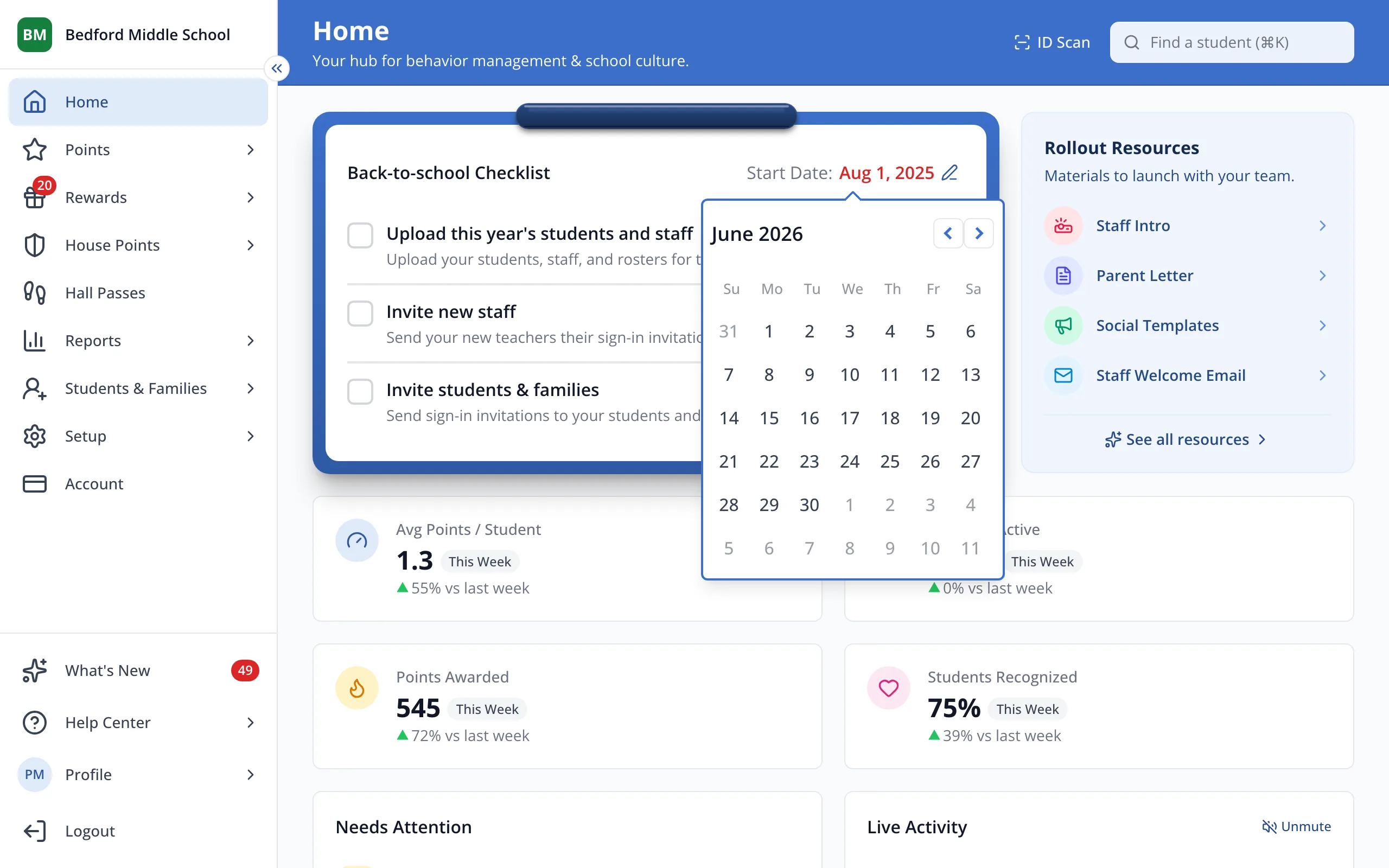
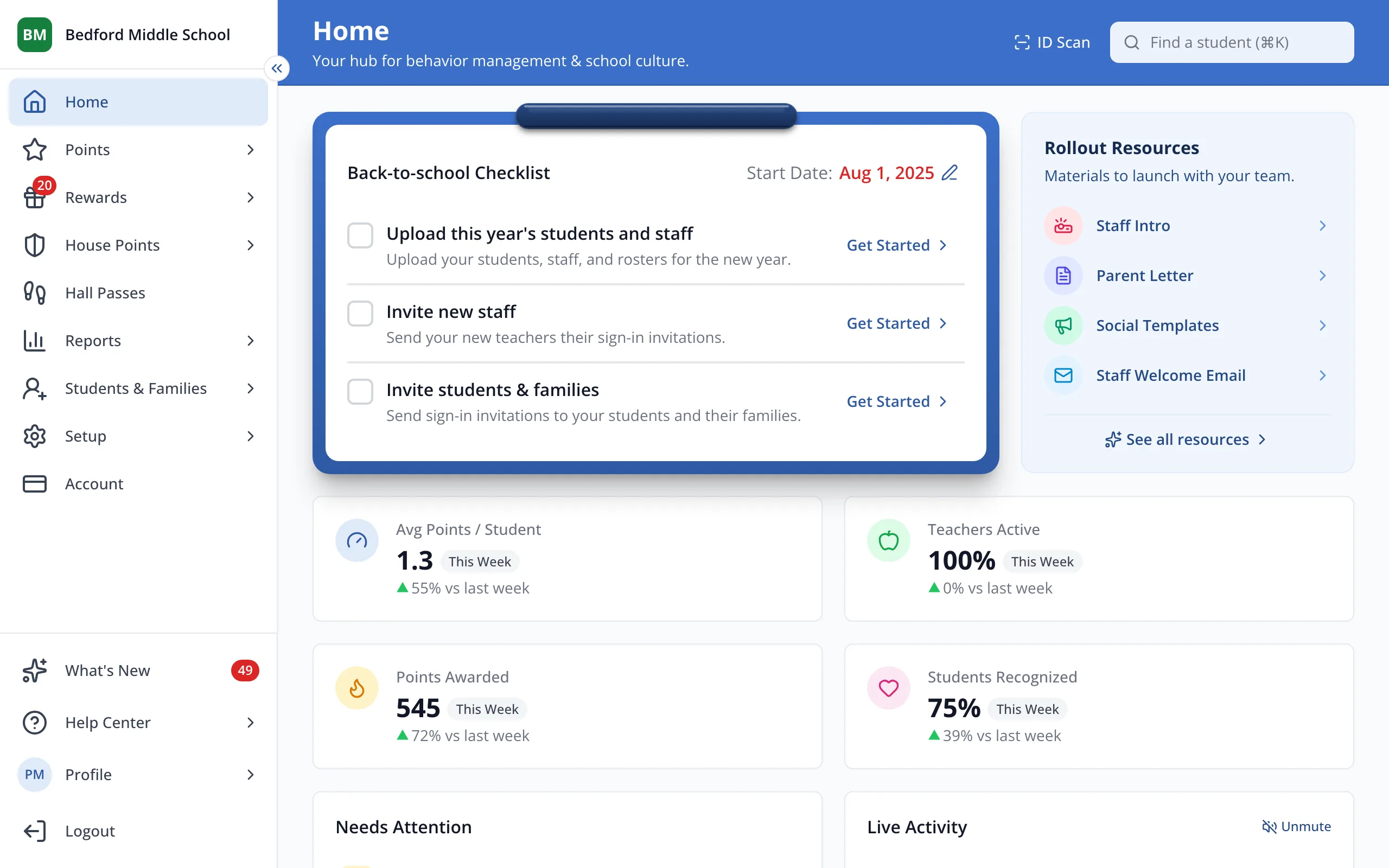
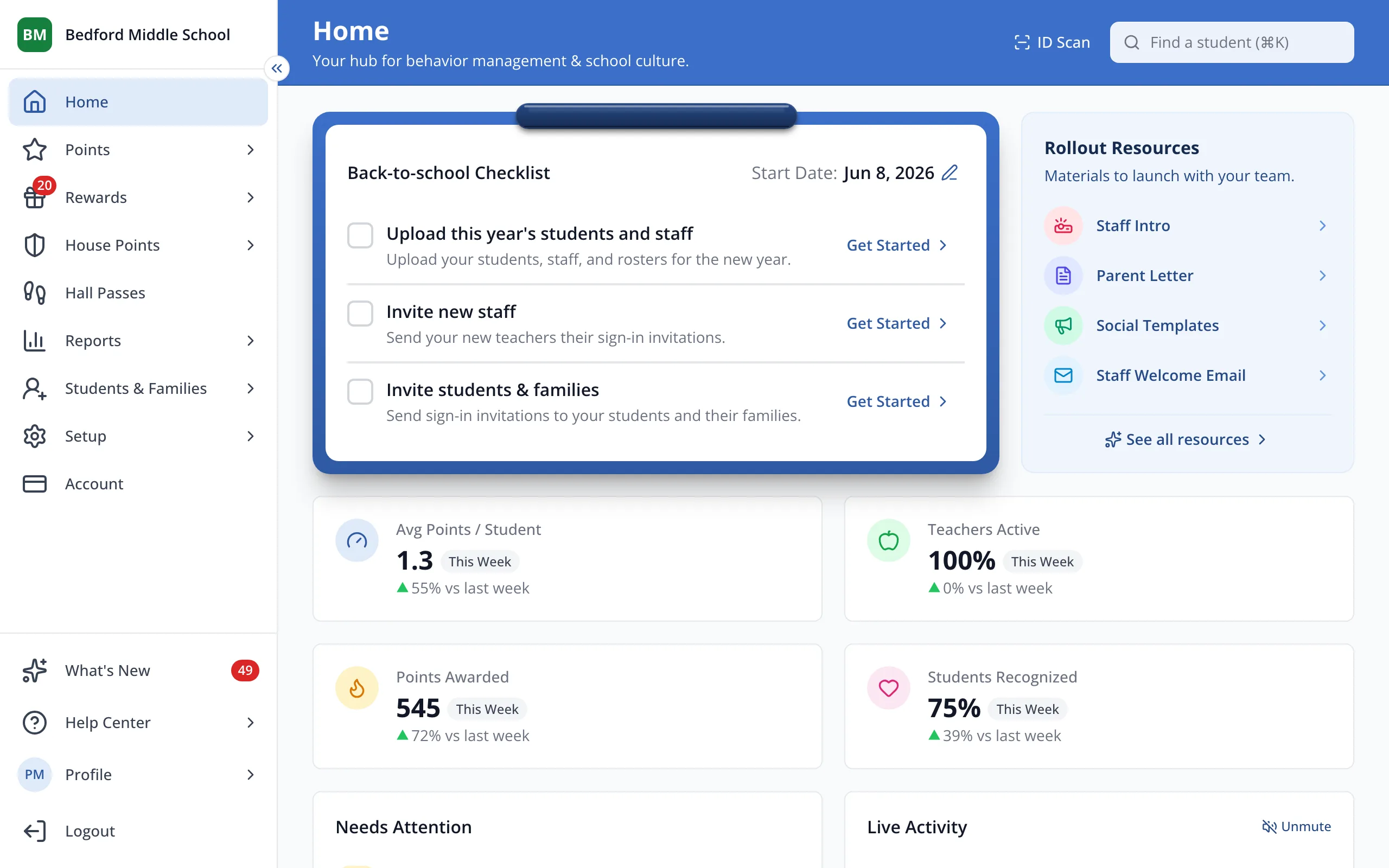
1.On Home, at the top of your Back-to-school Checklist, click Start Date.
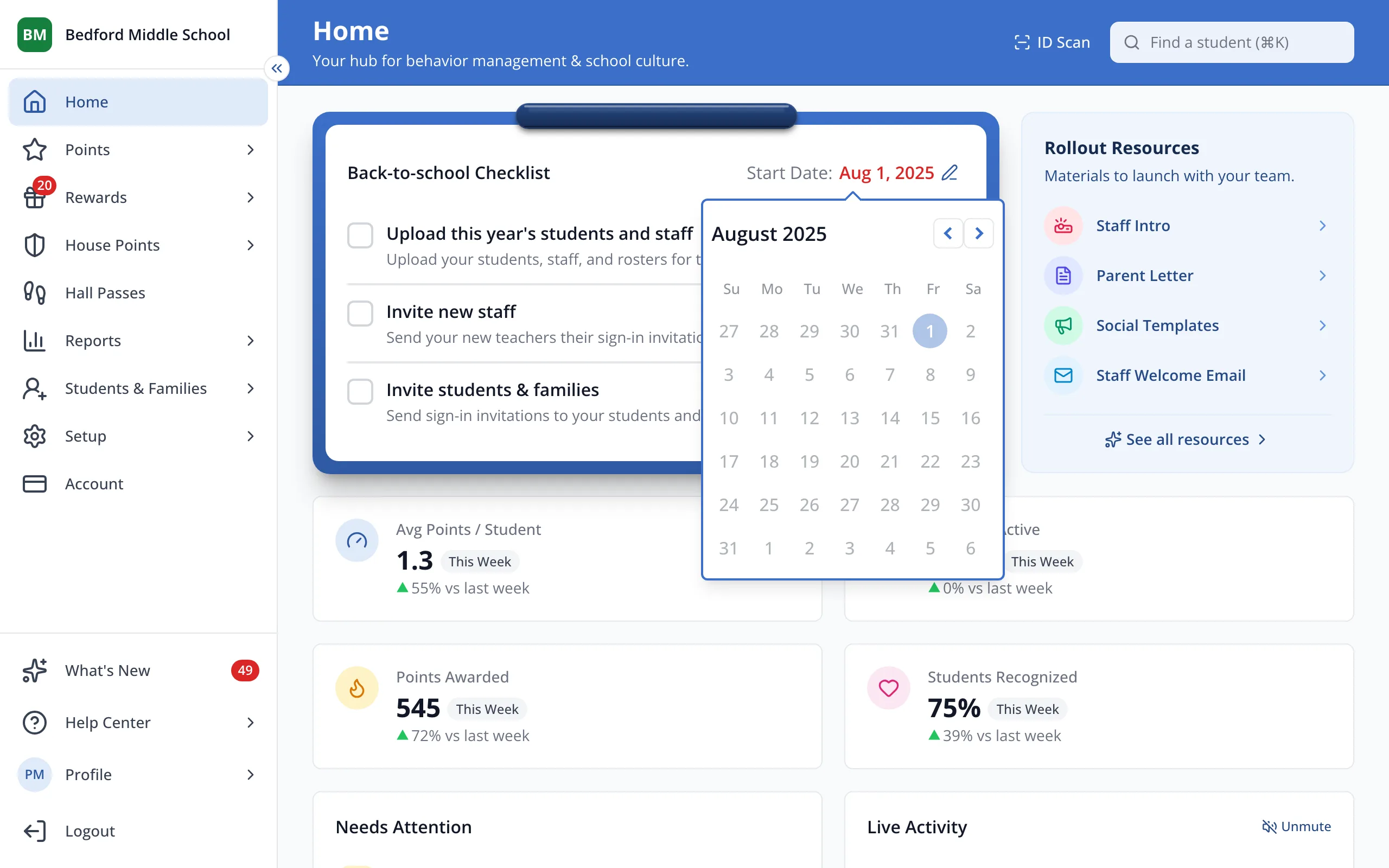
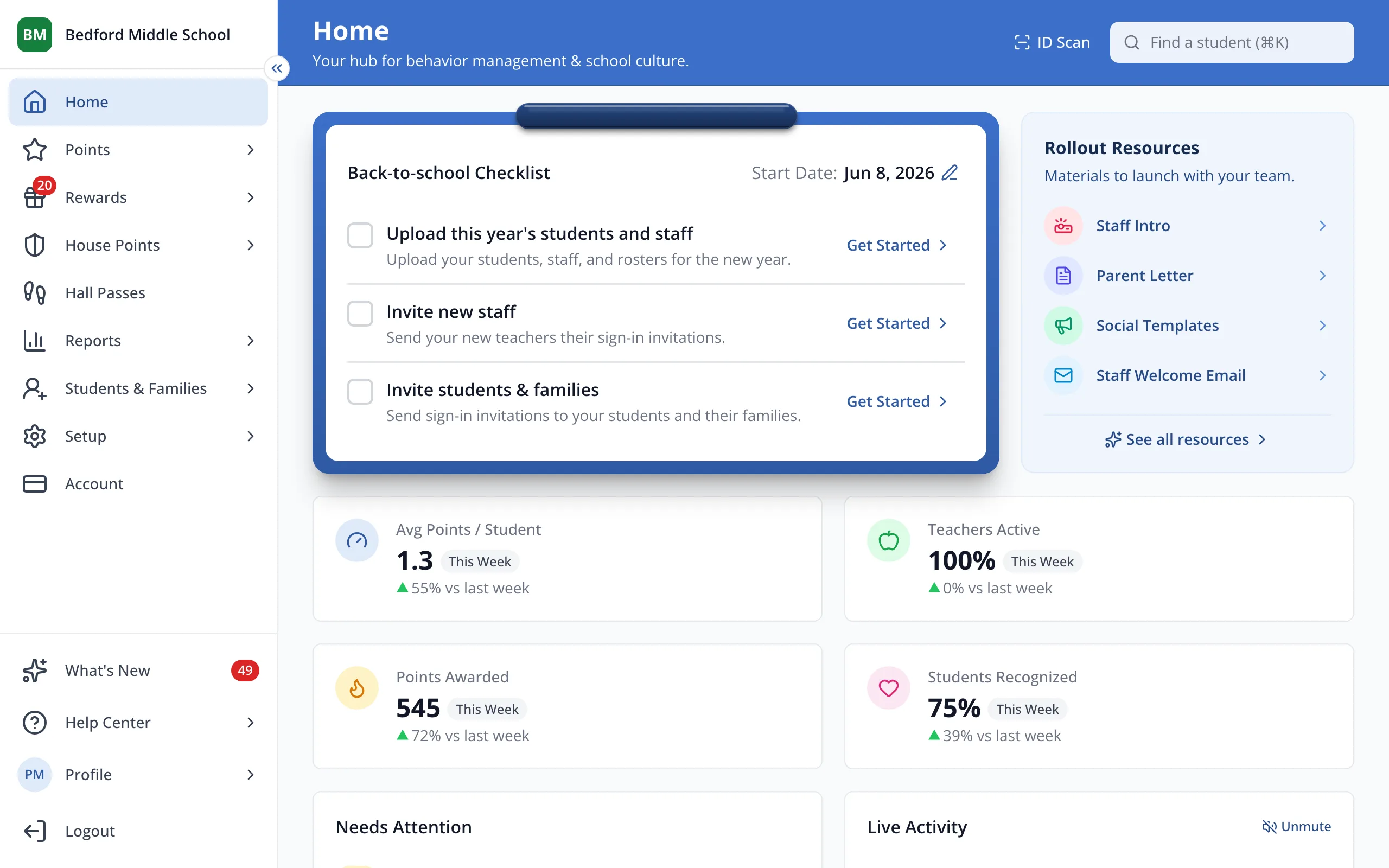
2.Click the first day you'd like to start awarding points. Past days can't be picked.