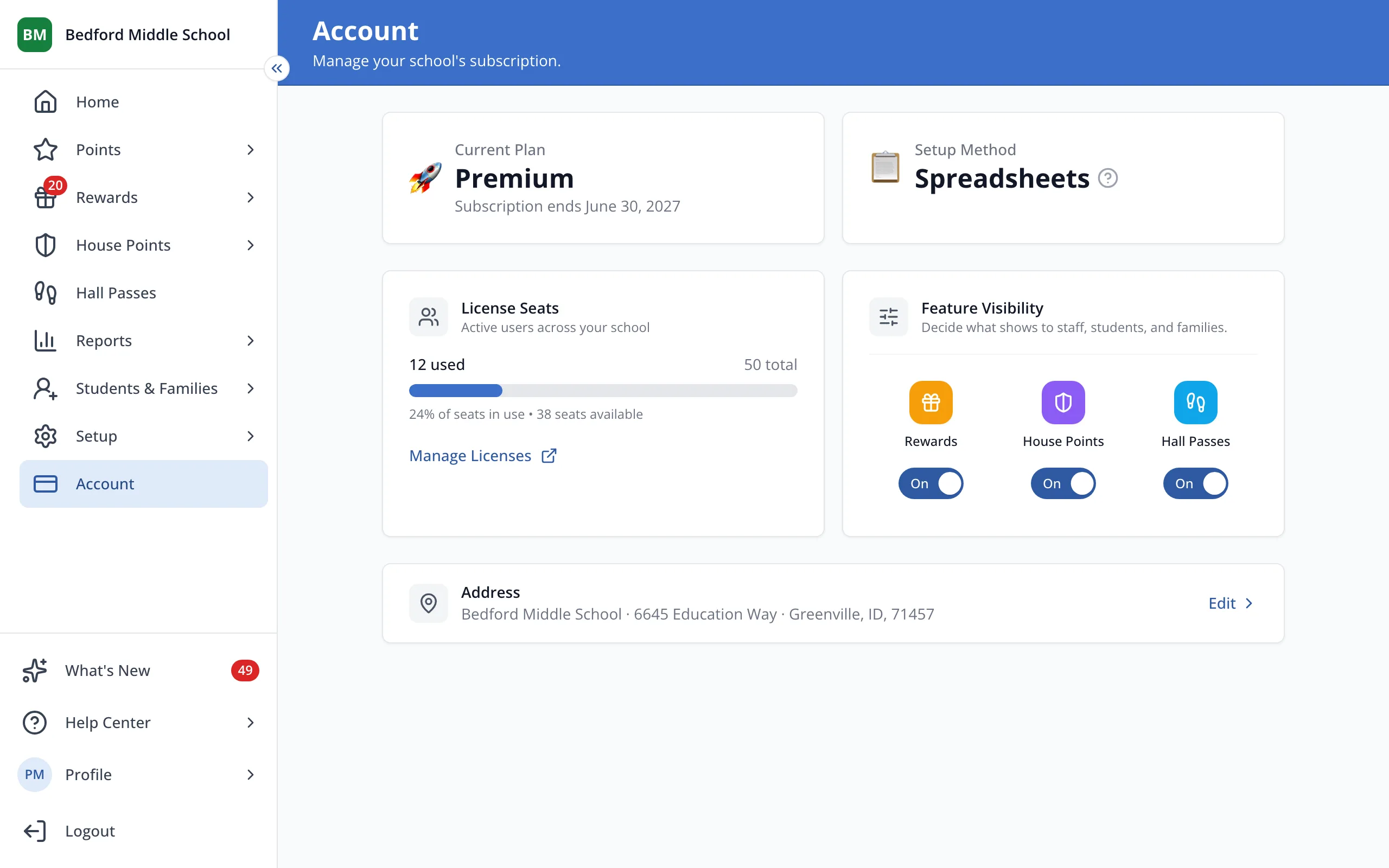
See your plan and when your subscription ends
Check your plan before renewal time, or when a feature you expected isn't there.
AdminSite Leader
Open in LiveSchool
Already signed in? Open this guide inside LiveSchool.
Use the Left and Right arrow keys to move between steps, and Space to play or pause.
1.In the sidebar, click Account.
2.Under Current Plan, check your plan's name and the date your subscription ends.