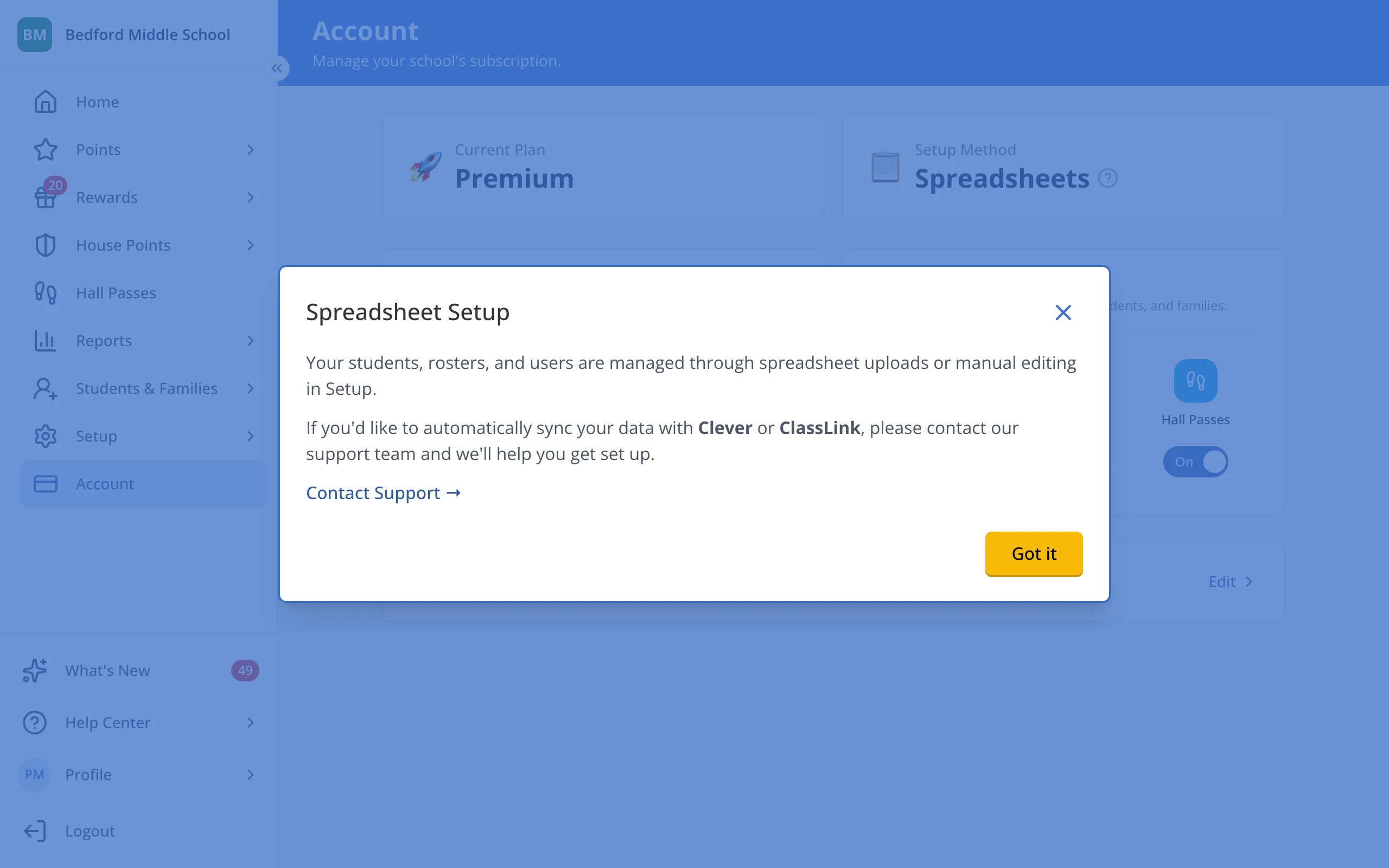
See how your school's students and staff are set up
Your setup method decides how your students, rosters and staff are updated: in LiveSchool with CSV spreadsheets, or in Clever or ClassLink.
AdminSite Leader
Open in LiveSchool
Already signed in? Open this guide inside LiveSchool.
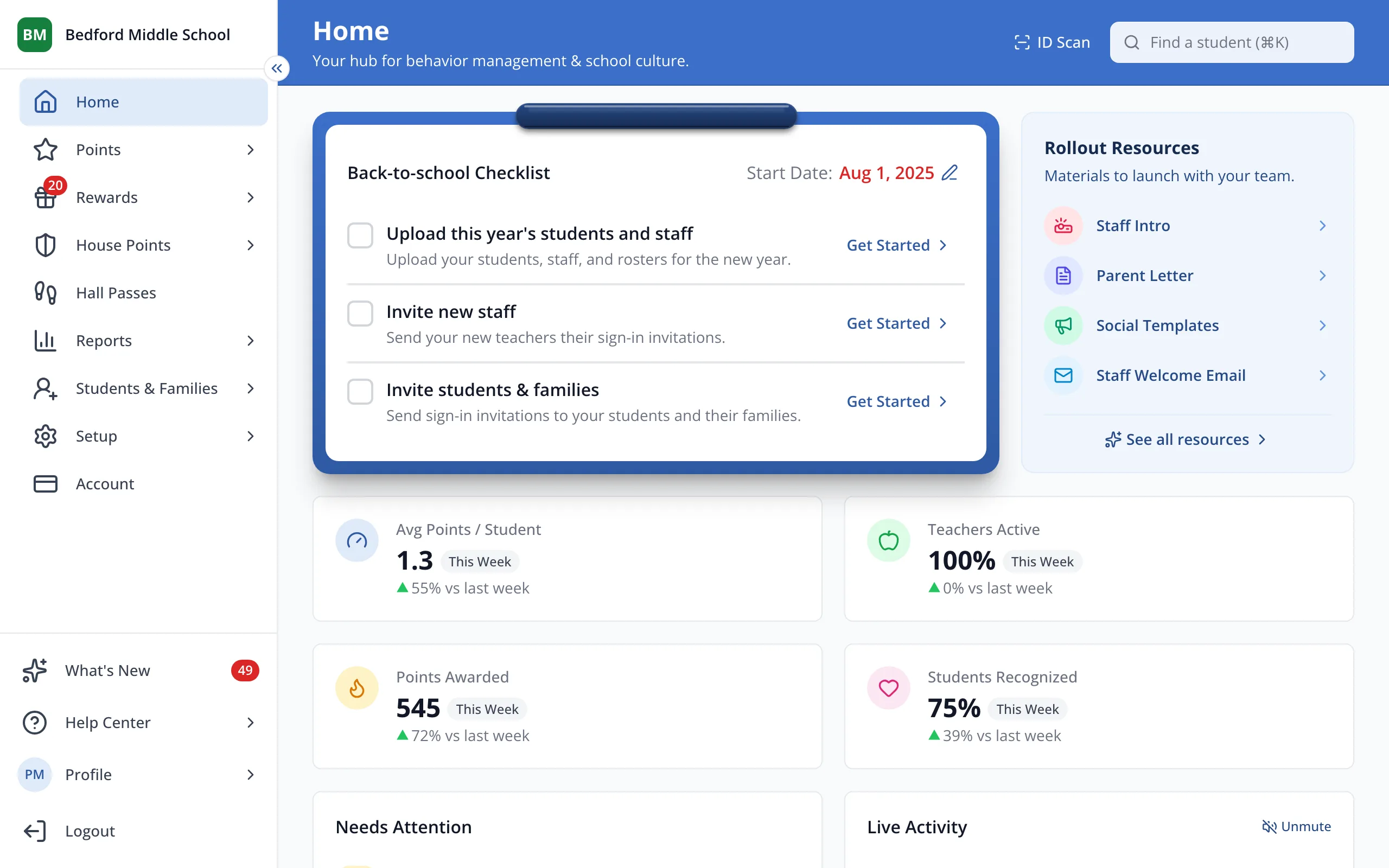
Use the Left and Right arrow keys to move between steps, and Space to play or pause.
1.In the sidebar, click Account.
2.Under Setup Method, check whether your school uses Spreadsheets, Clever or ClassLink.
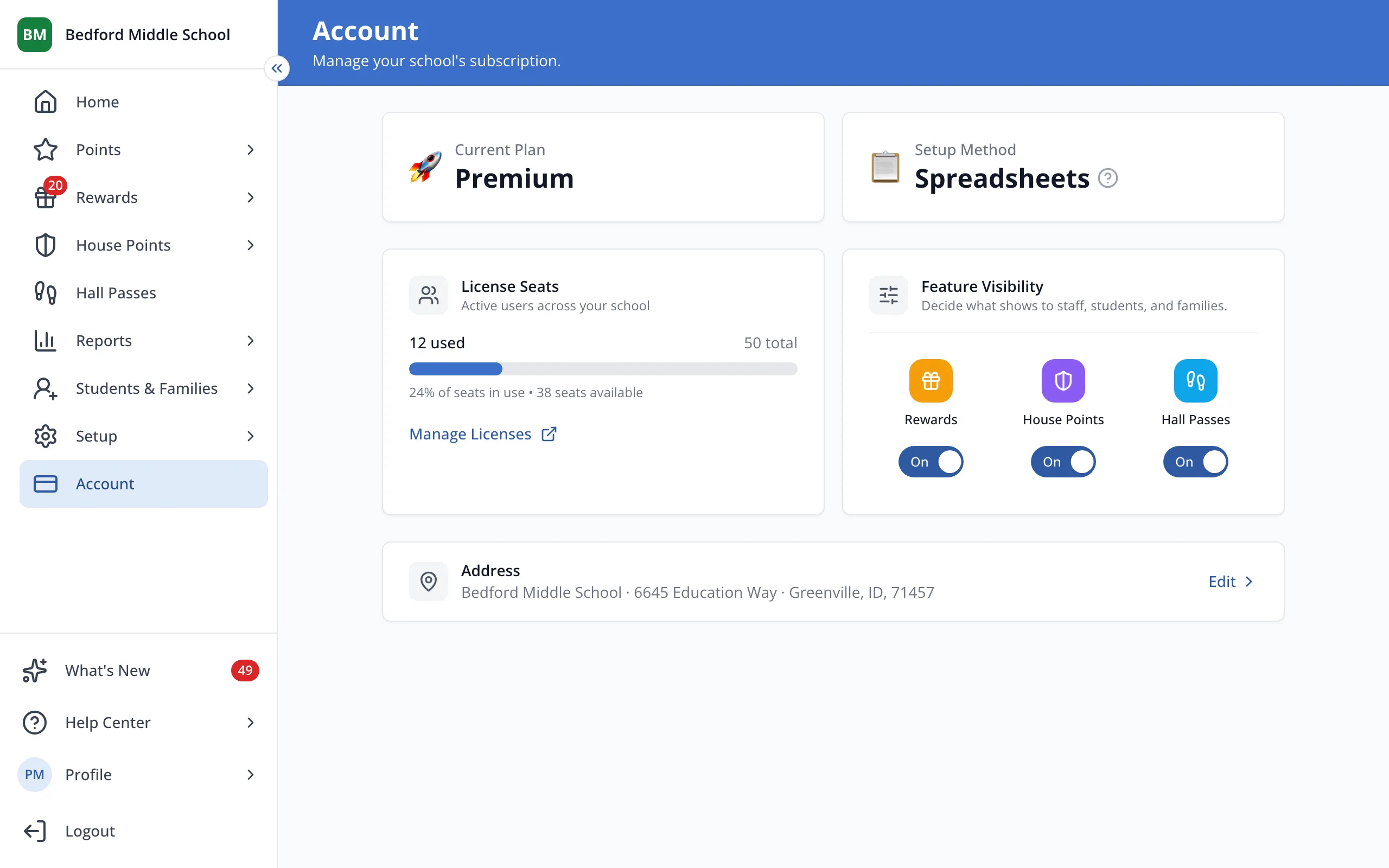
3.On a spreadsheet school, click the ? to learn how to switch to Clever or ClassLink.
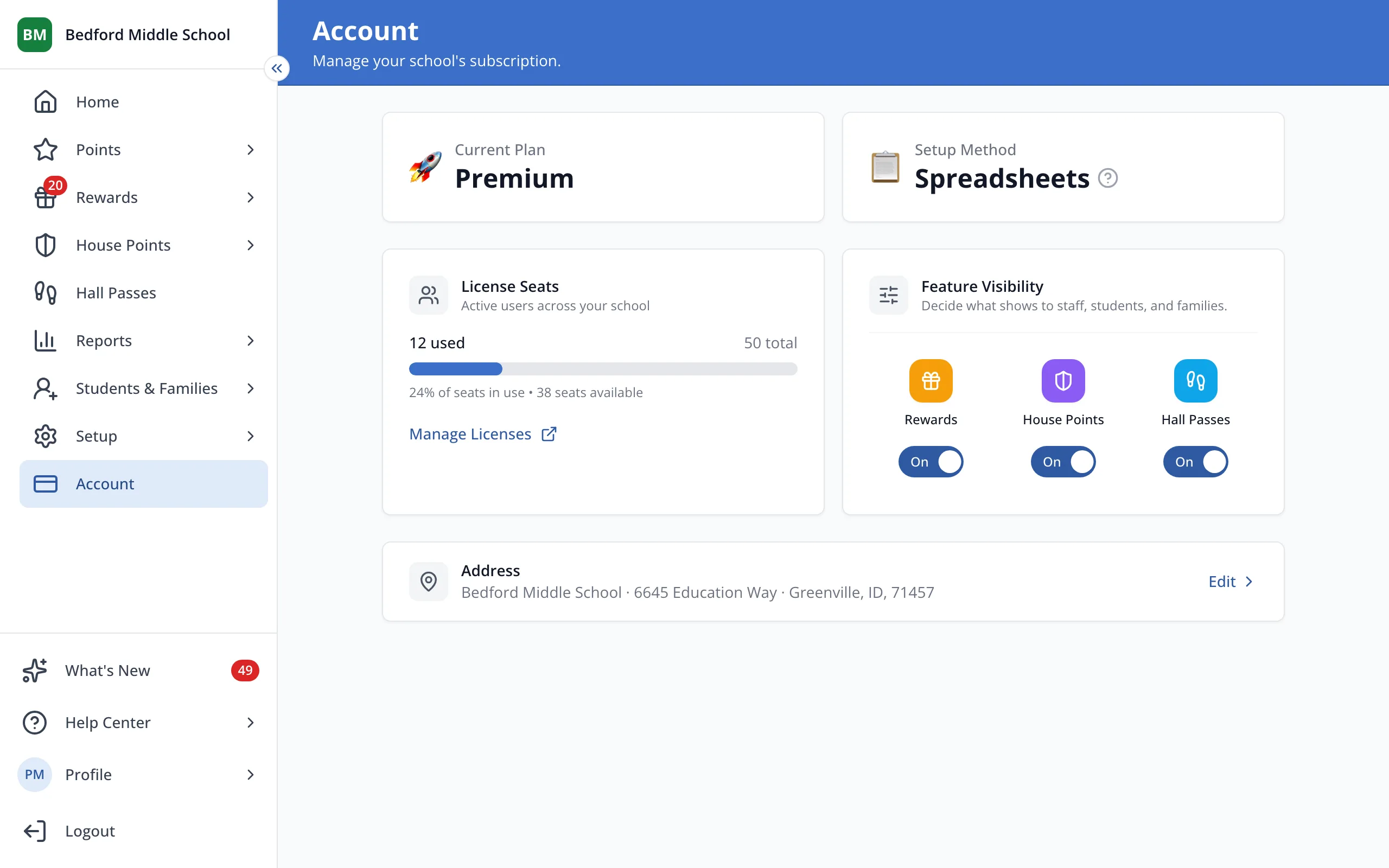
4.Click Contact Support to ask about syncing with Clever or ClassLink.