
Promote a teacher to admin or site leader, or return their permissions to that of a teacher
LiveSchool has three levels of access: teacher, admin, or site leader. Each can be set on the user detail page.
AdminSite Leader
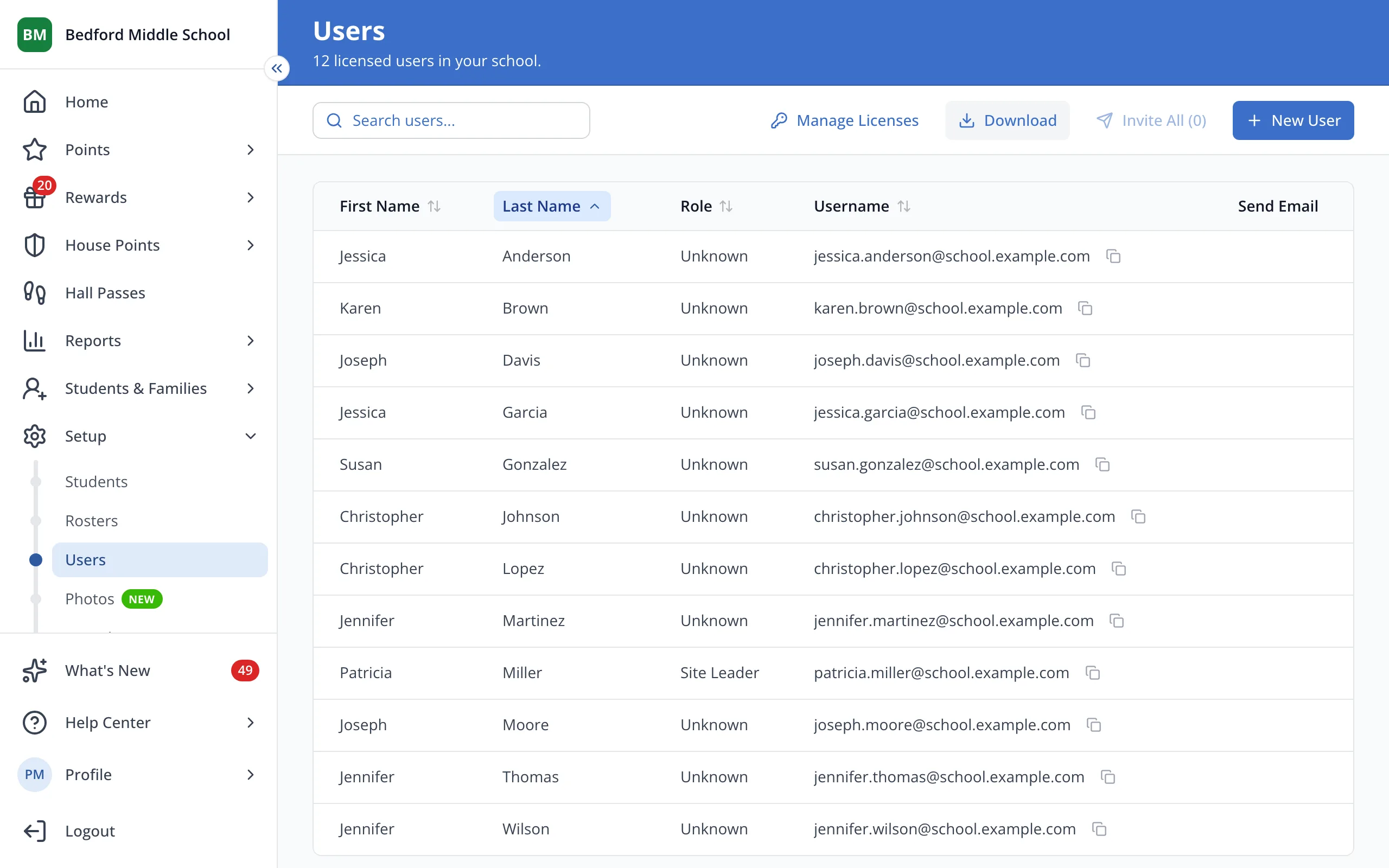
1 / 5On the Users page, click the staff member's first name.
1.On the Users page, click the staff member's first name.
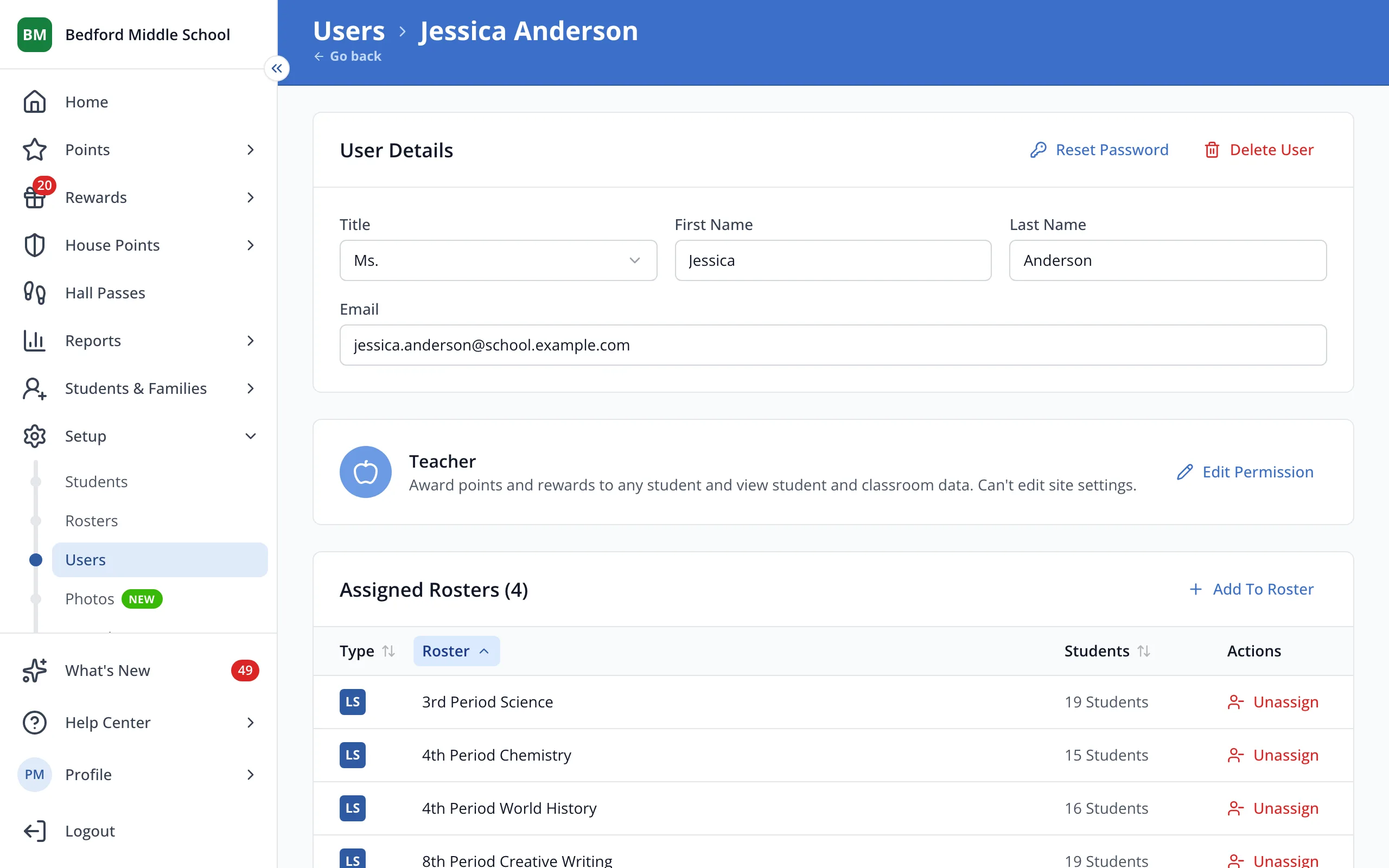
2.Next to their current role, click Edit Permission.
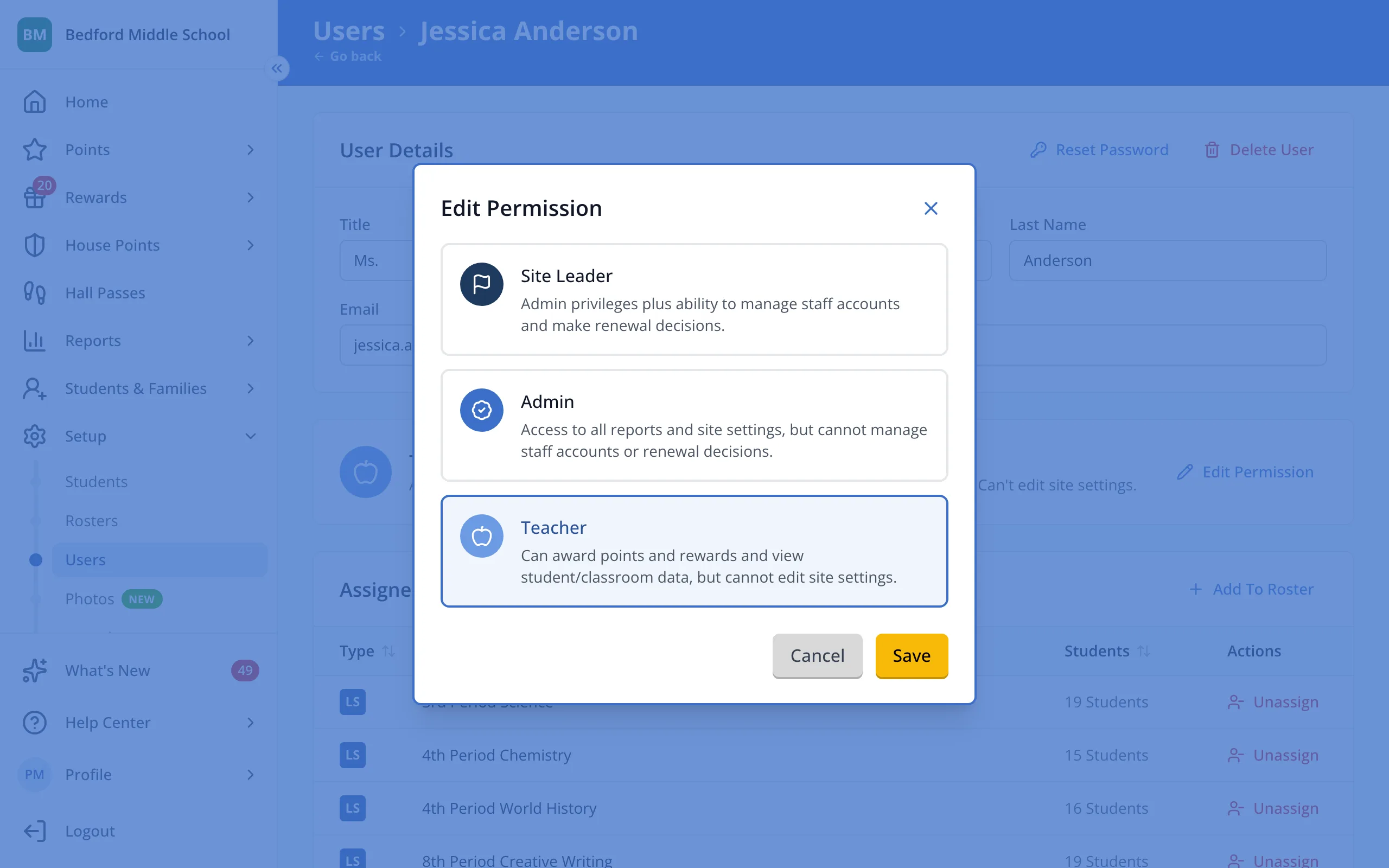
3.Click Admin or Site Leader, or click Teacher to change them back.
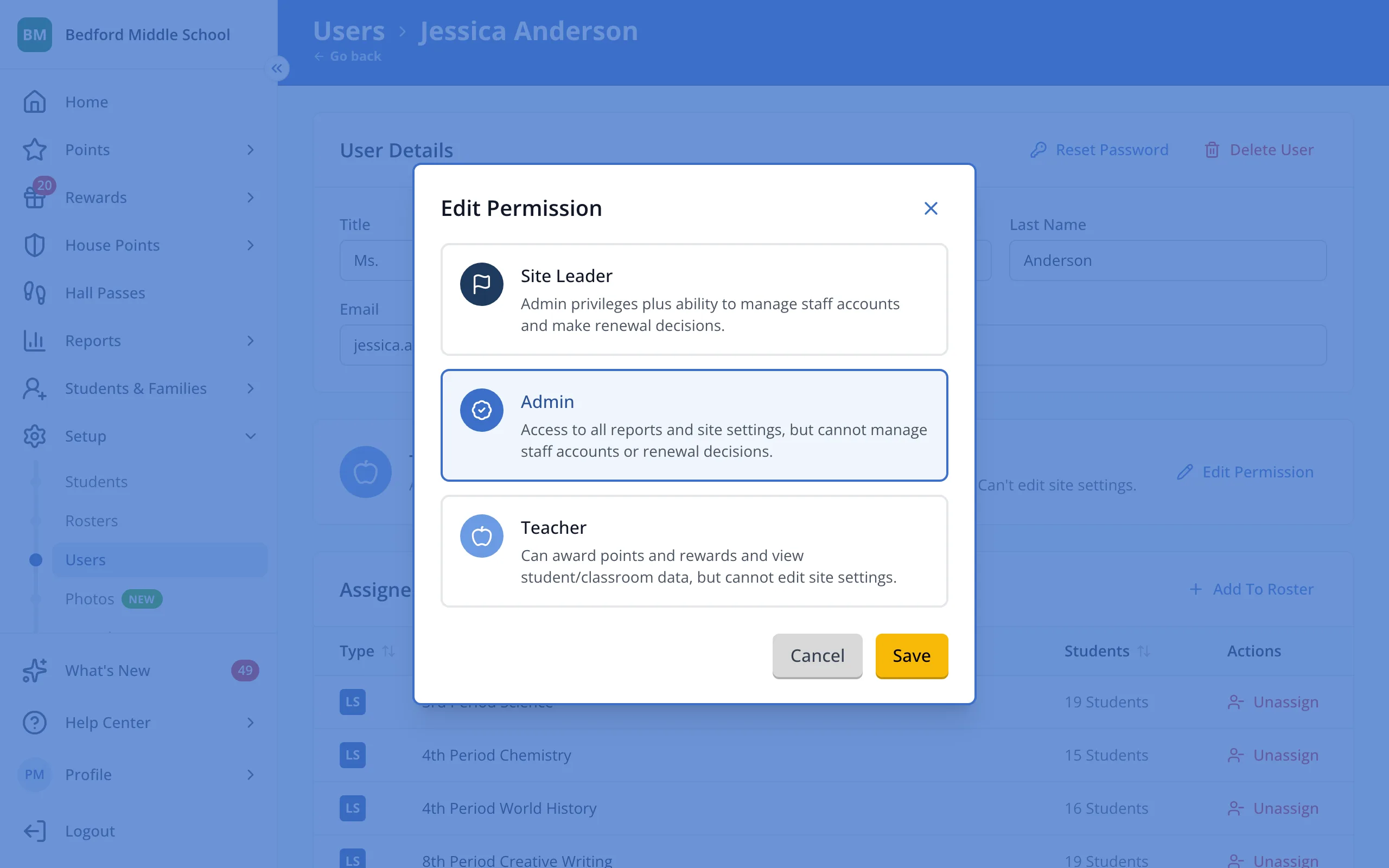
4.Click Save.
Was this helpful?