
Download your staff list
You get a CSV spreadsheet with each staff member's role, username, last activity, roster count and license status.
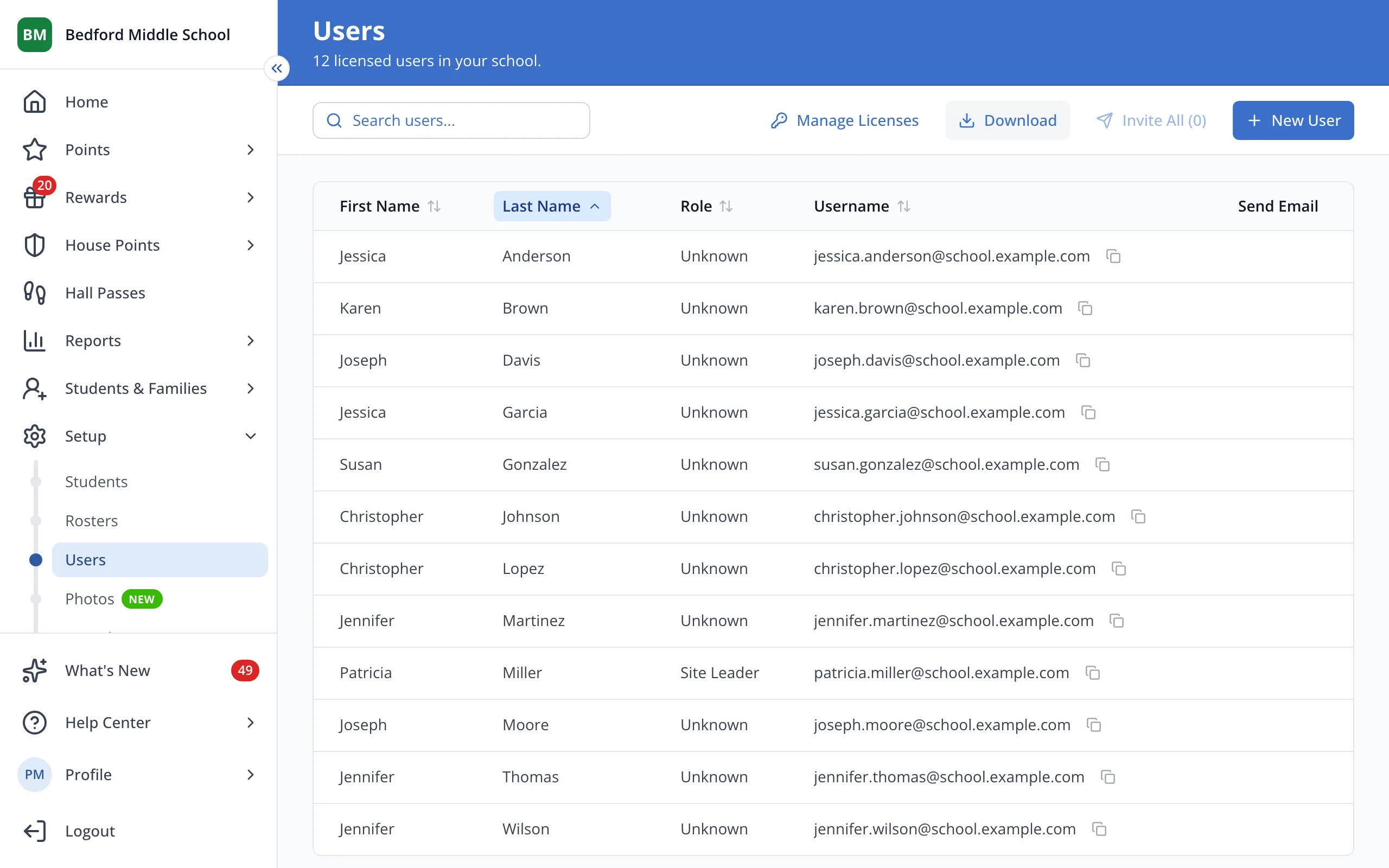
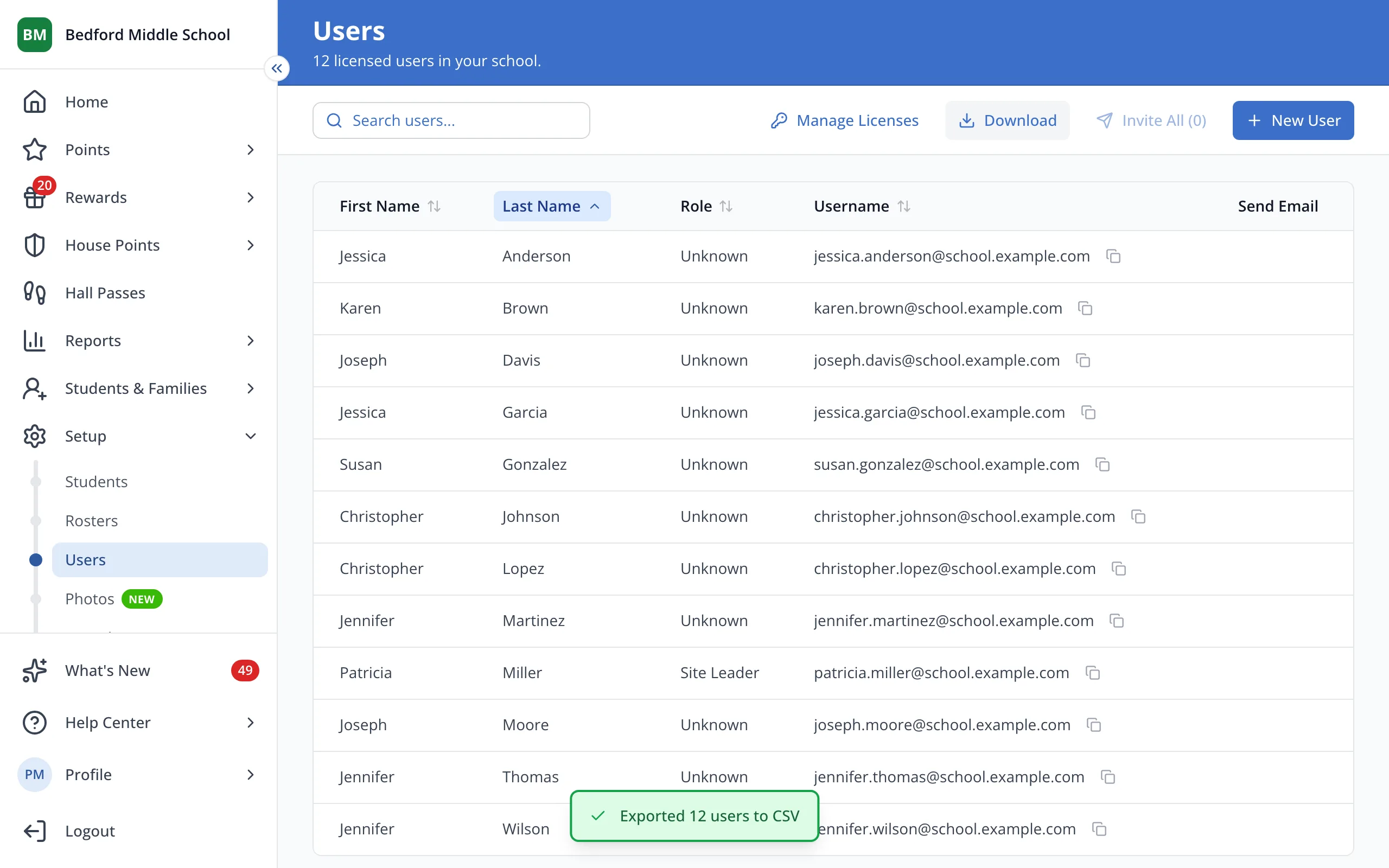
1 / 1At the top of the Users page, click Download. The CSV file will save to your computer.
1.At the top of the Users page, click Download. The CSV file will save to your computer.
Tip: Search first to download only the staff who match your search.
Was this helpful?