
Edit a staff member's name, email or title
Fix a typo or update a staff member's details for staff added in LiveSchool. Each change saves on its own.
AdminSite Leader
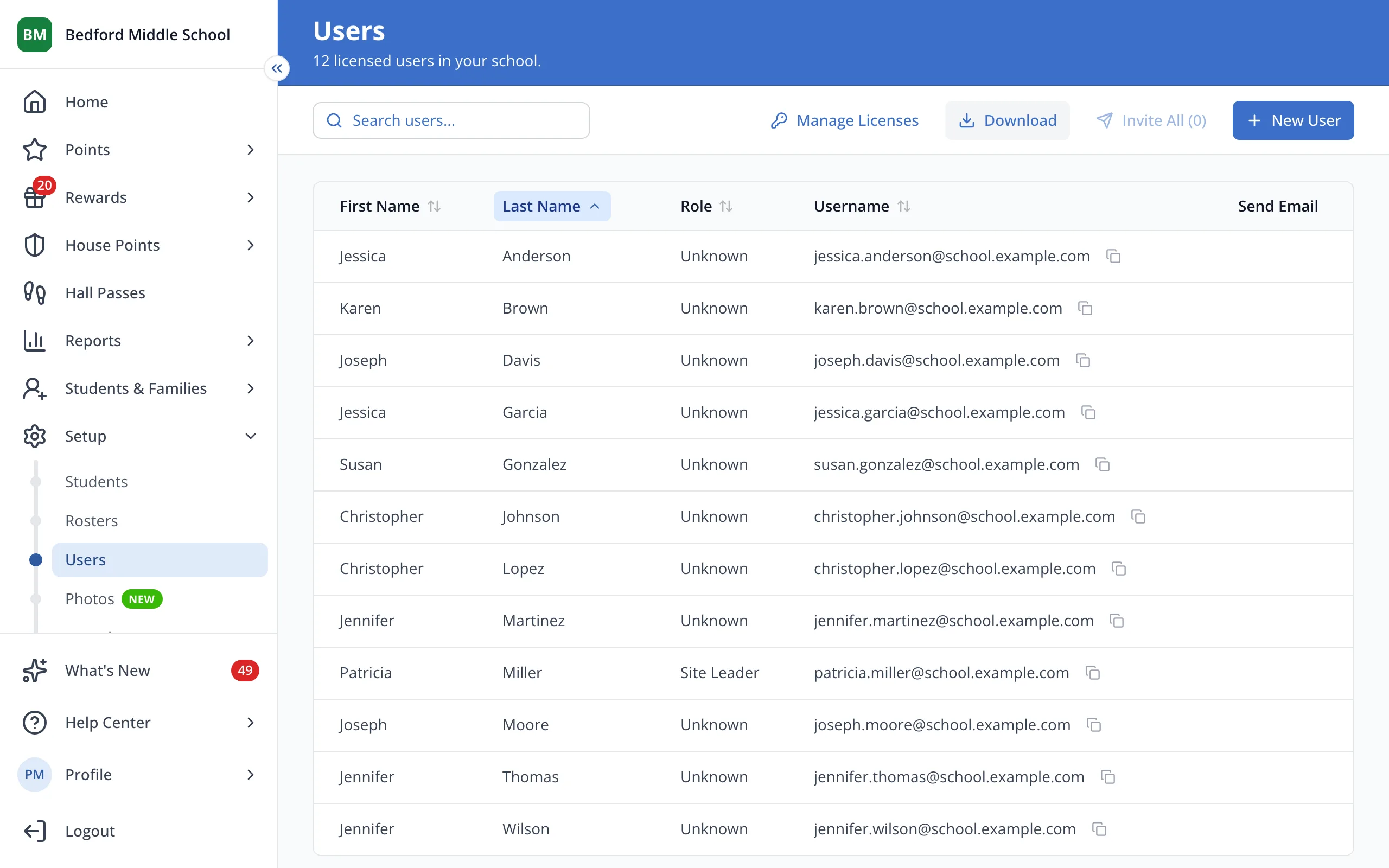
1 / 4On the Users page, click the staff member's first name.
1.On the Users page, click the staff member's first name.
2.Click the box you'd like to change, like Last Name, and type the new details.
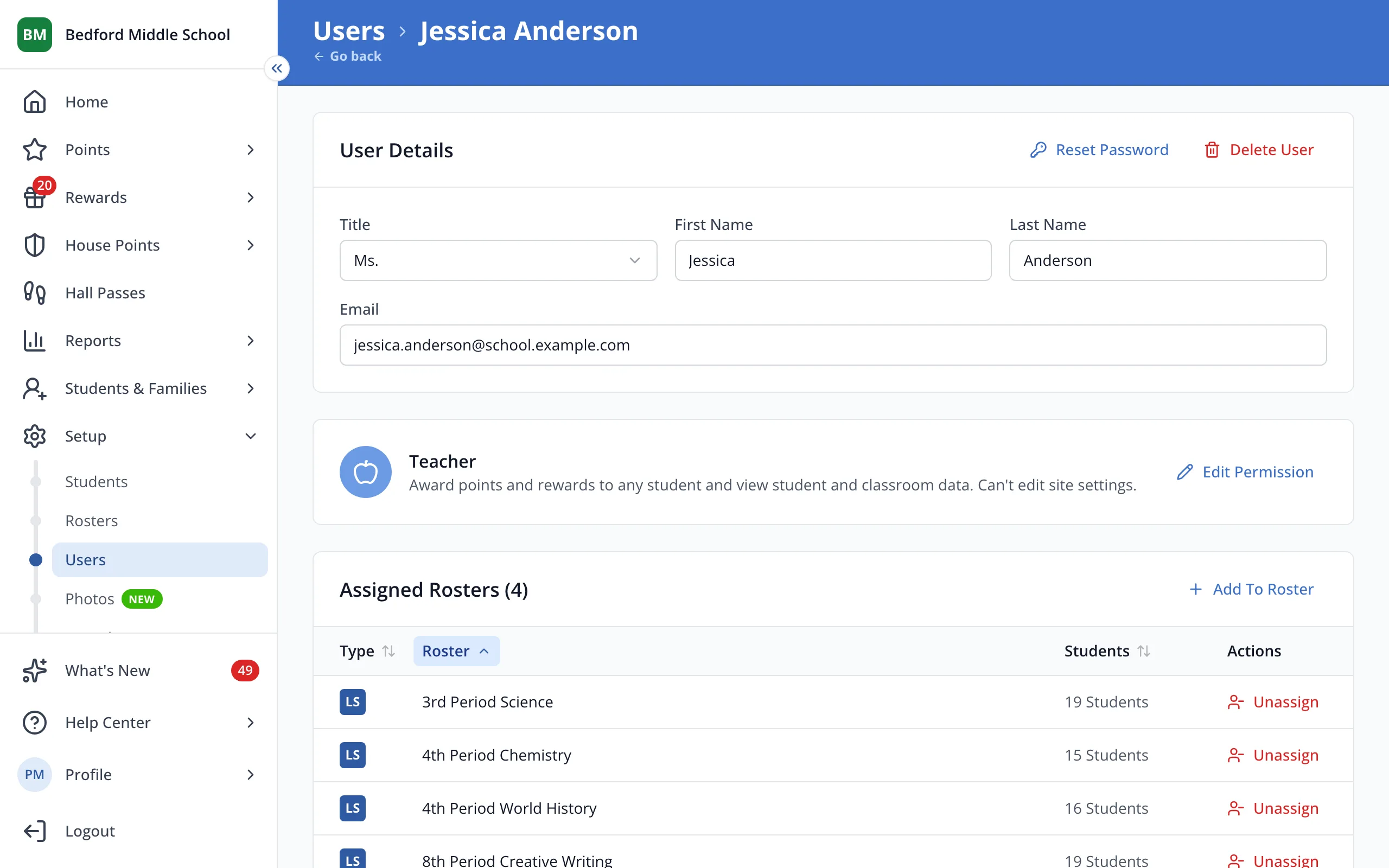
Tip: Their email is also the username they sign in with.
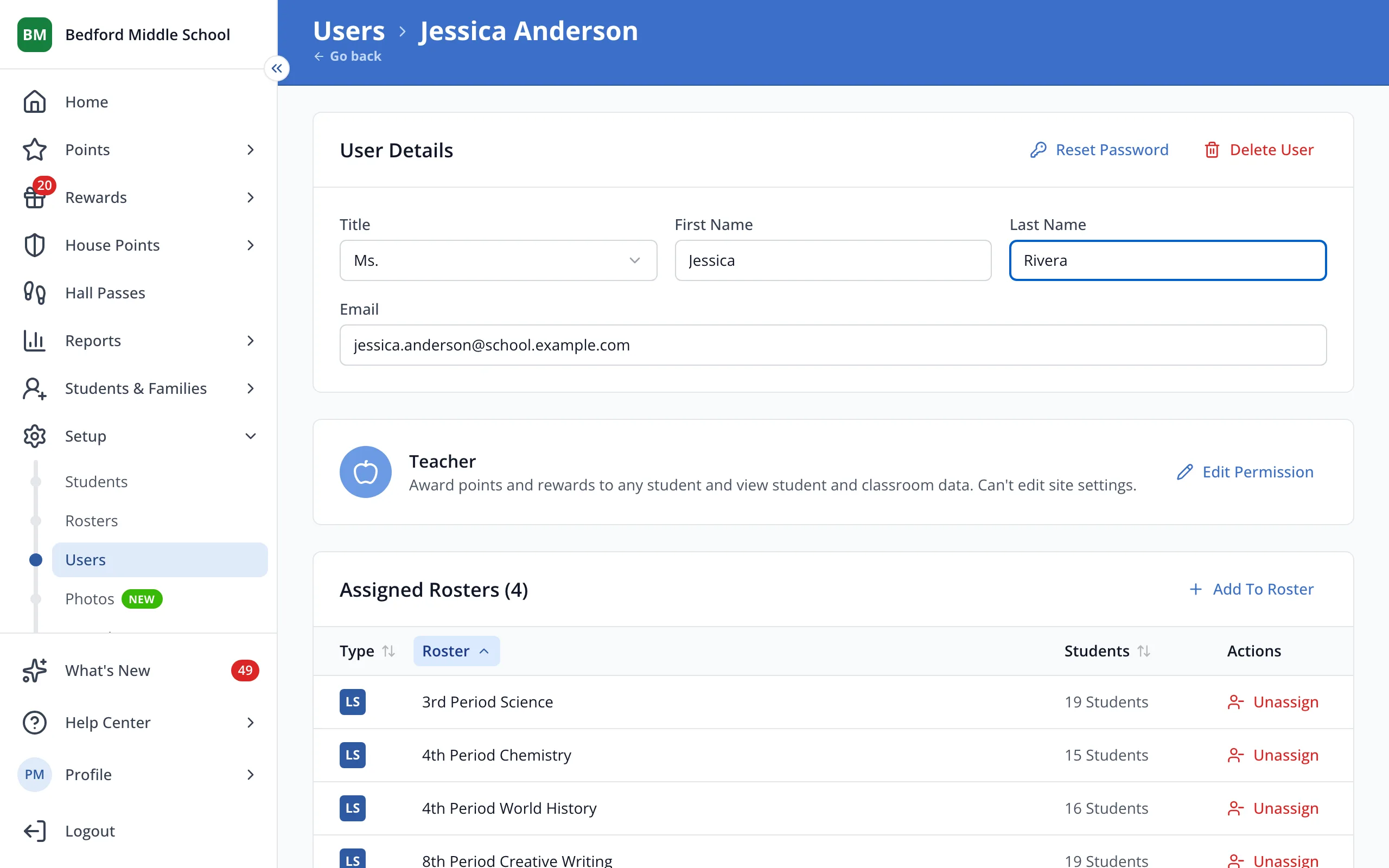
3.Press Tab or click outside the box. Your change will save right away.
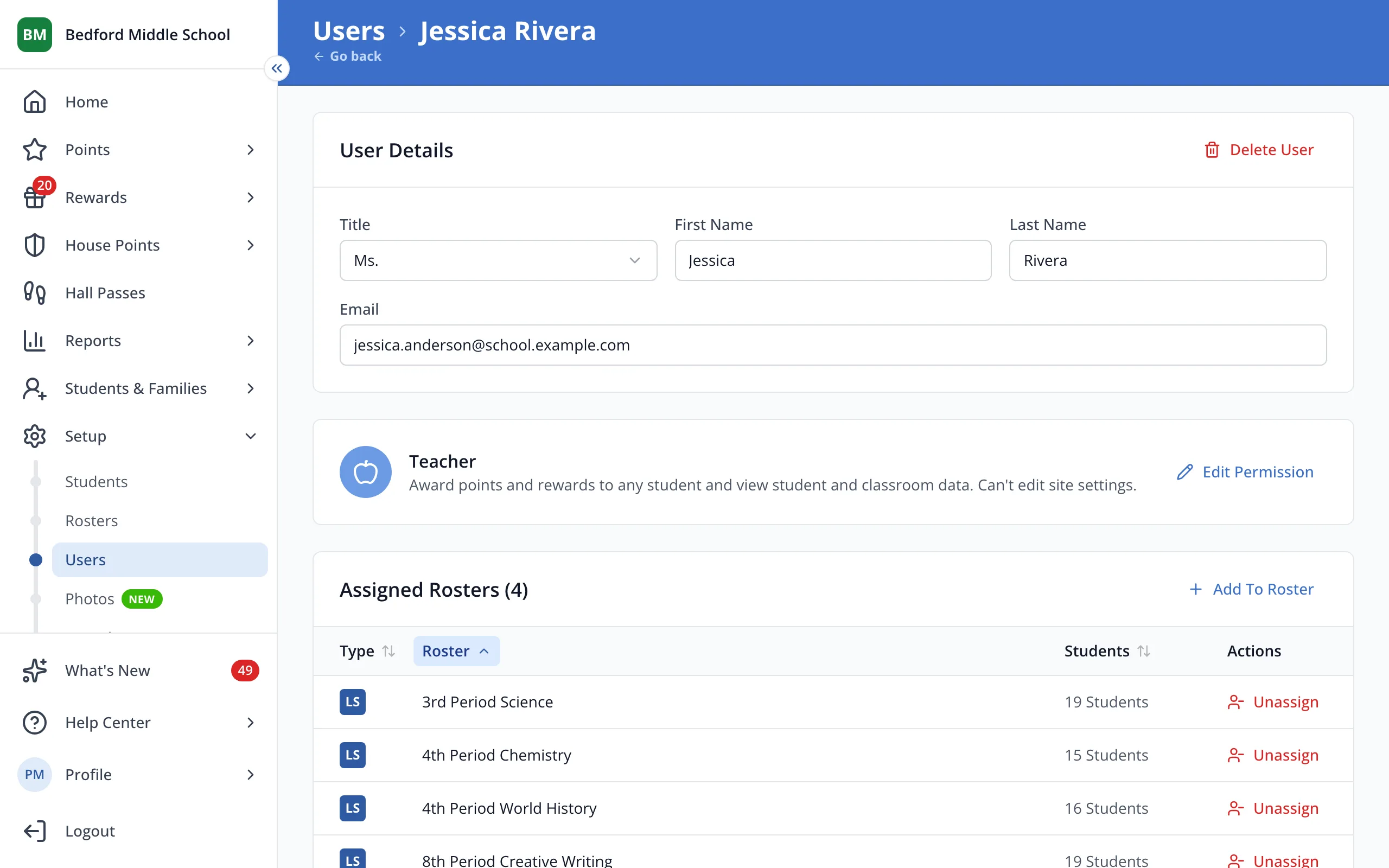
4.To change their title, pick one from the Title menu. It saves as soon as you pick.
Was this helpful?