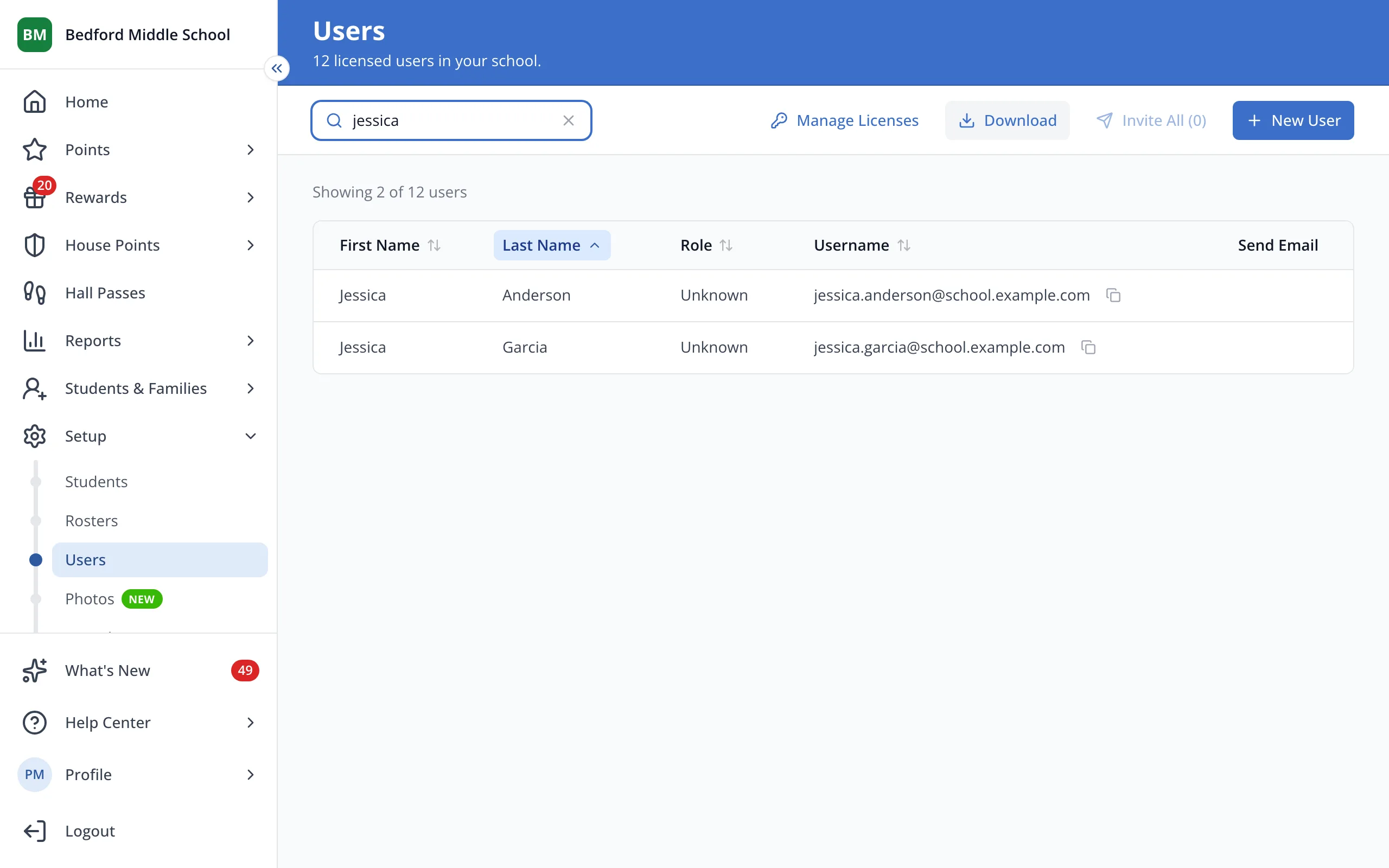
Find a staff member
Search by first name, last name or email to jump to anyone on your staff list.
Open in LiveSchool
Already signed in? Open this guide inside LiveSchool.
Use the Left and Right arrow keys to move between steps, and Space to play or pause.
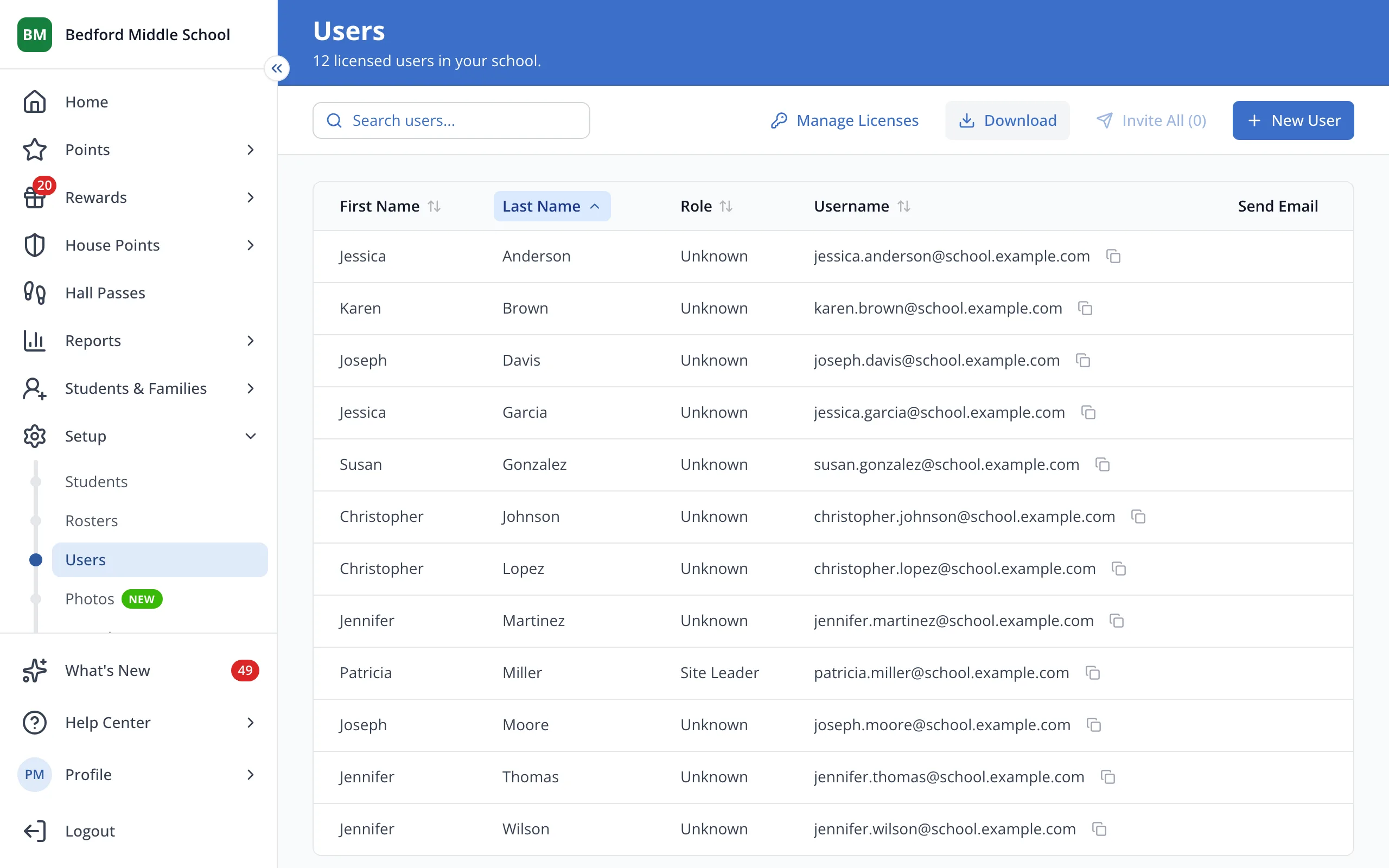
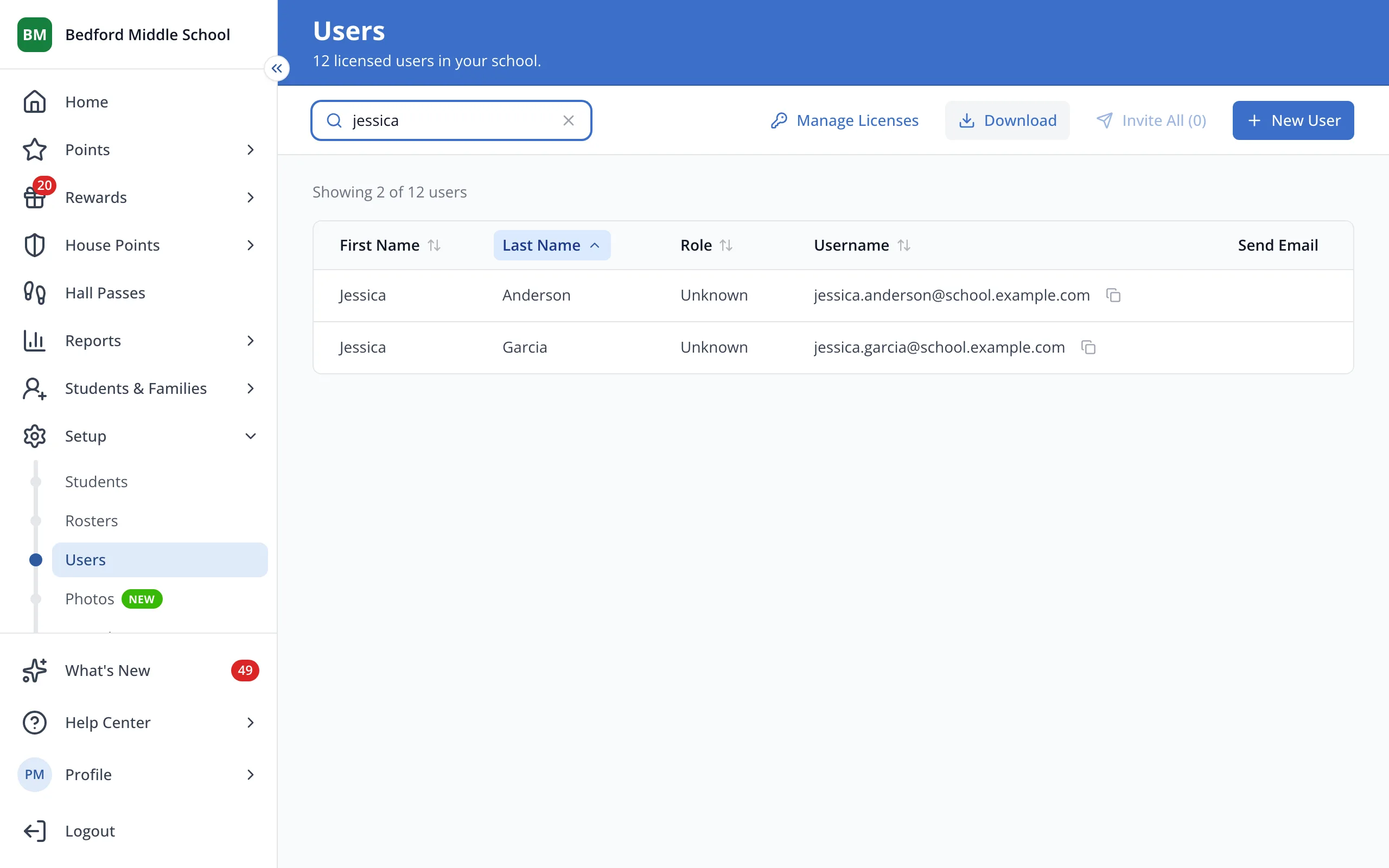
1.In the search box at the top of the Users page, type part of their name or email.
Did you know? Staff whose license is turned off don't show on this list.
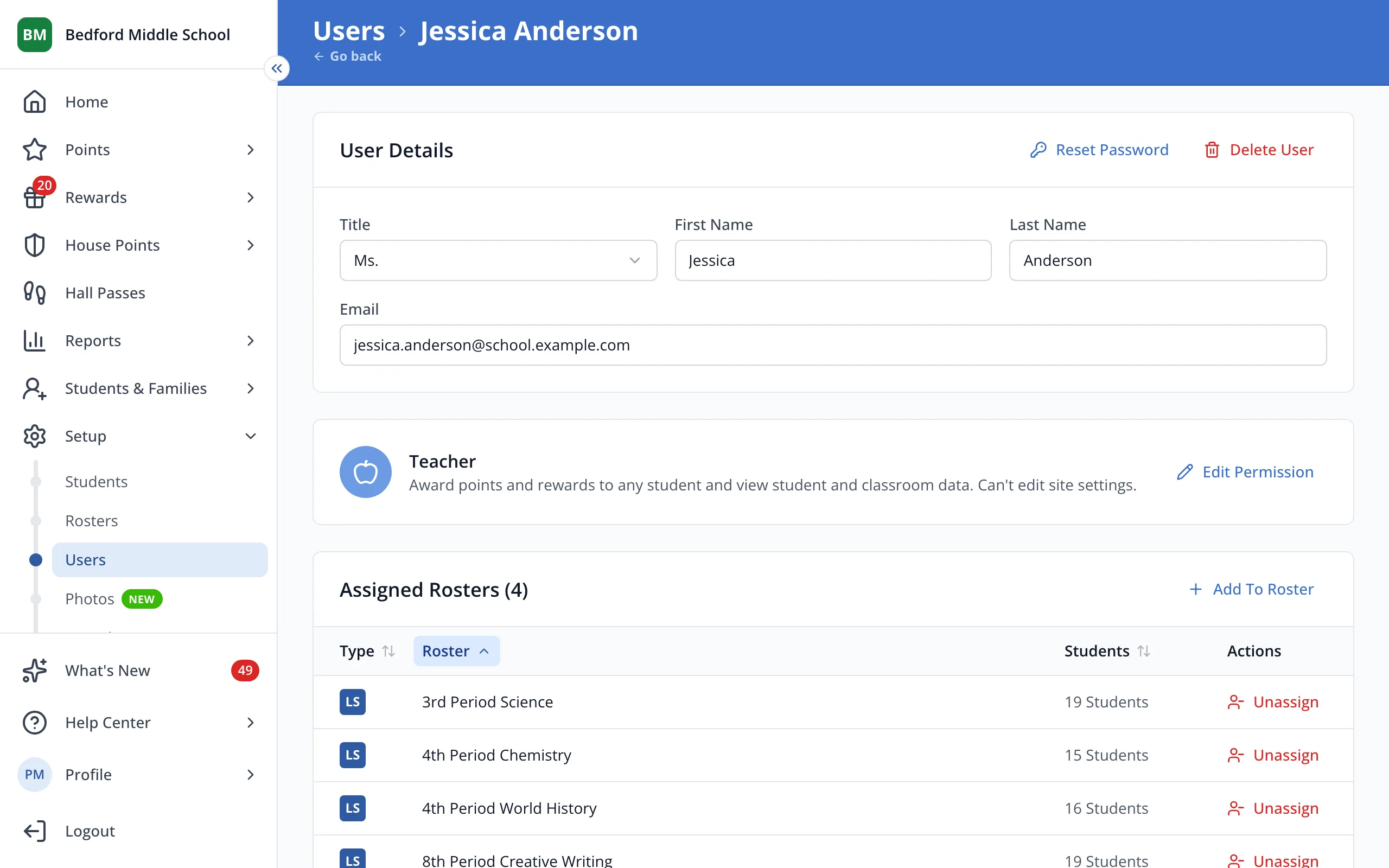
2.Click the staff member's first name.