
See how many licenses you're using
Each staff member with a license on uses one seat. Check how many are left before adding new staff.
AdminSite Leader
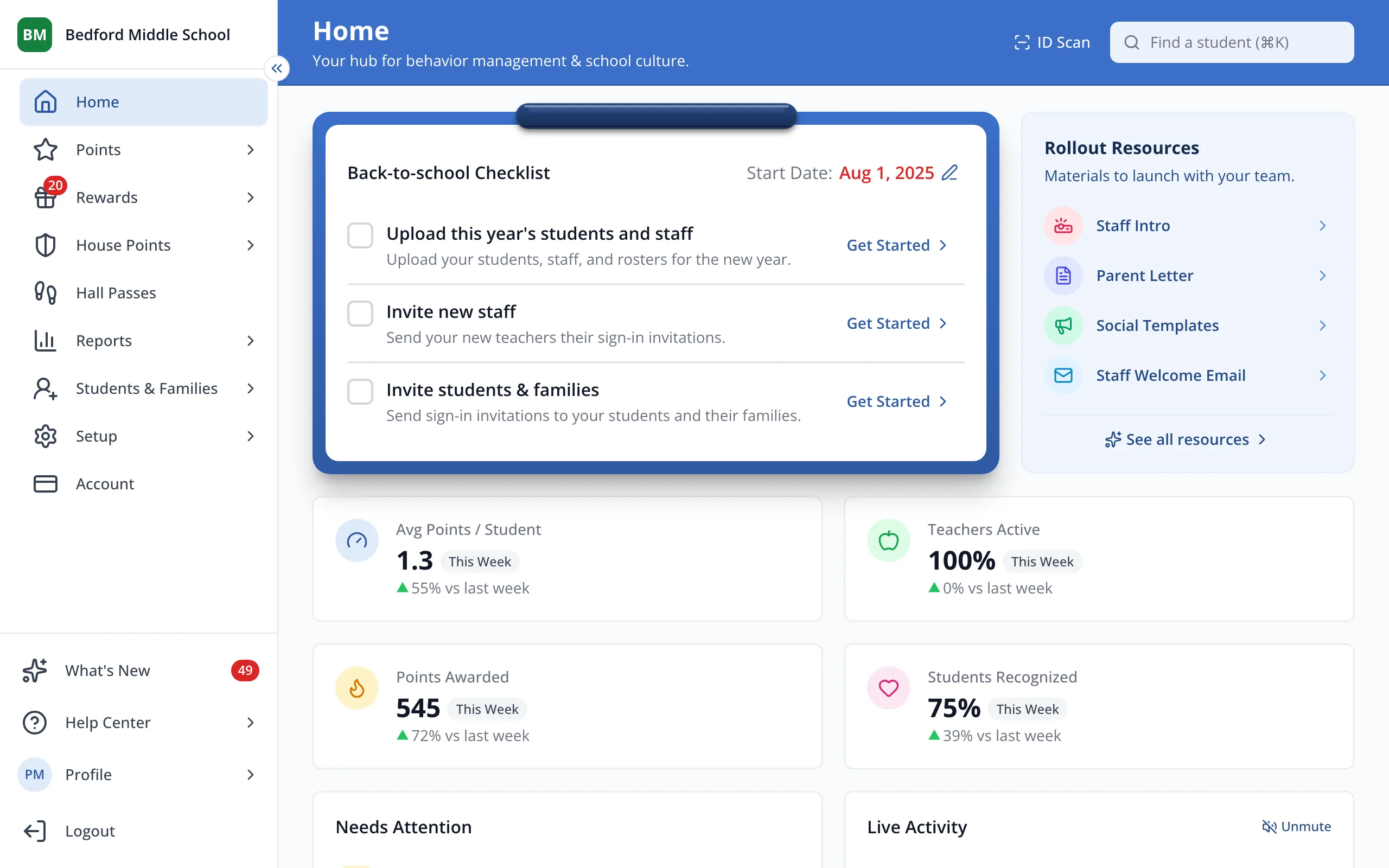
1 / 3In the sidebar, click Account.
1.In the sidebar, click Account.
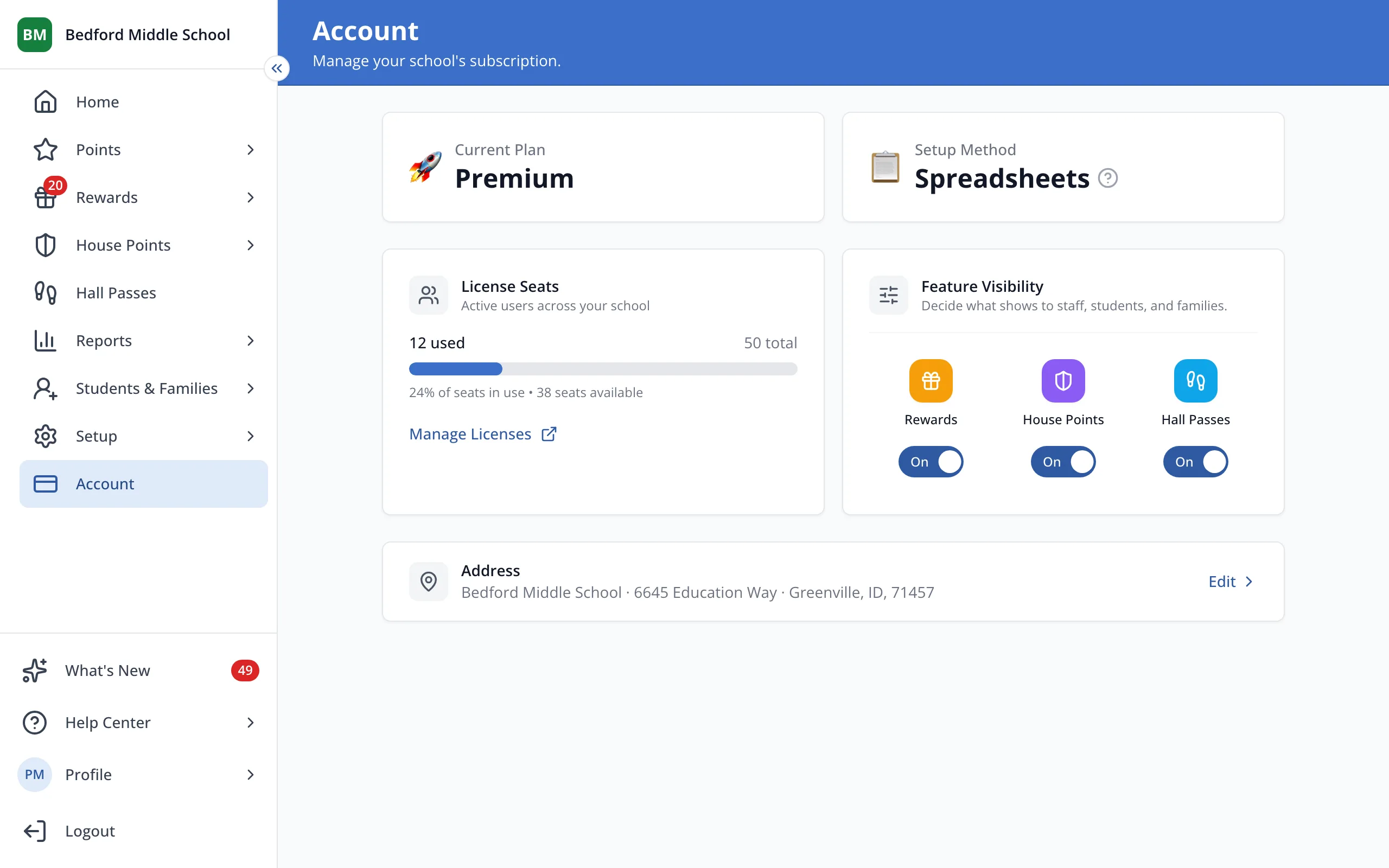
2.Under License Seats, you'll see how many seats are used, your total, and how many are left.
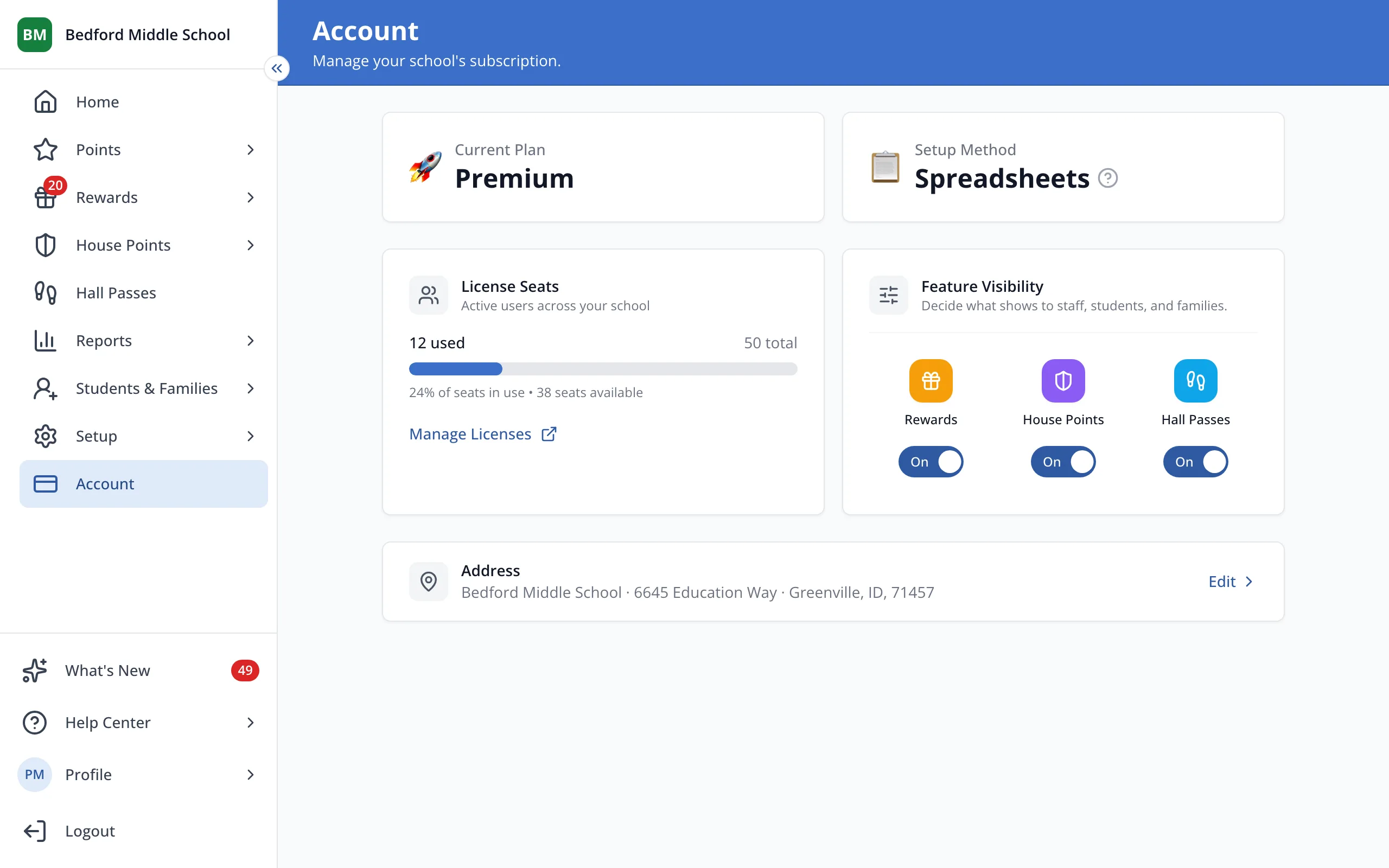
3.Click Manage Licenses to choose which staff have a license.
Was this helpful?