
Understand what Teachers, Admins and Site Leaders can do
Each staff member has a designated LiveSchool role which can be edited by Site Leaders.
AdminSite Leader
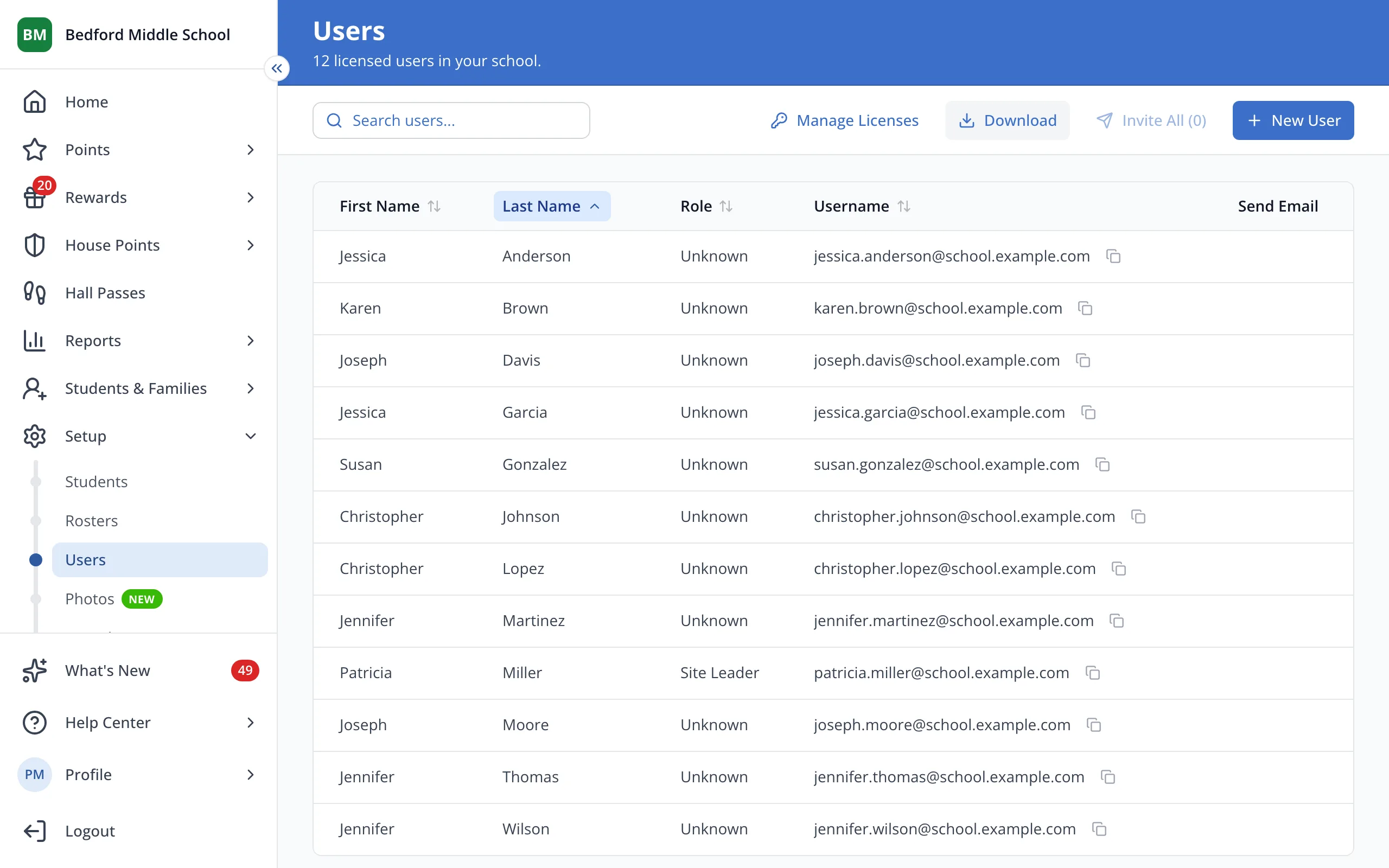
1 / 5On the Users page, click a staff member's first name.
1.On the Users page, click a staff member's first name.
2.Their role and what it allows show next to User Details.
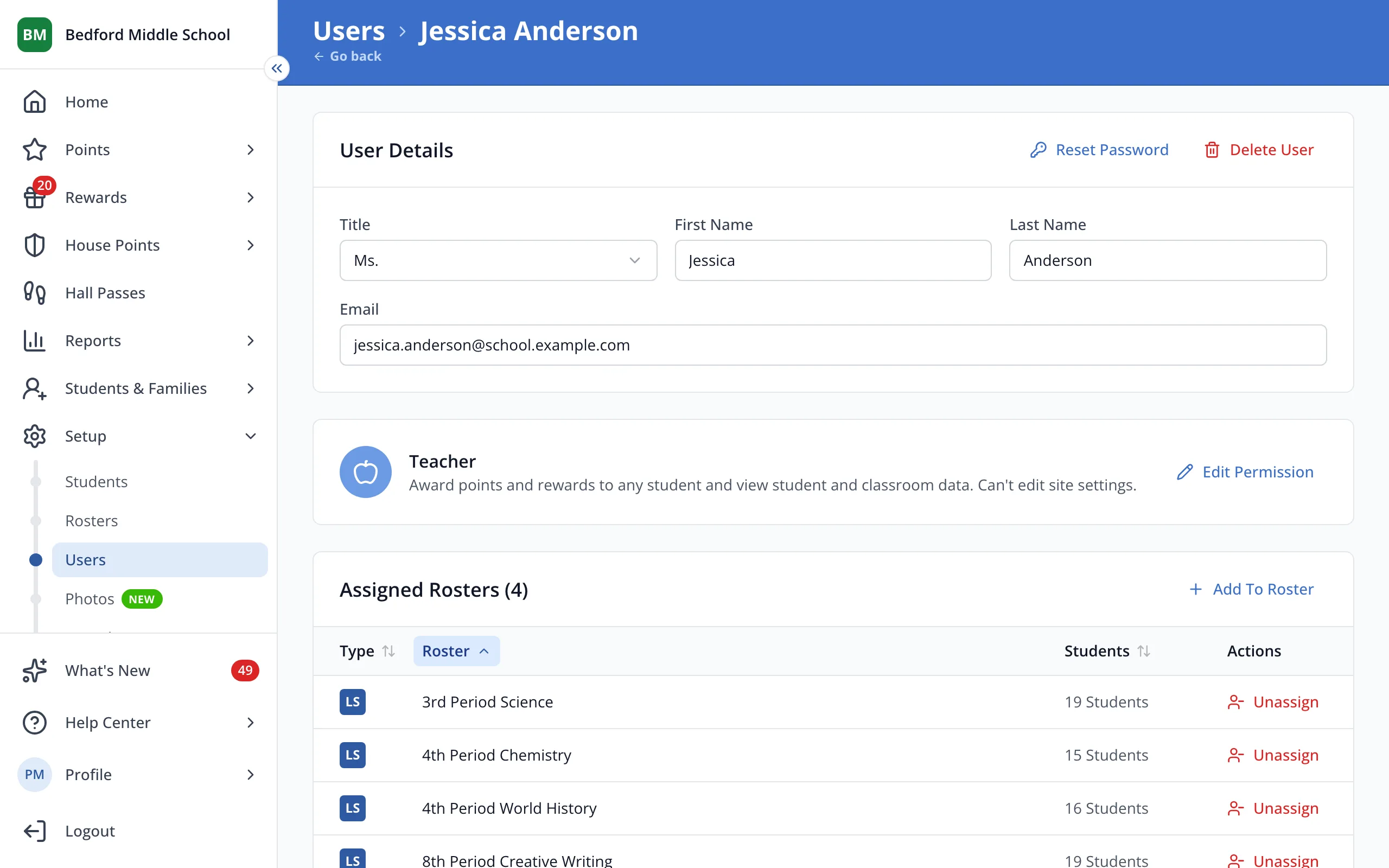
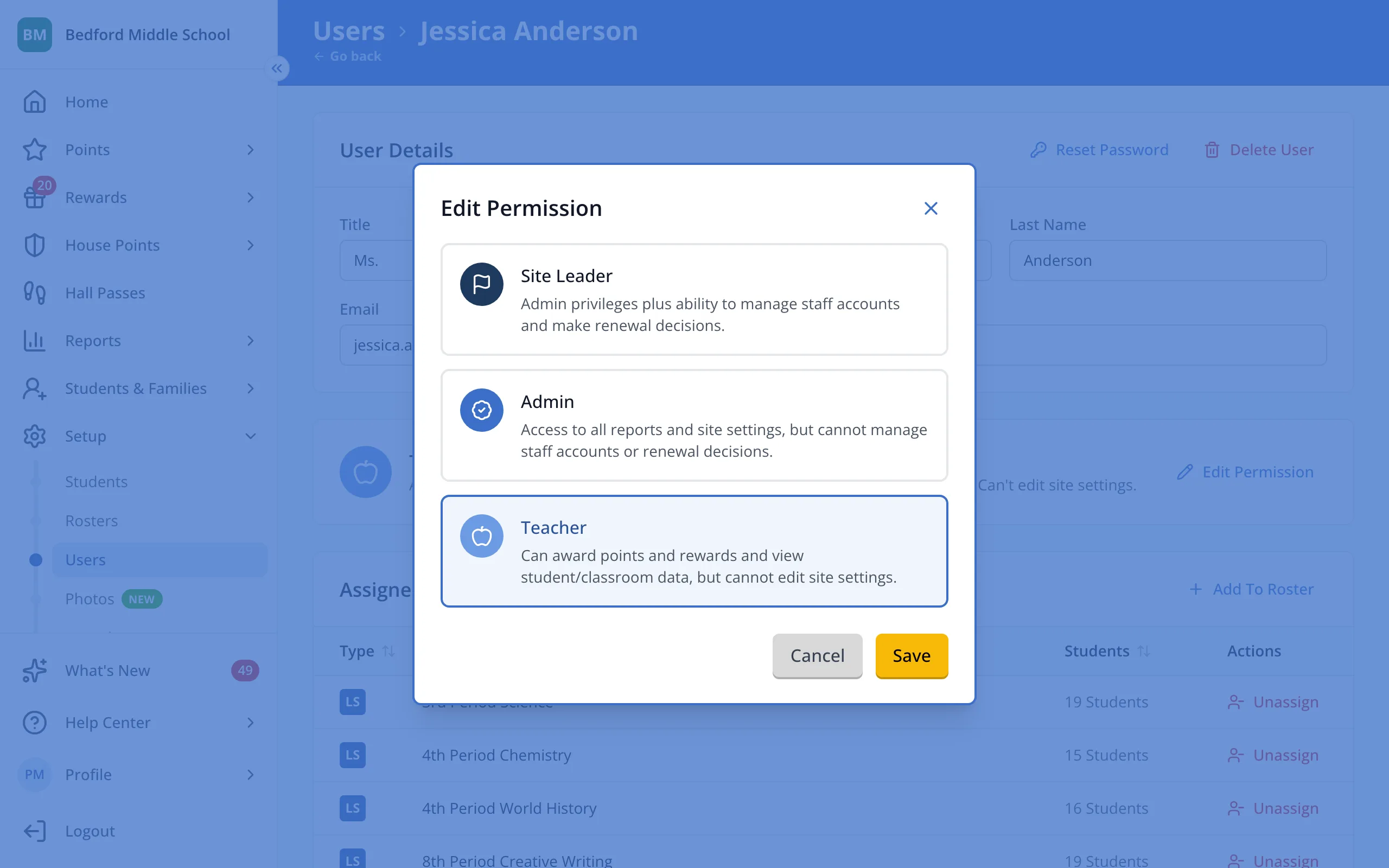
3.Click Edit Permission to compare all three roles.
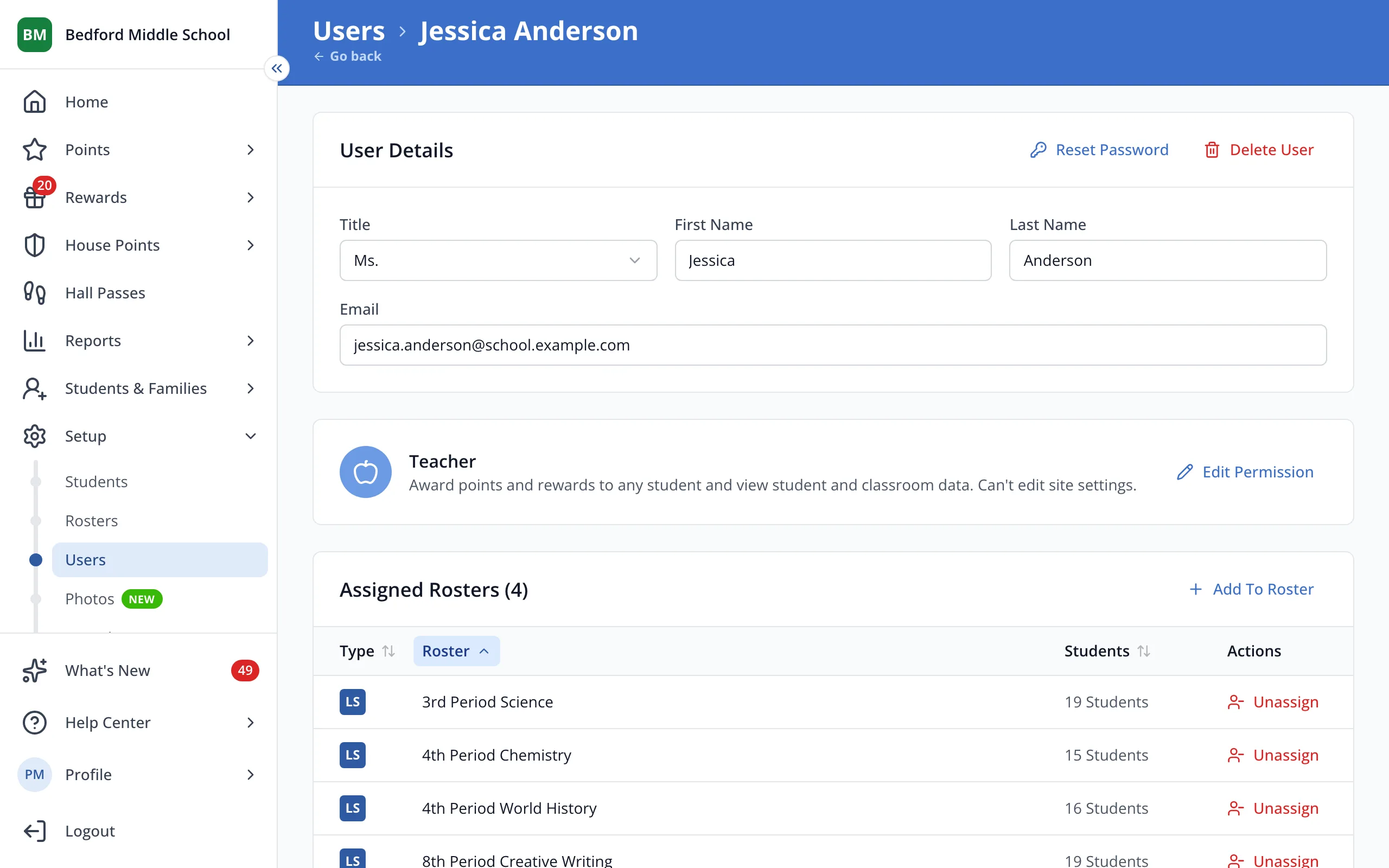
4.Admins see all reports and site settings. Site Leaders can also manage staff and renewals. Teachers give points and rewards.
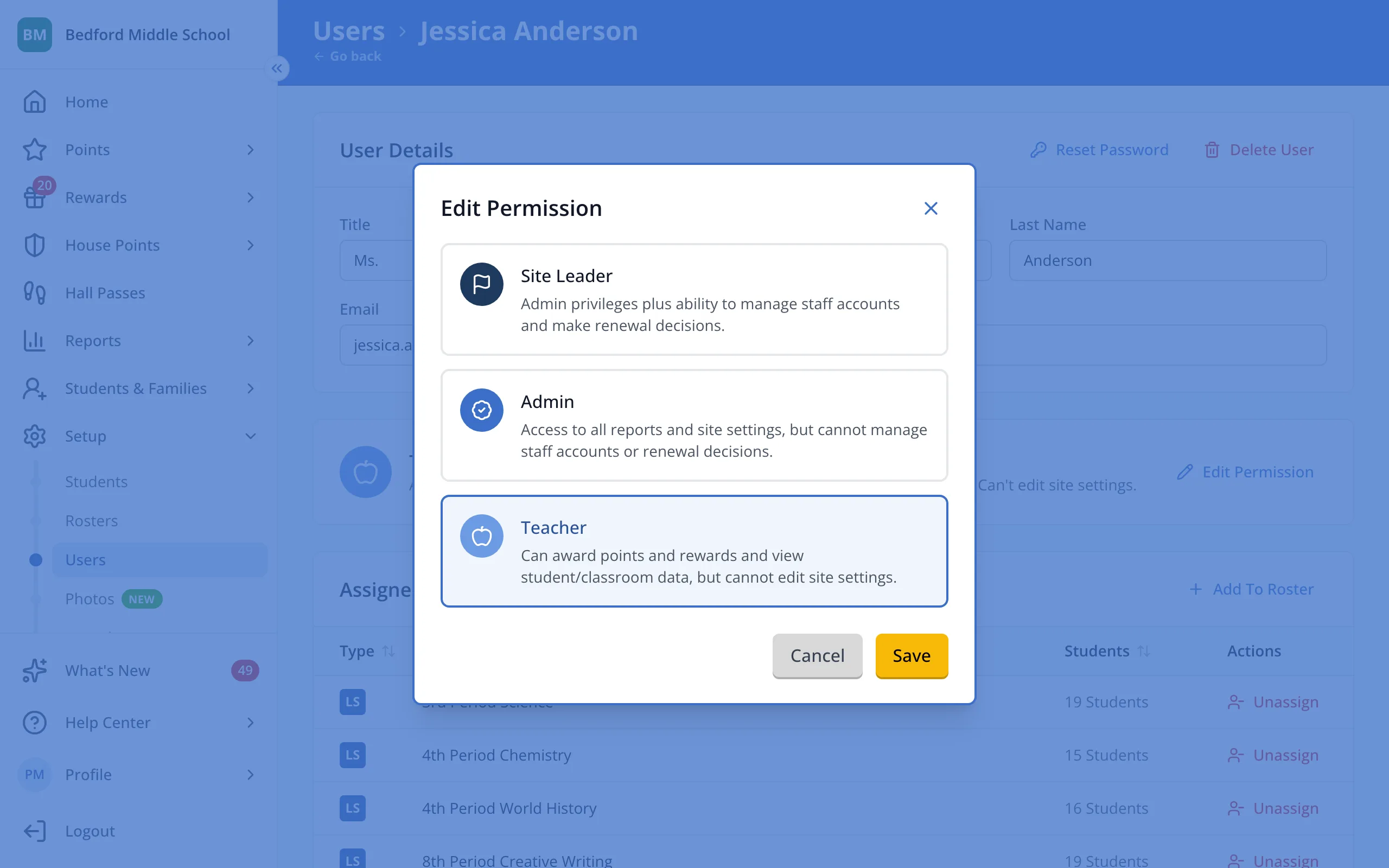
5.Click Cancel to close without changing their role.
Was this helpful?