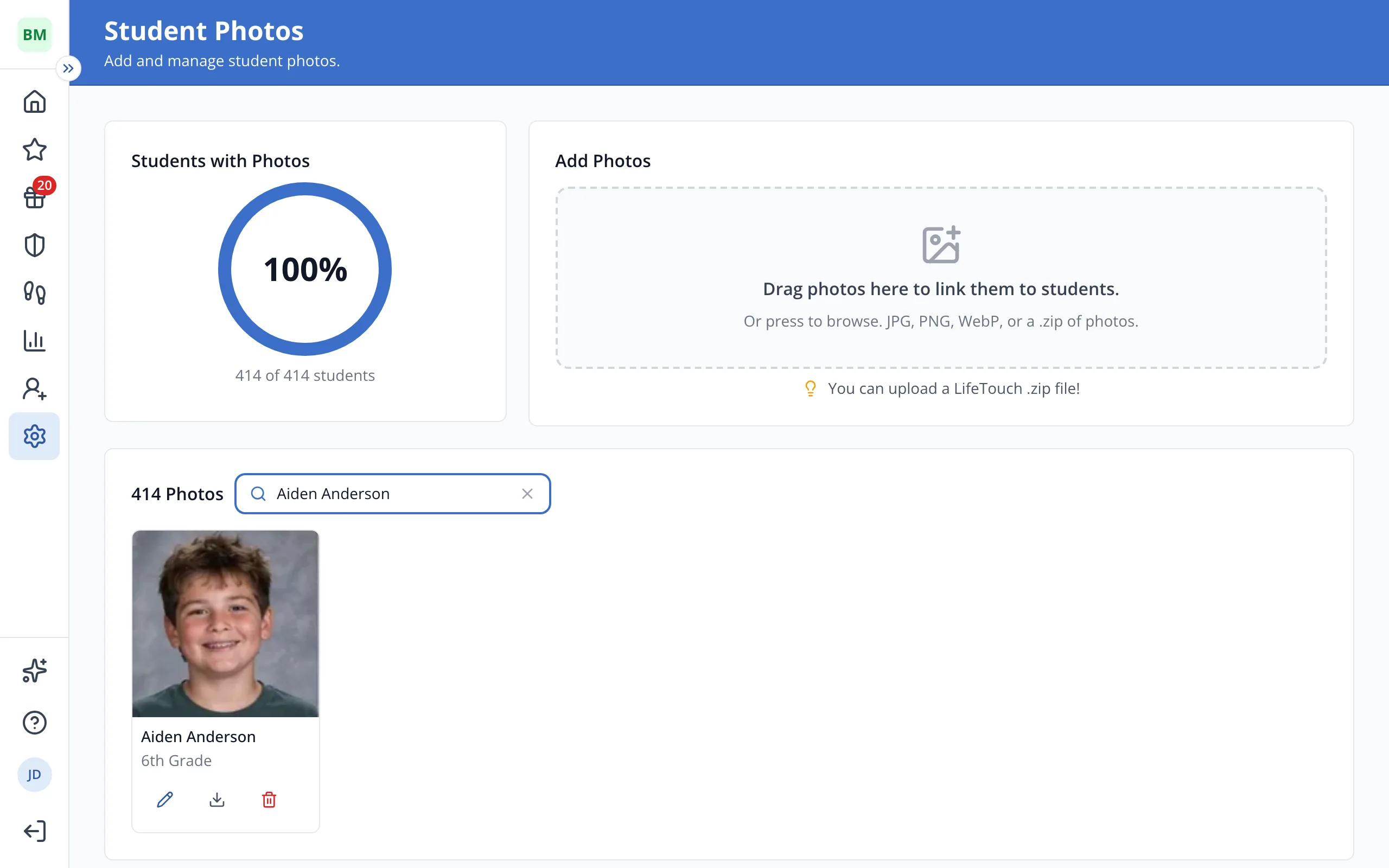
Download a student's photo
Save a copy of any student's photo, for an ID badge, a yearbook or a family.
AdminSite Leader
Open in LiveSchool
Already signed in? Open this guide inside LiveSchool.
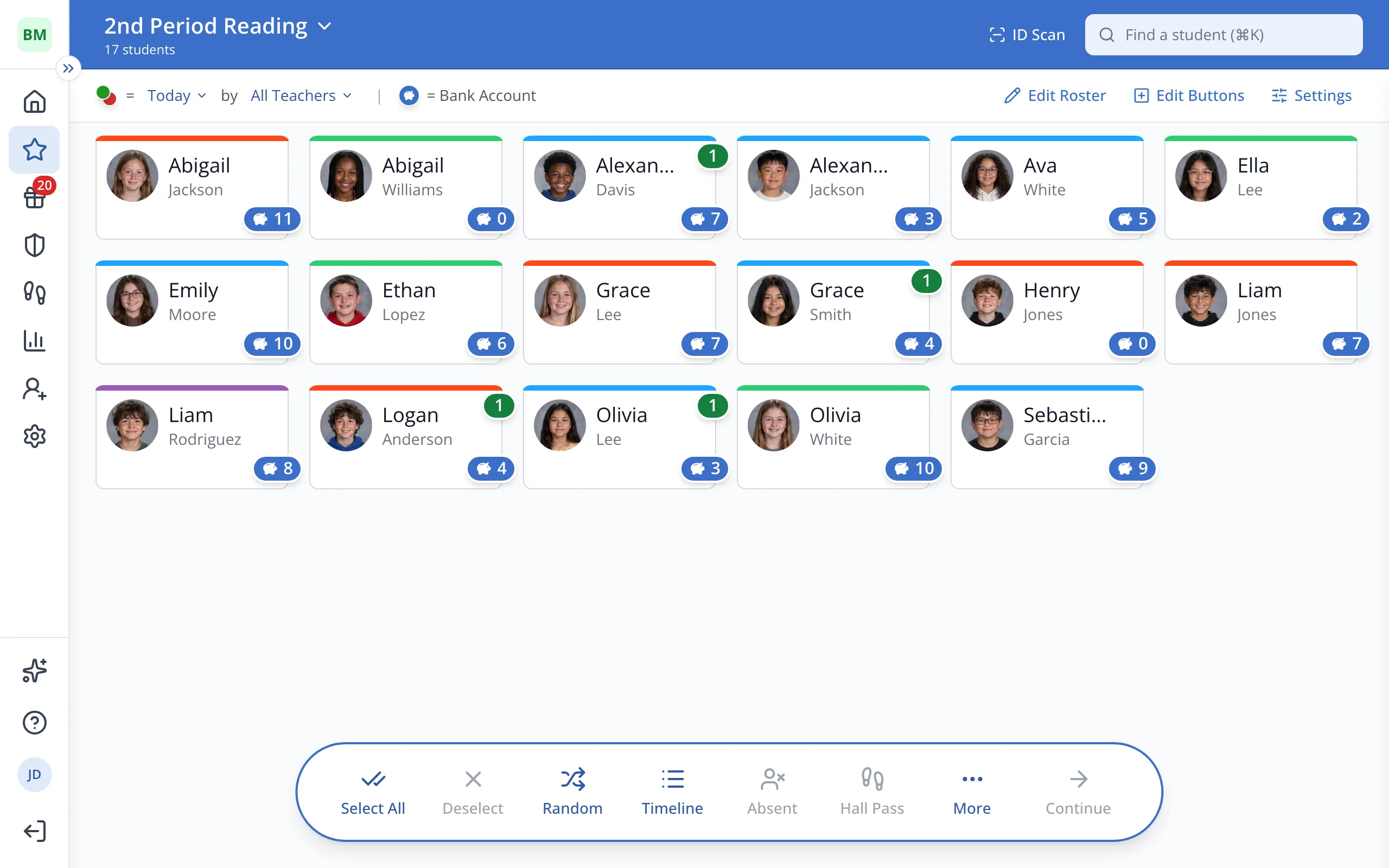
Use the Left and Right arrow keys to move between steps, and Space to play or pause.
1.In the sidebar, click Setup.
2.Click Photos.
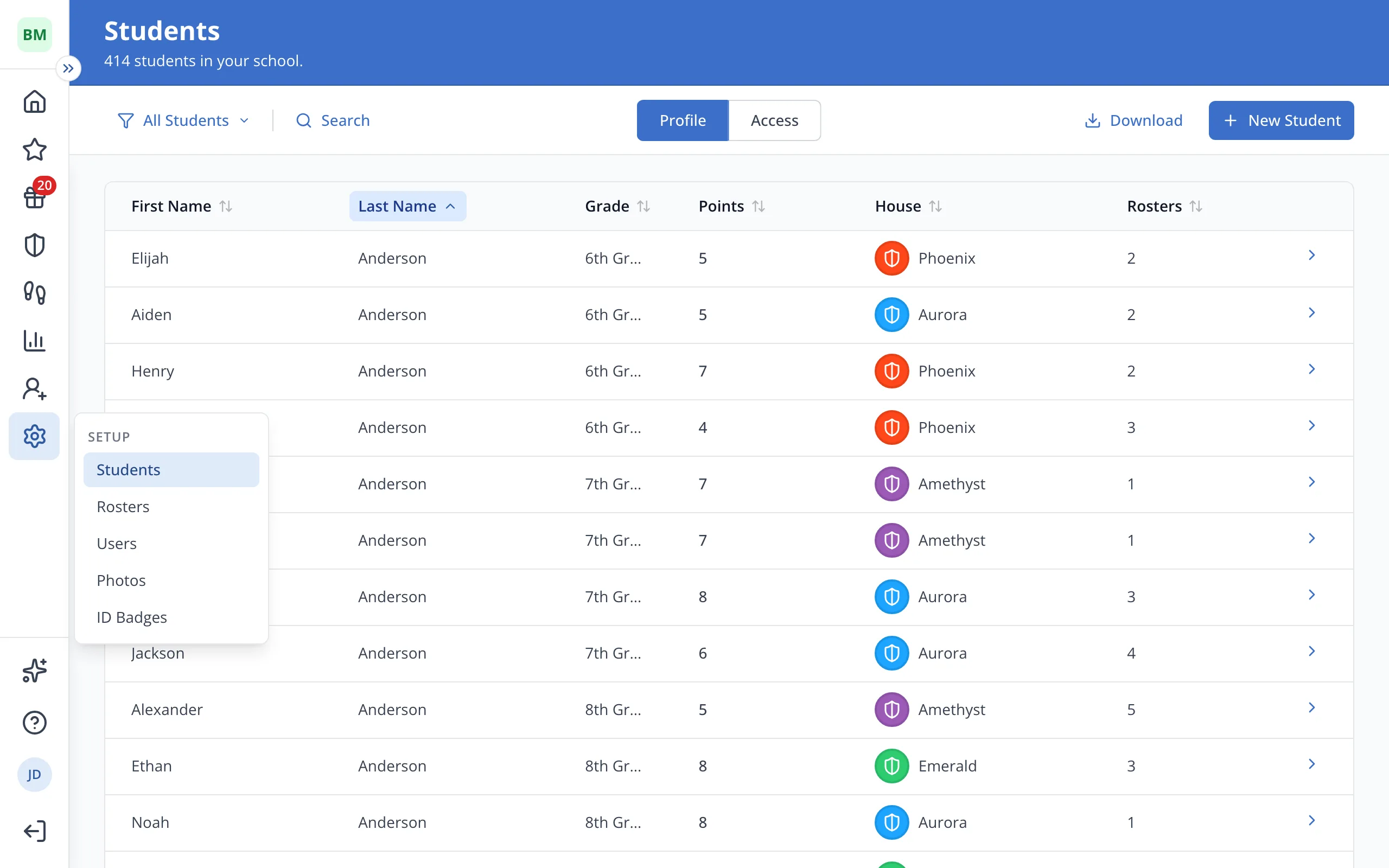
3.Type the student's name in the search box.
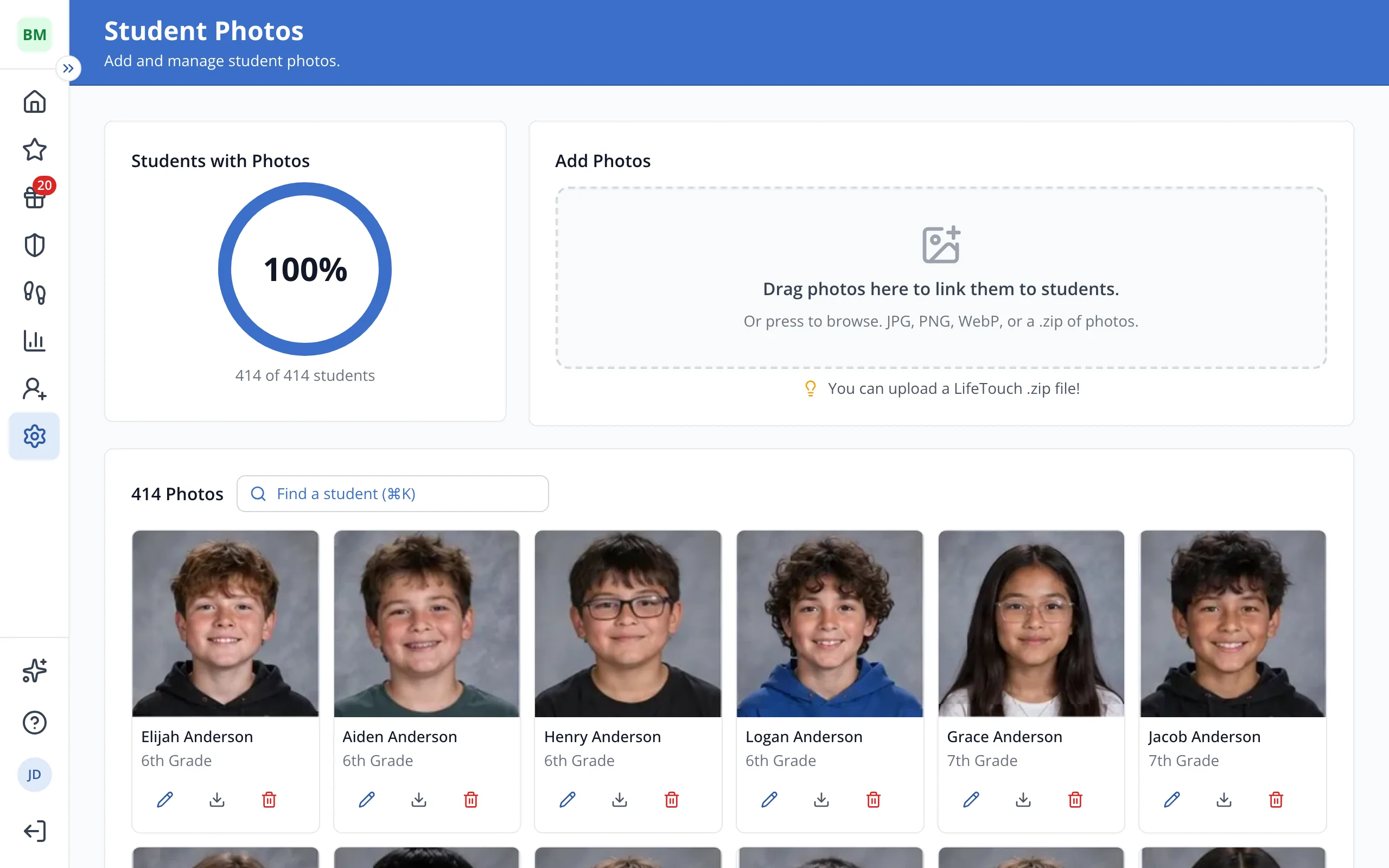
4.Click the download button under the student's photo. It will save to your computer, named after the student.