
Turn on student photos
Once photos are enabled, teachers can add them and they show on student buttons.
AdminSite Leader
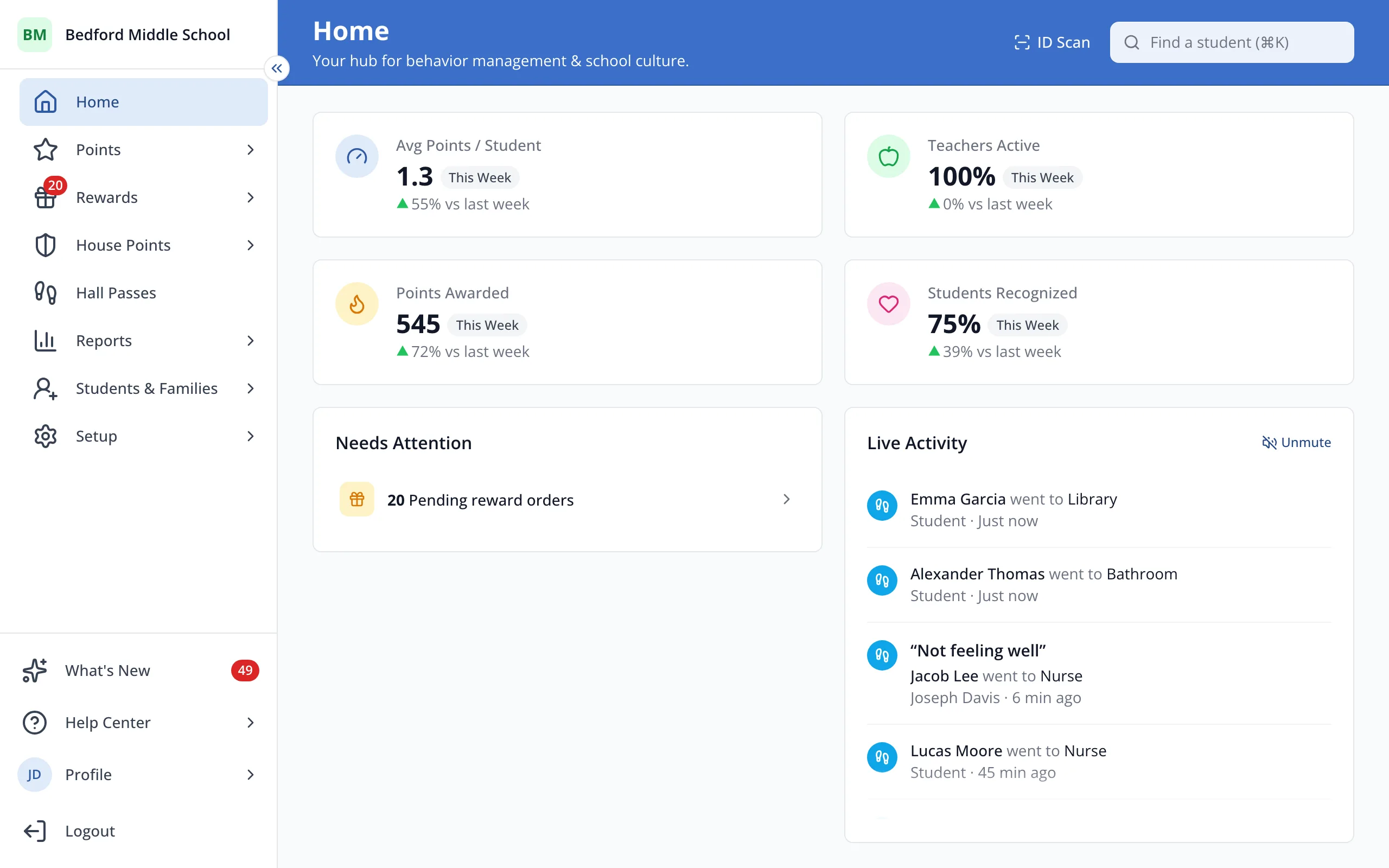
1 / 4In the sidebar, click Setup.
1.In the sidebar, click Setup.
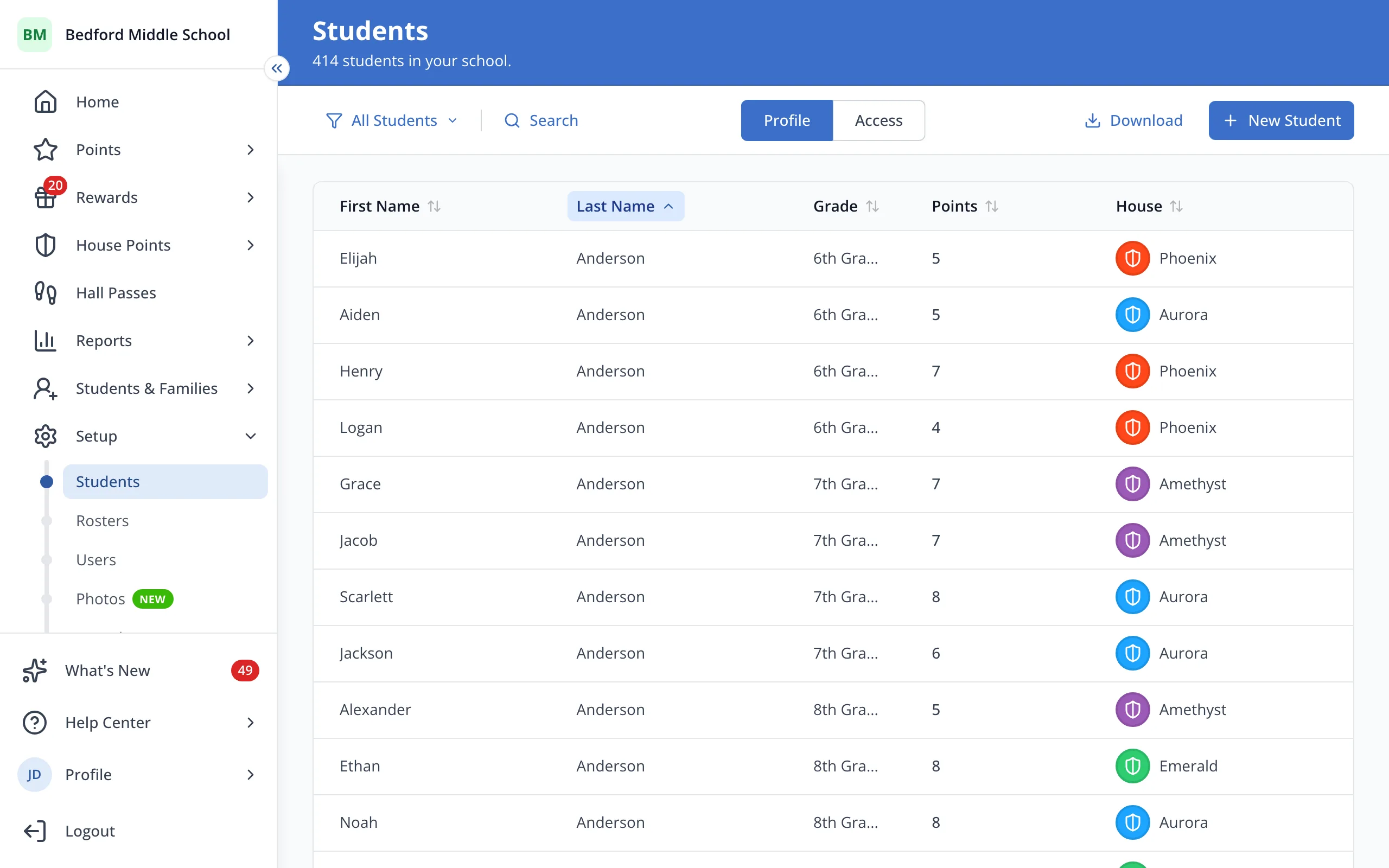
2.Click Photos.
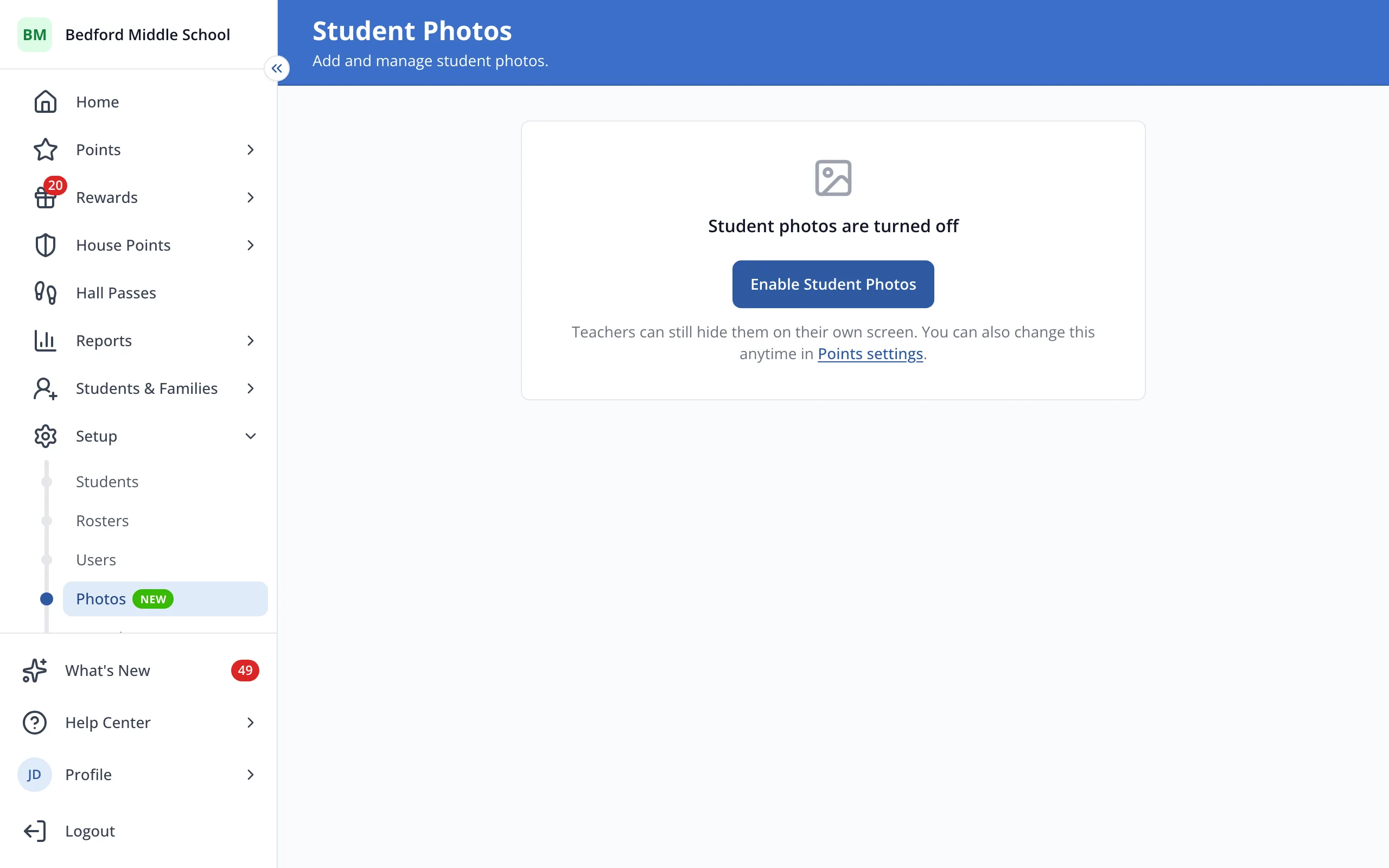
3.Click Enable Student Photos.
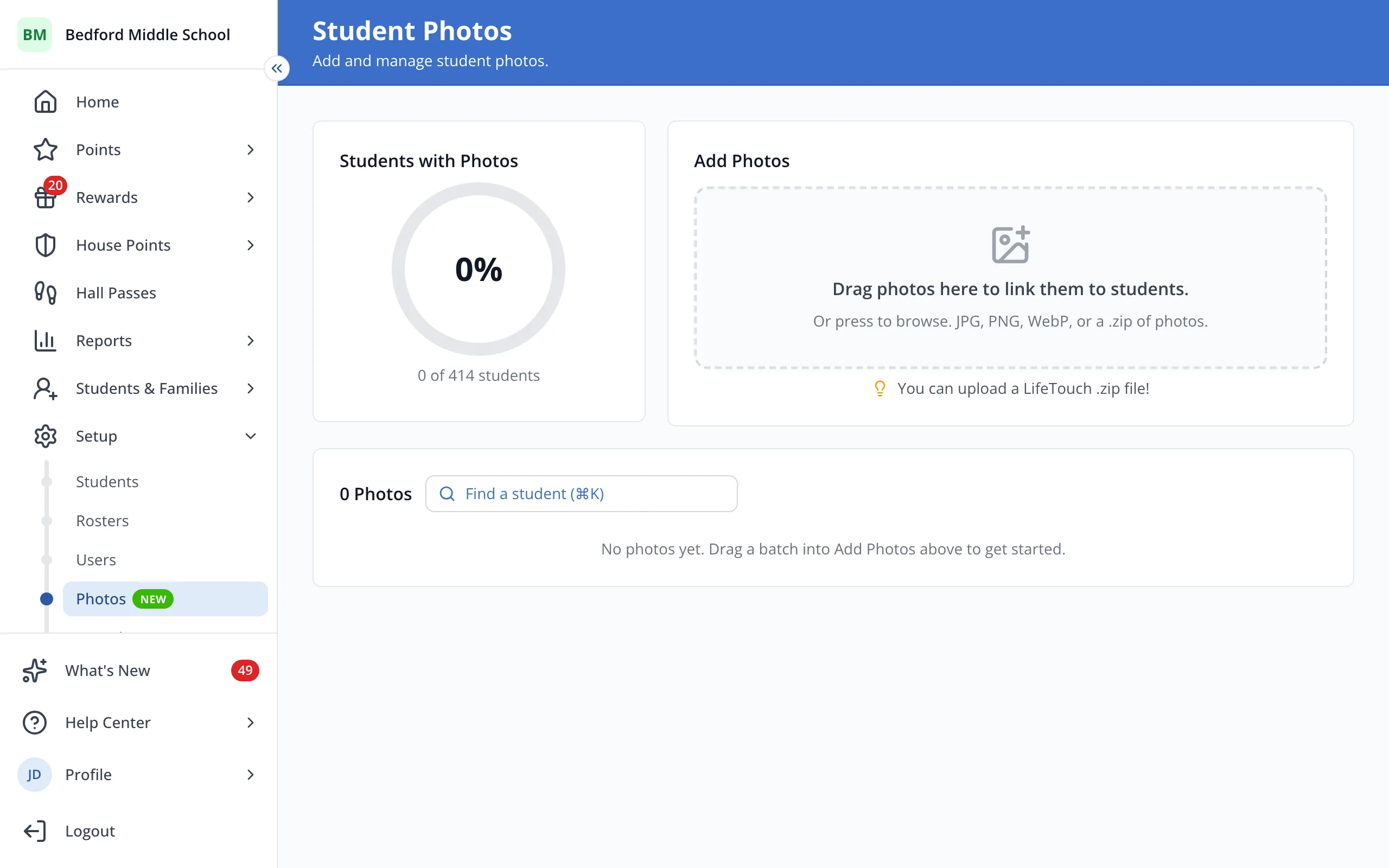
4.Add photos here, or let teachers add them from their student buttons.
Was this helpful?