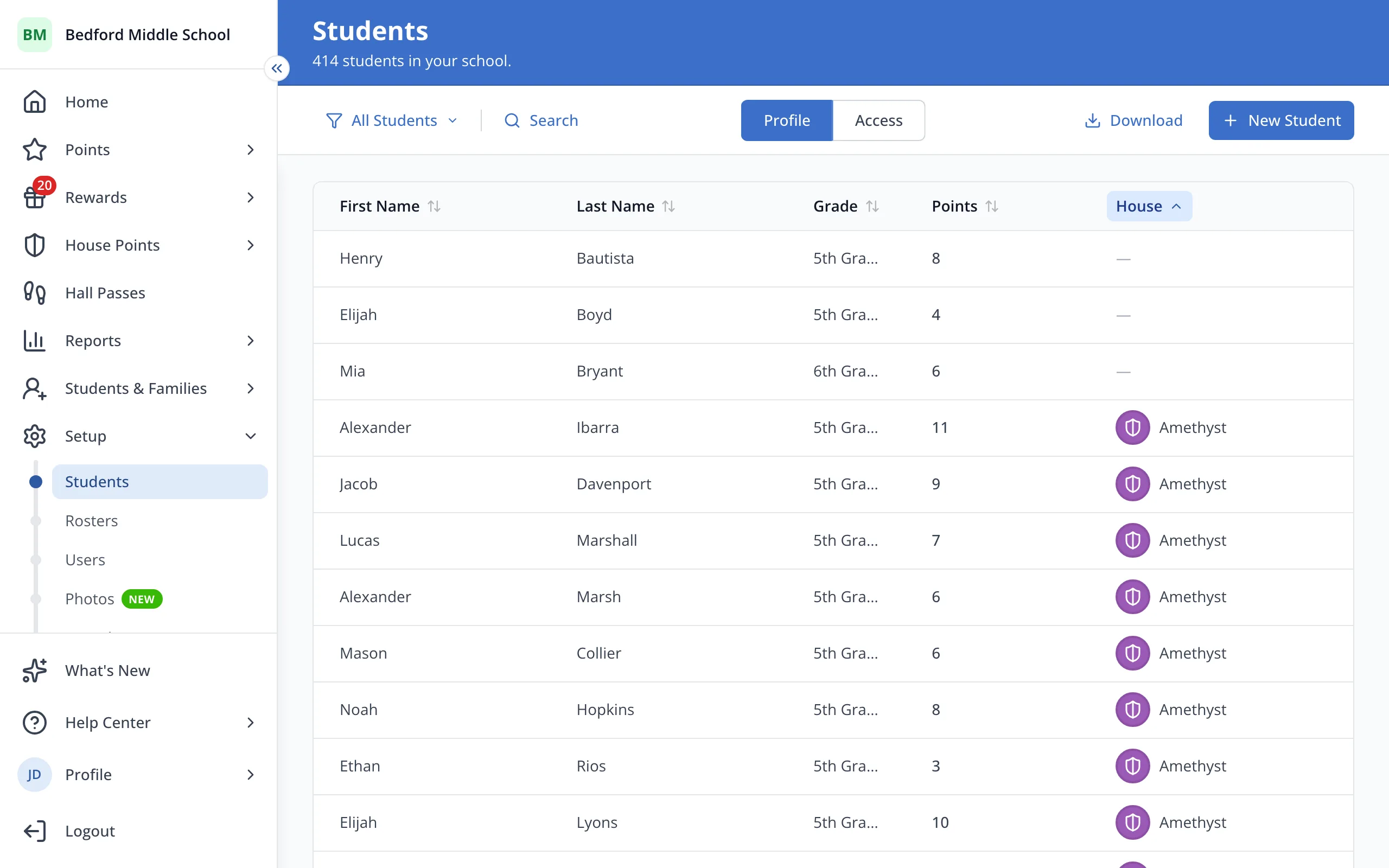
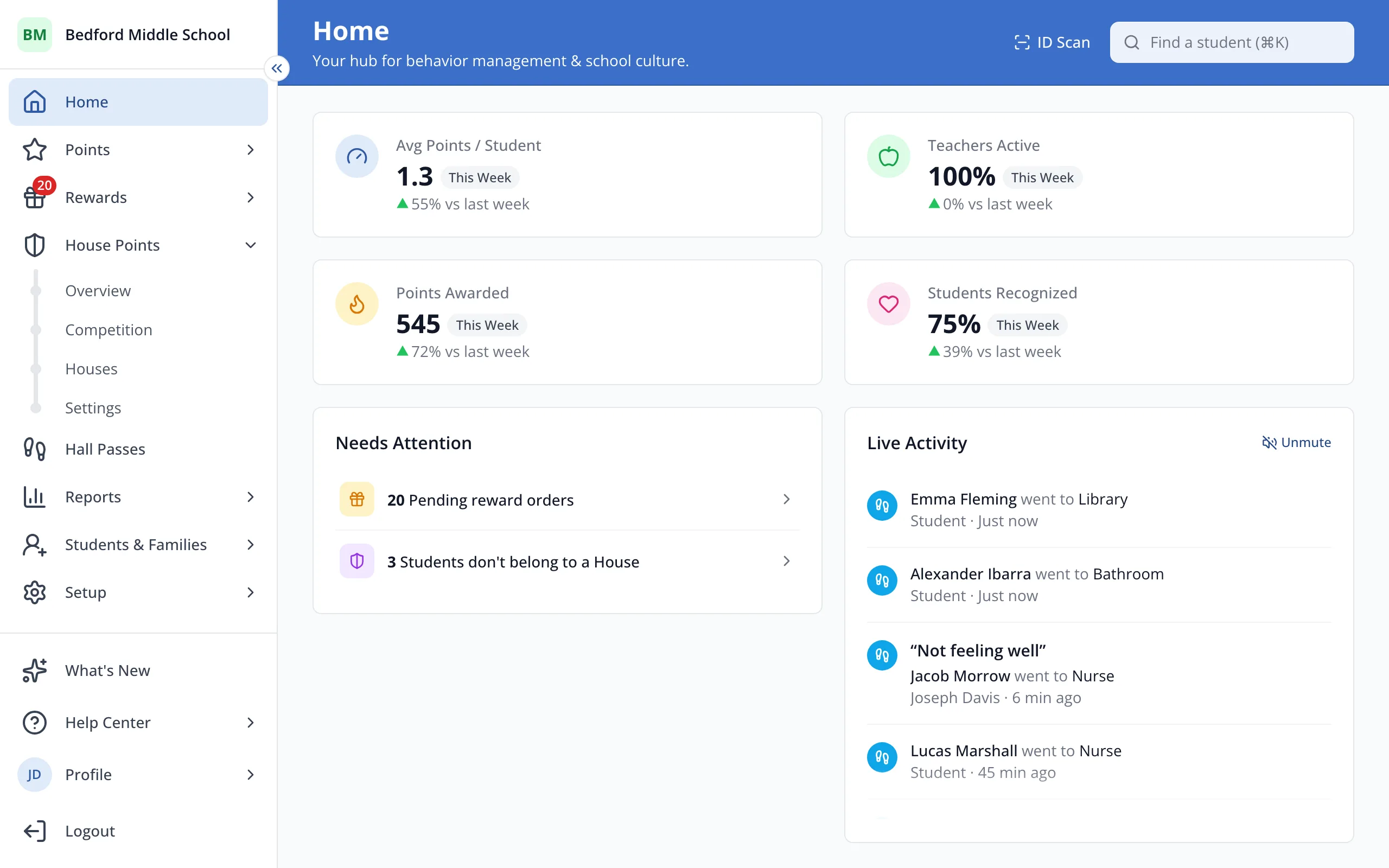
See which students don't have a house on the Students page
Sort your student list by house to find everyone who still needs one.
AdminSite Leader
Open in LiveSchool
Already signed in? Open this guide inside LiveSchool.
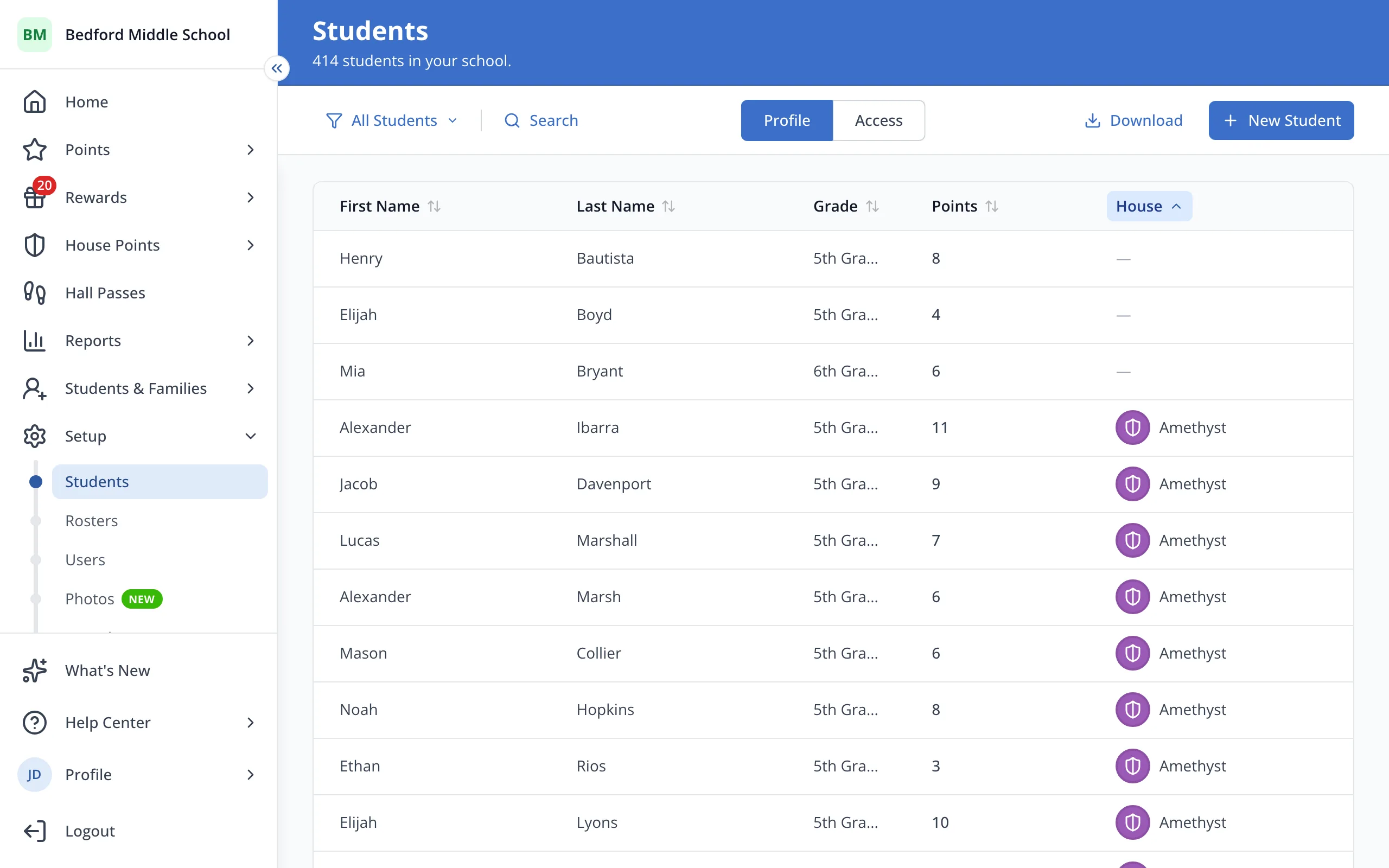
Use the Left and Right arrow keys to move between steps, and Space to play or pause.
1.In the sidebar, click Setup.
2.Click Students.
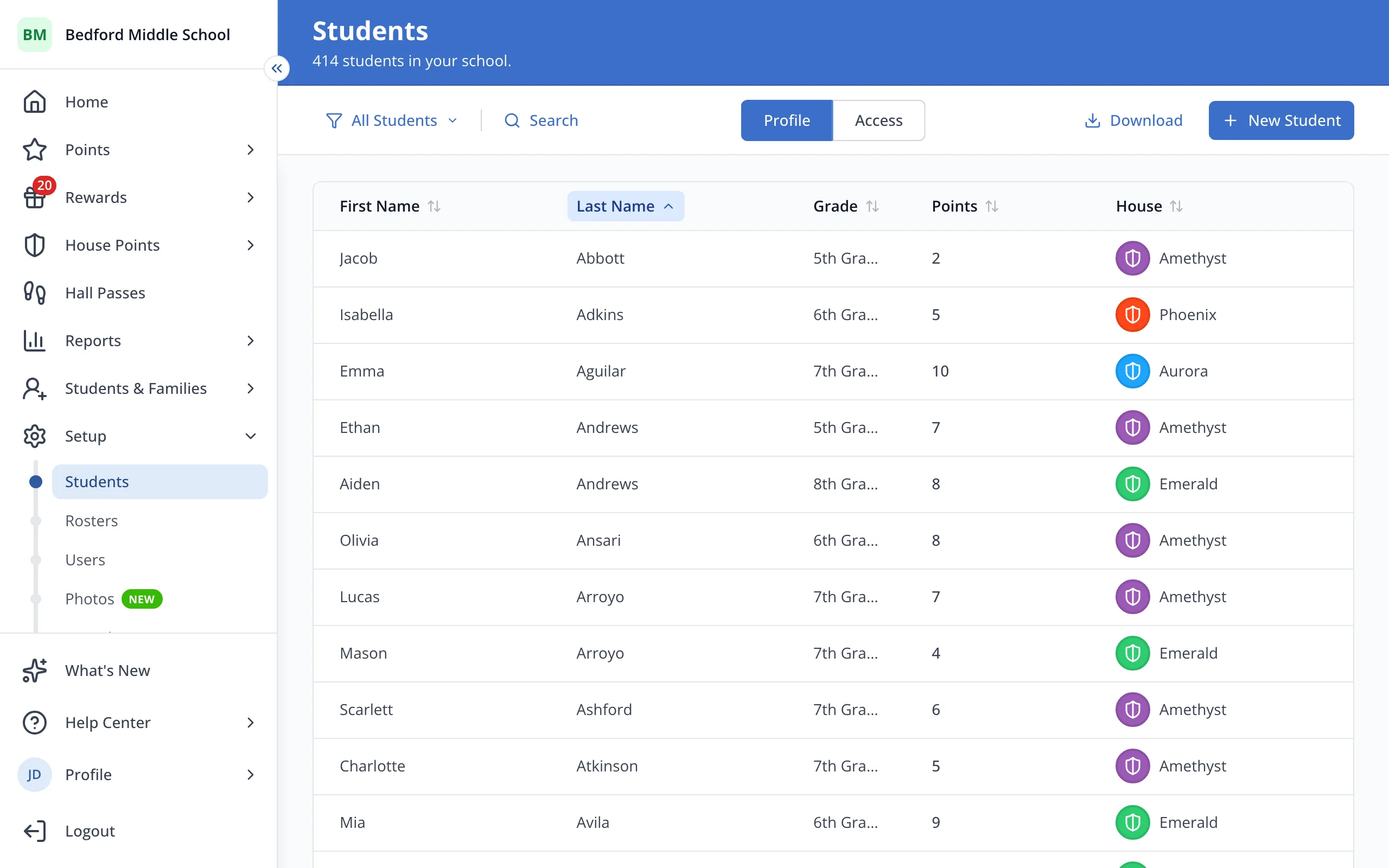
3.Click the House column heading.
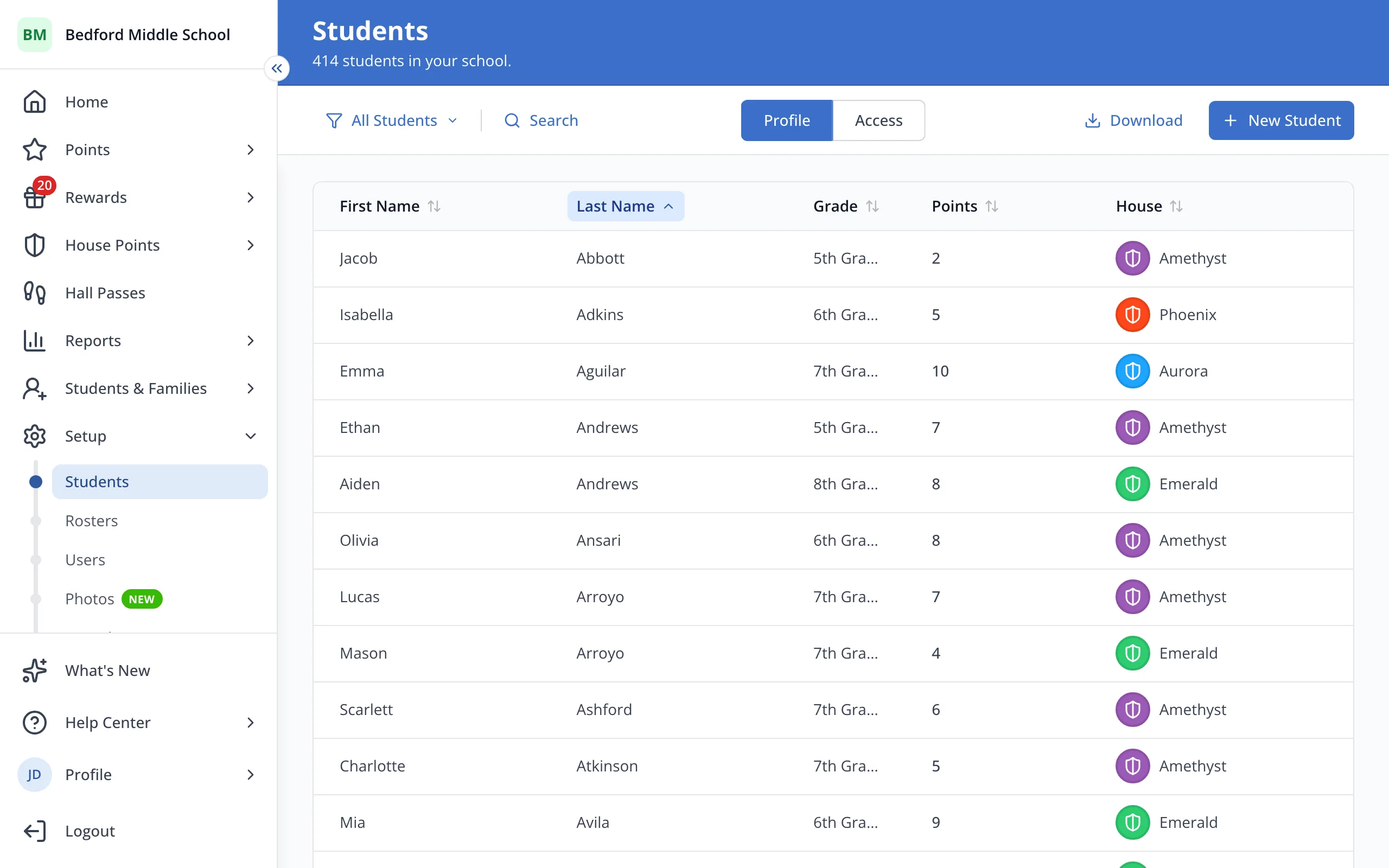
4.Students without a house are listed first, with a dash in the House column.